Инструкция для Samsung UE37C5100QW, UE32C5100QW, UE37C5000QW, UE32C5000QW, UE40C6540SW
 1
 2
 3
 4
 5
 6
 7
 8
 9
 10
 11
 12
 13
 14
 15
 16
 17
 18
 19
 20
 21
 22
 23
 24
 25
 26
 27
 28
 29
 30
 31
 32
 33
 34
 35
 36
 37
 38
 39
 40
 41
 42
 43
 44
 45
 46
 47
 48
 49
 50
 51
 52
 53
 54
 55
 56
 57
 58
 59
 60
 61
 62
 63
 64
 65
 66
 67
 68
 69
 70
 71
 72
 73
 74
 75
 76
 77
 78
 79
 80
 81
 82
 83
 84
 85
 86
 87
 88
 89
 90
 91
 92
 93
 94
 95
 96
 97
 98
 99
 100
 101
 102
 103
 104
 105
 106
 107
 108
 109
 110
 111
 112
 113
 114
 115
 116
 117
 118
 119
 120
 121
 122
 123
 124
 125
 126
 127
 128
 129
 130
 131
 132
 133
 134
 135
 136
 137
 138
 139
 140
 141
 142
 143
 144
 145
 146
 147
 148
 149
 150
 151
 152
 153
 154
 155
 156
 157
 158
 159
 160
 161
 162
 163
 164
 165
 166
 167
 168
 169
 170
 171
 172
 173
 174
 175
 176
 177
 178
 179
 180
 181
 182
 183
 184
 185
 186
 187
 188
 189
 190
 191
 192
 193
 194
 195
 196
 197
 198
 199
 200
 201
7
01
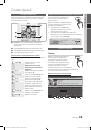
Getting Started
English
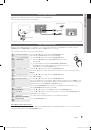
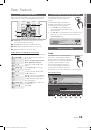
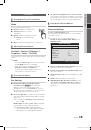
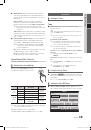
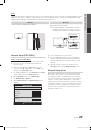
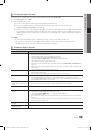
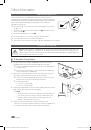
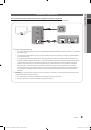
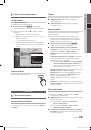
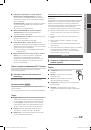
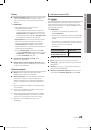
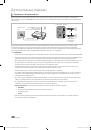
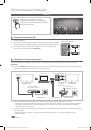
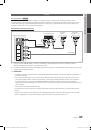
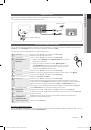
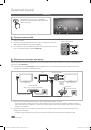
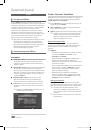
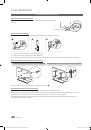
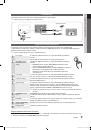
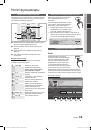
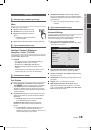
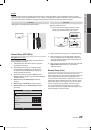
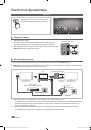
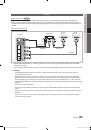
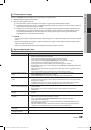
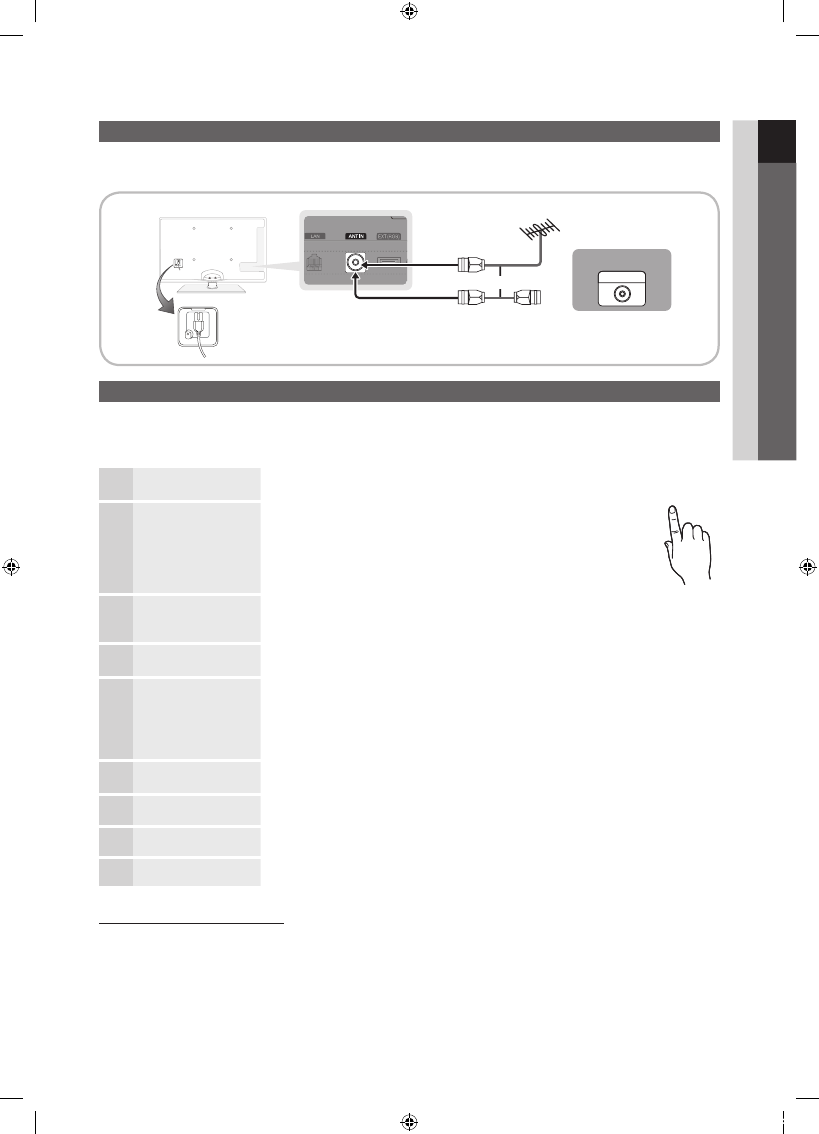
Connecting to an Antenna
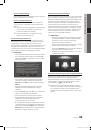
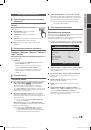
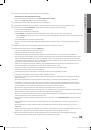
When the TV is initially powered on, basic settings proceed automatically.
✎
Preset: Connecting the mains and antenna.
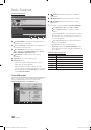
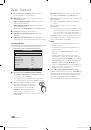
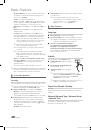
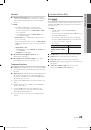
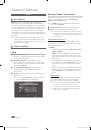
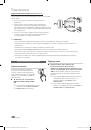
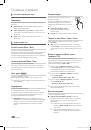
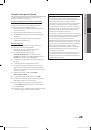
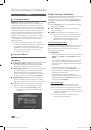
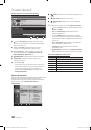
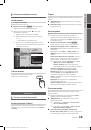
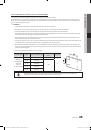
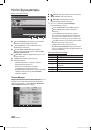
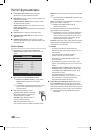
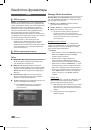
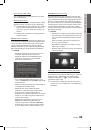
Plug & Play (Initial Setup)
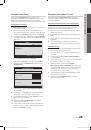
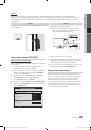
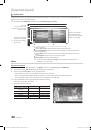
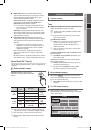
When the TV is initially powered on, a sequence of on-screen prompts will assist in configuring basic settings. Press the
POWER
P
button.
Plug & Play
is available only when the
Input
source is set to TV.
✎
To return to the previous step, press the Red button.
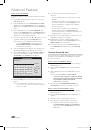
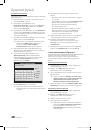
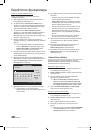
1
Selecting a language
Press the
▲
or
▼
button, then press the
ENTER
E
button.
Select the desired OSD (On Screen Display) language.
P
POWER
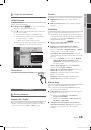
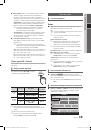
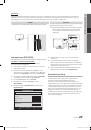
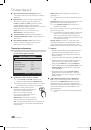
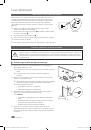
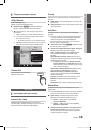
2
Selecting
Store Demo
or
Home Use
Press the
◄
or
►
button, then press the
ENTER
E
button.
y
Select the
Home Use
mode.
Store Demo
Mode is for retail
environments.
y
To return the unit's settings from
Store Demo
to
Home Use
(standard): Press the volume button on the TV. When you see the
volume OSD, press and hold
MENU
for 5 sec.
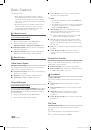
3
Selecting a country
Press the
▲
or
▼
button, then press the
ENTER
E
button.
Select the appropriate country. If the desired country does not exist on the menu, select
Others
.
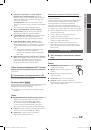
4
Selecting an antenna
Press the
▲
or
▼
button, then press the
ENTER
E
button.
Select
Air
or
Cable
.
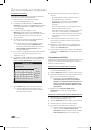
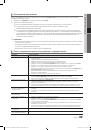
5
Selecting a channel
Press the
▲
or
▼
button, then press the
ENTER
E
button.
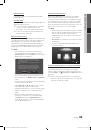
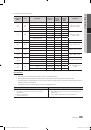
Select the channel source to memorise. When setting the antenna source to
Cable
, a step
appears allowing you to assign numerical values (channel frequencies) to the channels. For
more information, refer to
Channel
→
Auto Store
(p. 13).
✎
Press the
ENTER
E
button at any time to interrupt the memorisation process.
6
Setting the
Clock Mode
Set the
Clock Mode
automatically or manually.
Press the
▲
or
▼
button to select
Auto
, then press the
ENTER
E
button.
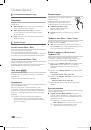
7
Time Zone
Press the
▲
or
▼
button to select the your time zone, then press the
ENTER
E
button.
(depending on the country)
8
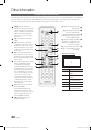
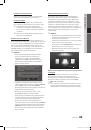
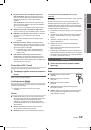
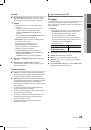
Viewing the
HD Connection Guide
.
The connection method for the best HD screen quality is displayed.
9
Enjoy your TV.
Press the
ENTER
E
button.
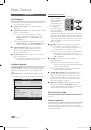
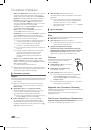
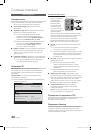
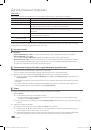
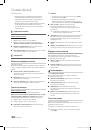
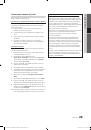
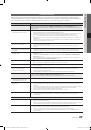
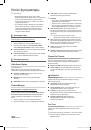
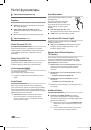
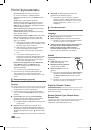
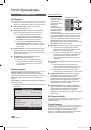
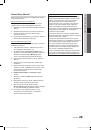
If You Want to Reset This Feature...
Select
Setup - Plug & Play
(Initial Setup). Enter your 4 digit PIN number. The default PIN number is “0-0-0-0.” If you want to
change the PIN number, use the
Change PIN
function.
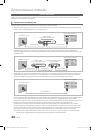
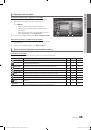
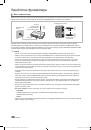
ANT OUT
Power Input
VHF/UHF Antenna
or
Cable
[UC5100_Rus]BN68-02656H-00L04.indb 7
2010-03-24 오전 10:36:55