Инструкция для Samsung UE37C5100QW, UE32C5100QW, UE37C5000QW, UE32C5000QW, UE40C6540SW
 1
 2
 3
 4
 5
 6
 7
 8
 9
 10
 11
 12
 13
 14
 15
 16
 17
 18
 19
 20
 21
 22
 23
 24
 25
 26
 27
 28
 29
 30
 31
 32
 33
 34
 35
 36
 37
 38
 39
 40
 41
 42
 43
 44
 45
 46
 47
 48
 49
 50
 51
 52
 53
 54
 55
 56
 57
 58
 59
 60
 61
 62
 63
 64
 65
 66
 67
 68
 69
 70
 71
 72
 73
 74
 75
 76
 77
 78
 79
 80
 81
 82
 83
 84
 85
 86
 87
 88
 89
 90
 91
 92
 93
 94
 95
 96
 97
 98
 99
 100
 101
 102
 103
 104
 105
 106
 107
 108
 109
 110
 111
 112
 113
 114
 115
 116
 117
 118
 119
 120
 121
 122
 123
 124
 125
 126
 127
 128
 129
 130
 131
 132
 133
 134
 135
 136
 137
 138
 139
 140
 141
 142
 143
 144
 145
 146
 147
 148
 149
 150
 151
 152
 153
 154
 155
 156
 157
 158
 159
 160
 161
 162
 163
 164
 165
 166
 167
 168
 169
 170
 171
 172
 173
 174
 175
 176
 177
 178
 179
 180
 181
 182
 183
 184
 185
 186
 187
 188
 189
 190
 191
 192
 193
 194
 195
 196
 197
 198
 199
 200
 201
12
English
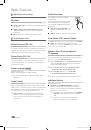
Basic Features
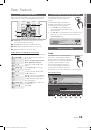
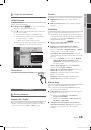
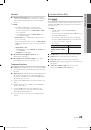
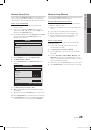
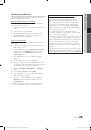
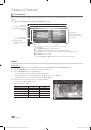
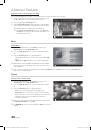
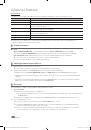
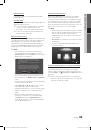
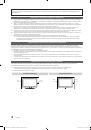
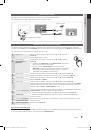
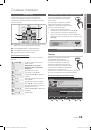
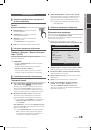
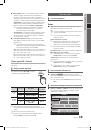
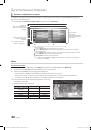
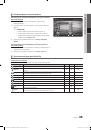
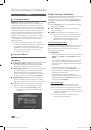
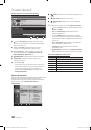
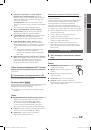
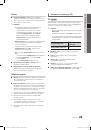
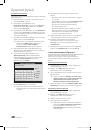
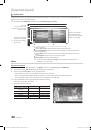
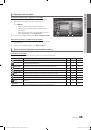
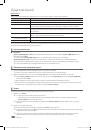
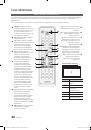
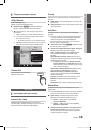
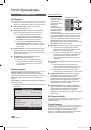
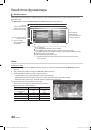
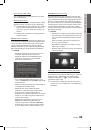
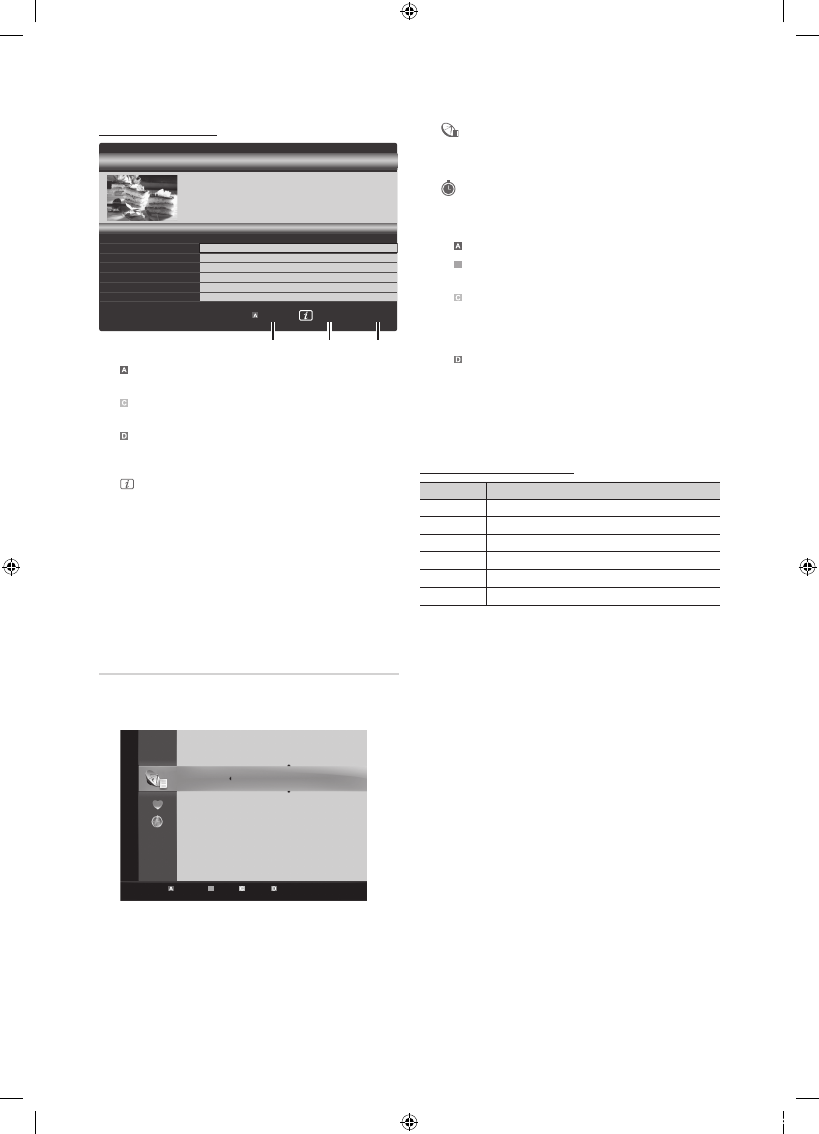
Using Scheduled View
1
Red (
View Mode
): View the list of programmes that
are playing now or coming up.
2
Yellow (
+24 Hours
): Viewing the list of programmes to
be broadcasted after 24 hours.
3
Blue (
Ch. Mode
): Select the type of channels you
want to display on the
Channel View
window. (
All
,
TV
,
Radio
,
Data/Other
,
My Channel 1~4
)
4
Information
: Displays details of the selected
programme.
5
k
(Page)
: Move to next or previous page.
6
ENTER
E
button
– When selecting the current programme, you can
watch the selected programme.
– When selecting the future programme, you can
reserve to watch the selected programme. To cancel
the schedule, press the
ENTER
E
button again and
select
Cancel Schedules
.
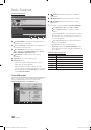
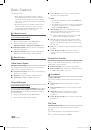
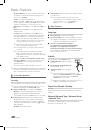
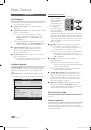
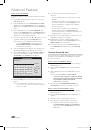
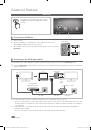
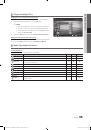
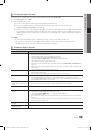
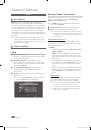
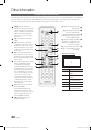
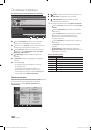
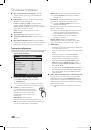
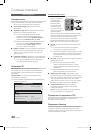
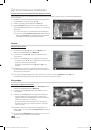
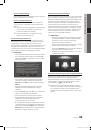
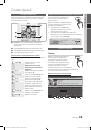
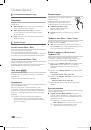
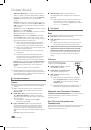
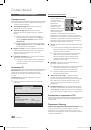
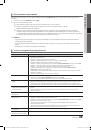
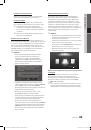
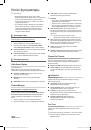
Channel Manager
Delete or set favourites channels and use the programme
guide for digital broadcasts. Select a channel in the
Channels
,
My Channels
or
Scheduled
screen.
■
Channels
: Shows the channel list according to
channel type.
■
*
My Channels
: Shows the group of the channel.
■
Scheduled
: Shows all the currently reserved
programmes.
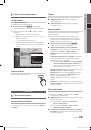
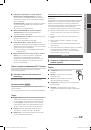
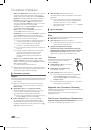
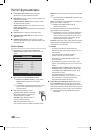
✎
Using the colour buttons with the
Channel Manager
x
Red (
Antenna
): Toggle among
Air
or
Cable
.
x
B
Green (
Zoom
): Enlarges or shrinks a channel
number.
x
Yellow (
Select
): Select desired channels and press
the Yellow button to set all the selected channels at
the same time. The
c
mark appears to the left of
the selected channels.
x
Blue (
Sort
): Change the list ordered by channel
name or channel number.
x
k
(
Page
): Move to next or previous page.
x
T
(
Tools
): Displays the
Channel Manager
option
menu. (The options menus may differ depending on
the situation.)
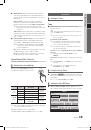
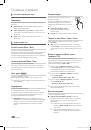
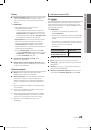
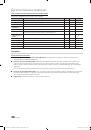
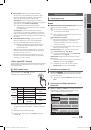
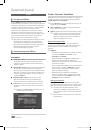
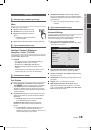
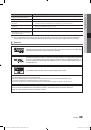
Channel Status Display Icons
Icons
Operations
A
An analogue channel.
c
A channel selected.
*
A channel set as a Favourite.
(
A programme currently being broadcast.
\
A locked channel.
)
A reserved programme.
c
1
1futech
2
*
24ore.tv
15 abc1
3
BBC World
23
bid-up.tv
33
Boonerang
32
Cartoon Nwk
5
Class News
4
\
Coming Soon
27
Discovery
r
Air Antenna
B
Zoom Select Sort
k
Page
T
Tools
Channels
All
TV
Radio
Data/Other
Analogue
DTV Air 800 five
Family Affairs
18:00 - 18:30
Drama
Tanya confesses all to a stunned Babs. Conrad is anxious to hear...
18:30
19:15
)
Family Affairs
)
Dark Angel
800
800
five
five
800 five
View Mode
Information
E
Cancel
2:10 Tue 1 Jun
Guide
Scheduled View
1
4
6
Today
Today
[UC5100_Rus]BN68-02656H-00L04.indb 12
2010-03-24 오전 10:36:59