Инструкция для Samsung UE37C5100QW, UE32C5100QW, UE37C5000QW, UE32C5000QW, UE40C6540SW
 1
 2
 3
 4
 5
 6
 7
 8
 9
 10
 11
 12
 13
 14
 15
 16
 17
 18
 19
 20
 21
 22
 23
 24
 25
 26
 27
 28
 29
 30
 31
 32
 33
 34
 35
 36
 37
 38
 39
 40
 41
 42
 43
 44
 45
 46
 47
 48
 49
 50
 51
 52
 53
 54
 55
 56
 57
 58
 59
 60
 61
 62
 63
 64
 65
 66
 67
 68
 69
 70
 71
 72
 73
 74
 75
 76
 77
 78
 79
 80
 81
 82
 83
 84
 85
 86
 87
 88
 89
 90
 91
 92
 93
 94
 95
 96
 97
 98
 99
 100
 101
 102
 103
 104
 105
 106
 107
 108
 109
 110
 111
 112
 113
 114
 115
 116
 117
 118
 119
 120
 121
 122
 123
 124
 125
 126
 127
 128
 129
 130
 131
 132
 133
 134
 135
 136
 137
 138
 139
 140
 141
 142
 143
 144
 145
 146
 147
 148
 149
 150
 151
 152
 153
 154
 155
 156
 157
 158
 159
 160
 161
 162
 163
 164
 165
 166
 167
 168
 169
 170
 171
 172
 173
 174
 175
 176
 177
 178
 179
 180
 181
 182
 183
 184
 185
 186
 187
 188
 189
 190
 191
 192
 193
 194
 195
 196
 197
 198
 199
 200
 201
21
English
03
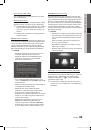
Basic Featur
es
General
■
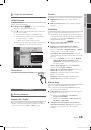
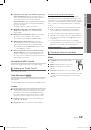
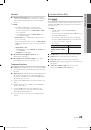
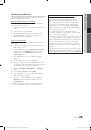
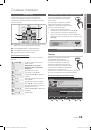
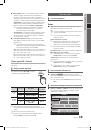
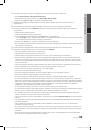
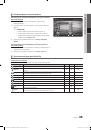
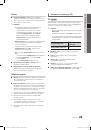
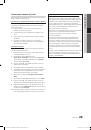
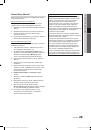
Game Mode (Off / On)
: When connecting to a game
console such as PlayStation™ or Xbox™, you can enjoy
a more realistic gaming experience by selecting game
mode.
✎
NOTE
x
Precautions and limitations for game mode
– To disconnect the game console and connect
another external device, set
Game Mode
to
Off
in
the setup menu.
– If you display the TV menu in
Game Mode
, the
screen shakes slightly.
x
Game Mode
is not available when the input source
is set to TV or PC.
x
After connecting the game console, set
Game Mode
to
On
. Unfortunately, you may notice reduced picture
quality.
x
If
Game Mode
is
On
:
–
Picture
mode is set to
Standard
and
Sound
mode
is set to
Movie
.
–
Equalizer
is not available.
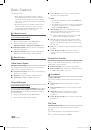
■
Menu Transparency (Bright / Dark)
: Set the
Transparency of the menu.
■
Melody (Off / Low / Medium / High)
: Set so that a
melody plays when the TV is turned on or off.
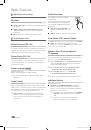
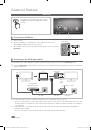
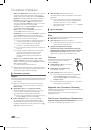
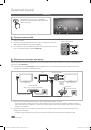
Common Interface
■
CI Menu
: This enables the user to select from the CAM-
provided menu. Select the CI Menu based on the menu
PC Card.
■
Application Info
: View information on the CAM inserted
into the CI slot and on the “CI or CI+ CARD” which is
inserted into the CAM. You can install the CAM anytime
whether the TV is on or off.
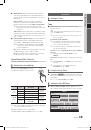
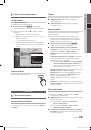
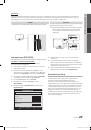
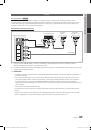
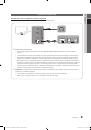
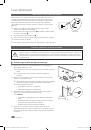
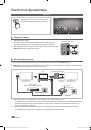
1.
Purchase a CI CAM module at your nearest dealer or by
phone.
2.
Firmly insert the “CI or CI+ CARD” into the CAM in the
direction of the arrow.
3.
Insert the CAM with the “CI or CI+ CARD” into the
common interface slot, in the direction of the arrow so
that it aligns parallel with the slot.
4.
Check if you can see a picture on a scrambled signal
channel.
¦
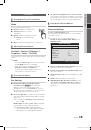
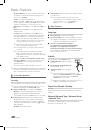
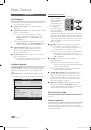
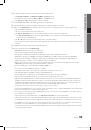
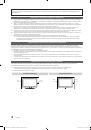
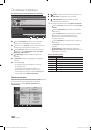
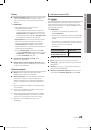
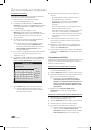
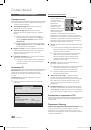
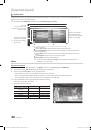
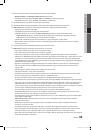
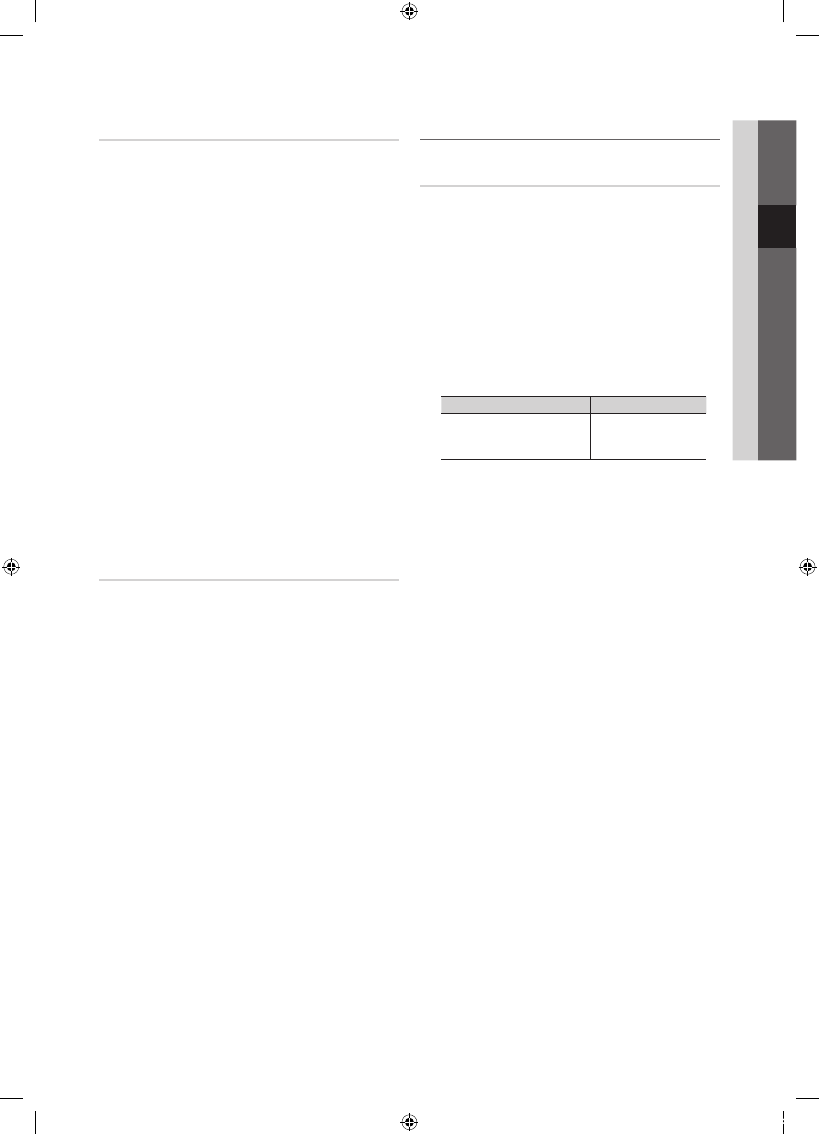
Picture In Picture (PIP)
PIP
t
You can watch the TV tuner and one external video source
simultaneously.
PIP
(Picture-in-Picture) does not function in
the same mode.
✎
NOTE
x
For PIP sound, refer to the
Sound Select
instructions.
x
If you turn the TV off while watching in
PIP
mode, the
PIP window will disappear.
x
You may notice that the picture in the PIP window
becomes slightly unnatural when you use the main
screen to view a game or karaoke.
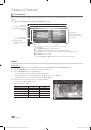
x
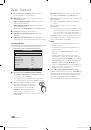
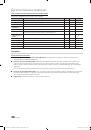
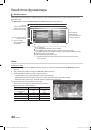
PIP settings
Main picture
Sub picture
Component, HDMI1/DVI,
HDMI2, HDMI3, HDMI4,
PC
TV
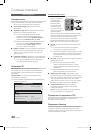
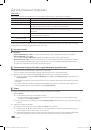
■
PIP (Off / On)
: Activate or deactivate the PIP function.
■
Channel
: Select the channel for the sub-screen.
■
Size (
Õ
/
Ã
)
: Select a size for the sub-picture.
■
Position (
Ã
/
–
/
—
/
œ
)
: Select a position for the
sub-picture.
■
Sound Select (Main / Sub)
: You can choose the
desired sound (
Main / Sub
) in
PIP
mode.
[UC5100_Rus]BN68-02656H-00L04.indb 21
2010-03-24 오전 10:37:03