Инструкция для Samsung UE37C5100QW, UE32C5100QW, UE37C5000QW, UE32C5000QW, UE40C6540SW
 1
 2
 3
 4
 5
 6
 7
 8
 9
 10
 11
 12
 13
 14
 15
 16
 17
 18
 19
 20
 21
 22
 23
 24
 25
 26
 27
 28
 29
 30
 31
 32
 33
 34
 35
 36
 37
 38
 39
 40
 41
 42
 43
 44
 45
 46
 47
 48
 49
 50
 51
 52
 53
 54
 55
 56
 57
 58
 59
 60
 61
 62
 63
 64
 65
 66
 67
 68
 69
 70
 71
 72
 73
 74
 75
 76
 77
 78
 79
 80
 81
 82
 83
 84
 85
 86
 87
 88
 89
 90
 91
 92
 93
 94
 95
 96
 97
 98
 99
 100
 101
 102
 103
 104
 105
 106
 107
 108
 109
 110
 111
 112
 113
 114
 115
 116
 117
 118
 119
 120
 121
 122
 123
 124
 125
 126
 127
 128
 129
 130
 131
 132
 133
 134
 135
 136
 137
 138
 139
 140
 141
 142
 143
 144
 145
 146
 147
 148
 149
 150
 151
 152
 153
 154
 155
 156
 157
 158
 159
 160
 161
 162
 163
 164
 165
 166
 167
 168
 169
 170
 171
 172
 173
 174
 175
 176
 177
 178
 179
 180
 181
 182
 183
 184
 185
 186
 187
 188
 189
 190
 191
 192
 193
 194
 195
 196
 197
 198
 199
 200
 201
34
English
Advanced Features
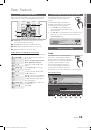
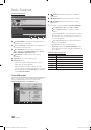
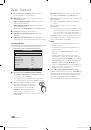
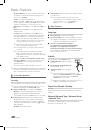
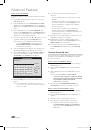
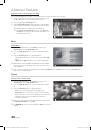
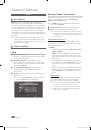
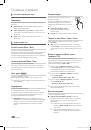
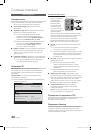
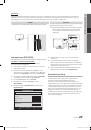
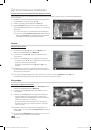
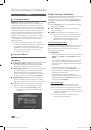
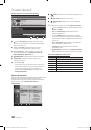
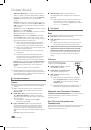
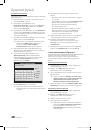
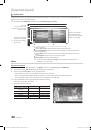
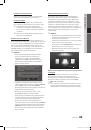
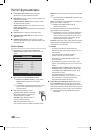
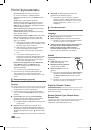
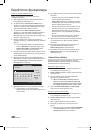
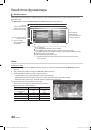
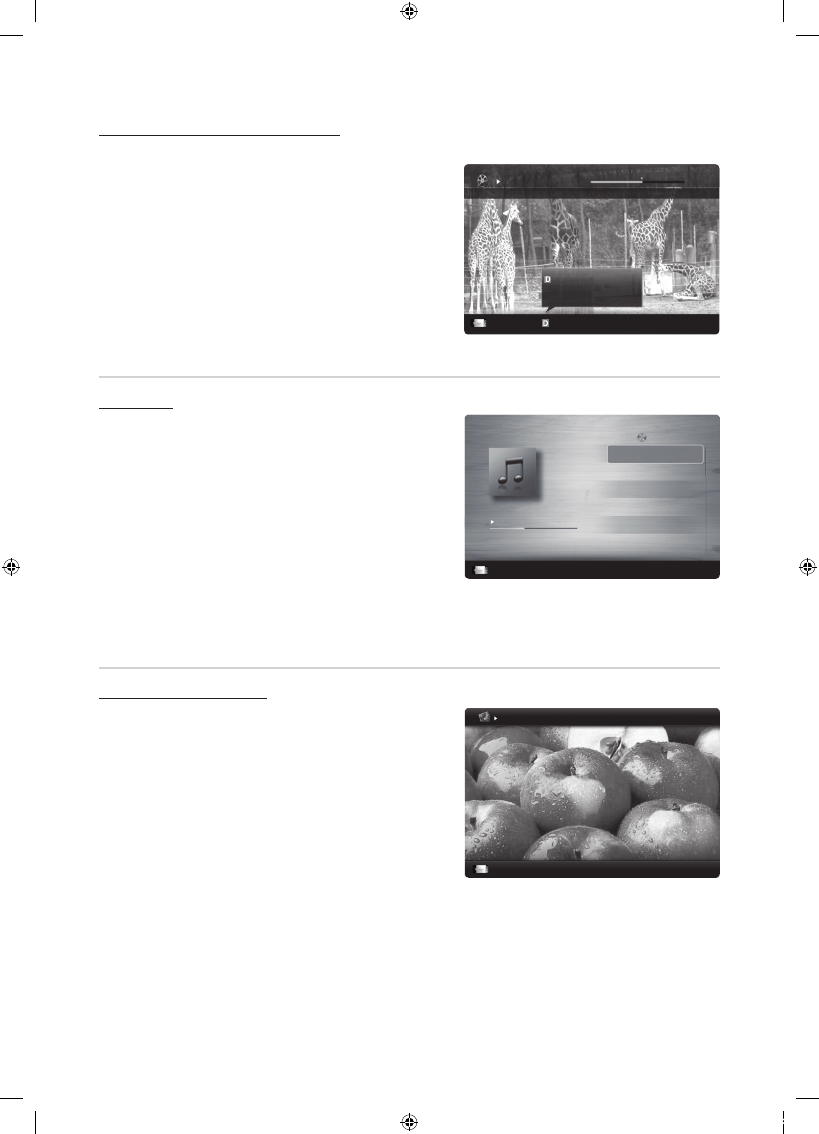
Playing movie file continuously (Resume Play)
If you exit the playing Videos function, it can be played later from the point where it was stopped.
1.
Select the movie file you want to play continuously by pressing
the
◄
or
►
button to select it from the file list section.
2.
Press the
�
(Play) /
ENTER
E
button.
3.
Select
Play Continuously
(Resume Play) by pressing the Blue
button. The Movie will begin to play from where it was stopped.
✎
The Blue button is available when resuming play.
✎
If the
Cont. movie play help
function is set to
On
in the
Settings
menu, a pop-up message will appear when you
resume play a movie file.
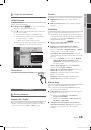
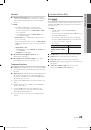
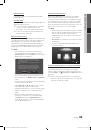
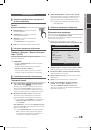
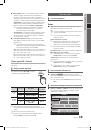
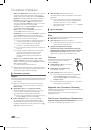
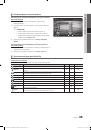
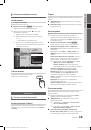
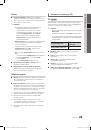
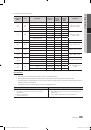
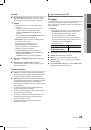
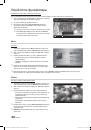
Music
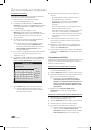
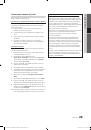
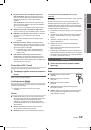
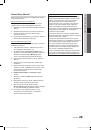
Playing Music
1.
Press the
◄
or
►
button to select
Music
, then press the
ENTER
E
button in the
Media Play
menu.
2.
Press the
◄
/
►
/
▲
/
▼
button to select the desired file in the file
list.
3.
Press the
ENTER
E
button or
�
(Play) button.
– During playing the music, you can search using the
◄
and
►
button.
–
�
(REW) and
µ
(FF) buttons do not function during play.
✎
Only displays the files with MP3 and PCM file extension. Other
file extensions are not displayed, even if they are saved on the
same USB device.
✎
If the sound is strange when playing MP3 files, adjust the
Equalizer
in the
Sound
menu. (An over-modulated MP3 file
may cause a sound problem.)
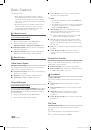
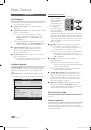
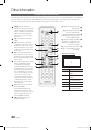
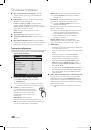
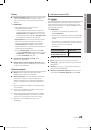
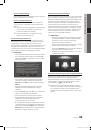
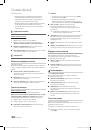
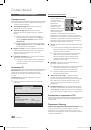
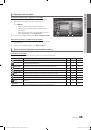
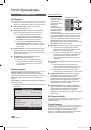
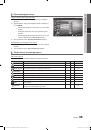
Photos
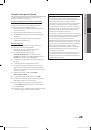
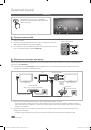
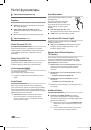
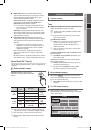
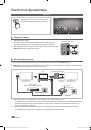
Viewing a Photo (or Slide Show)
1.
Press the
◄
or
►
button to select
Photos
, then press the
ENTER
E
button in the
Media Play
menu.
2.
Press the
◄
/
►
/
▲
/
▼
button to select the desired file in the file
list.
3.
Press the
ENTER
E
button or
�
(Play) button.
– While a photo list is displayed, press the
�
(Play) /
ENTER
E
button on the remote control to start slide show.
– All files in the file list section will be displayed in the slide show.
– During the slide show, files are displayed in order from
currently being shown.
✎
Music files can be automatically played during the Slide Show if
the
Background Music
is set to
On
.
✎
The
BGM Mode
cannot be changed until the BGM has finished
loading.
Movie 01.avi
00:04:03 / 00:07:38
1/1
SUM
Play continuously
E
Pause
L
Jump
T
Tools
R
Return
Resumes playing from the last viewed
scene.
Play continuously
3/15
I Love you
Jhon
Music 1
No Singer
Music 2
No Singer
Music 3
No Singer
Music 4
No Singer
Music 5
No Singer
I Love You
Jhon
1st Album
Pop
2010
4.2MB
01:10 / 04:02
SUM
E
Pause
L
Jump
T
Tools
R
Return
Playlist
Image1024.jpg 1024x768
2010/2/1
3/15
SUM
E
Pause
L
Previous/Next
T
Tools
R
Return
Normal
[UC5100_Rus]BN68-02656H-00L04.indb 34
2010-03-24 오전 10:37:14