Инструкция для Samsung UE37C5100QW, UE32C5100QW, UE37C5000QW, UE32C5000QW, UE40C6540SW
 1
 2
 3
 4
 5
 6
 7
 8
 9
 10
 11
 12
 13
 14
 15
 16
 17
 18
 19
 20
 21
 22
 23
 24
 25
 26
 27
 28
 29
 30
 31
 32
 33
 34
 35
 36
 37
 38
 39
 40
 41
 42
 43
 44
 45
 46
 47
 48
 49
 50
 51
 52
 53
 54
 55
 56
 57
 58
 59
 60
 61
 62
 63
 64
 65
 66
 67
 68
 69
 70
 71
 72
 73
 74
 75
 76
 77
 78
 79
 80
 81
 82
 83
 84
 85
 86
 87
 88
 89
 90
 91
 92
 93
 94
 95
 96
 97
 98
 99
 100
 101
 102
 103
 104
 105
 106
 107
 108
 109
 110
 111
 112
 113
 114
 115
 116
 117
 118
 119
 120
 121
 122
 123
 124
 125
 126
 127
 128
 129
 130
 131
 132
 133
 134
 135
 136
 137
 138
 139
 140
 141
 142
 143
 144
 145
 146
 147
 148
 149
 150
 151
 152
 153
 154
 155
 156
 157
 158
 159
 160
 161
 162
 163
 164
 165
 166
 167
 168
 169
 170
 171
 172
 173
 174
 175
 176
 177
 178
 179
 180
 181
 182
 183
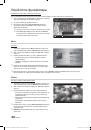 184
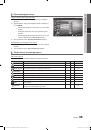 185
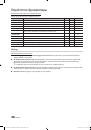 186
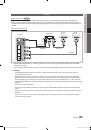 187
 188
 189
 190
 191
 192
 193
 194
 195
 196
 197
 198
 199
 200
 201
44
English
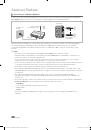
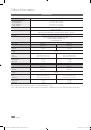
Other Information
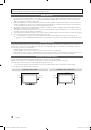
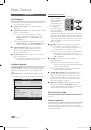
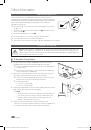
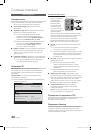
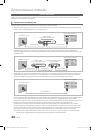
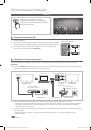
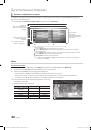
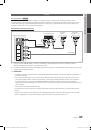
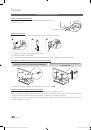
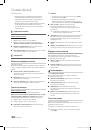
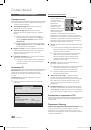
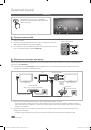
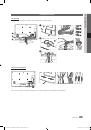
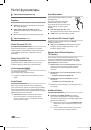
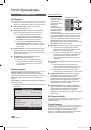
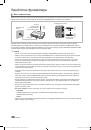
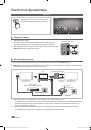
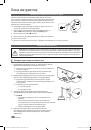
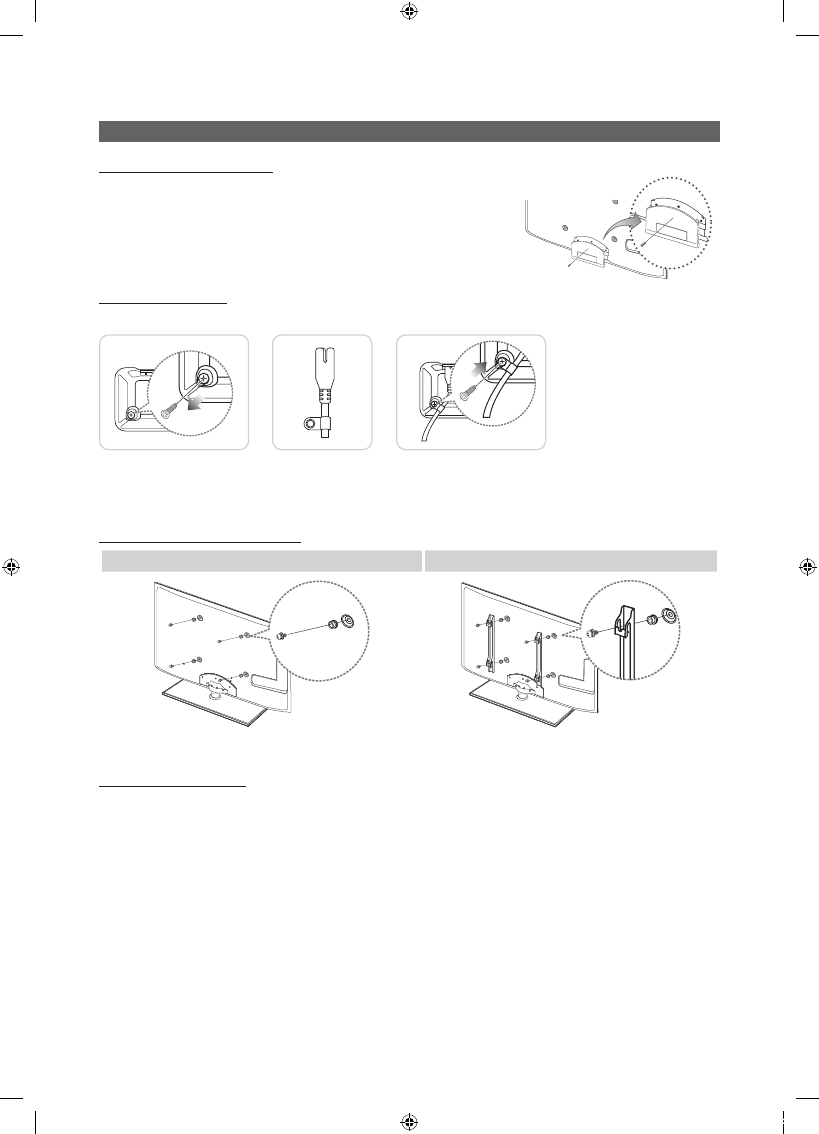
Installing the Wall Mount
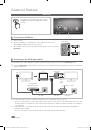
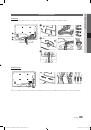
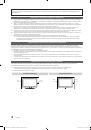
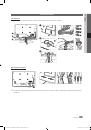
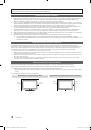
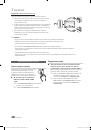
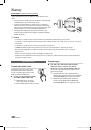
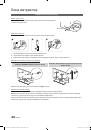
Assembling the Blanking Bracket
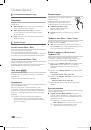
When installing the TV onto a wall, attach the Blanking Bracket as shown.
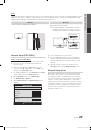
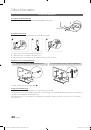
Assembling Power-Cord
When Installing the TV onto a wall, attach the Power-Cord as Shown.
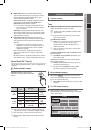
1.
Remove the screw shown in the first picture above.
2.
Attach the power cord clamp to the power cord.
3.
Mount the power cord clamp to the TV, using the removed screw, as shown.
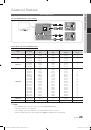
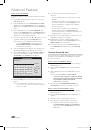
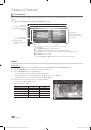
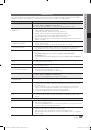
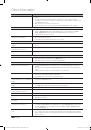
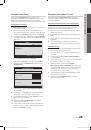
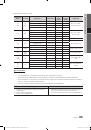
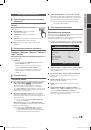
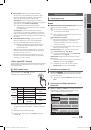
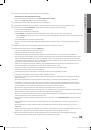
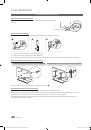
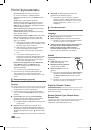
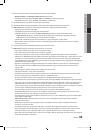
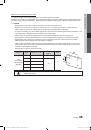
Preparing before installing Wall-Mount
Case A. Installing the SAMSUNG Wall-Mount
Case B. Installing another company’s Wall-Mount
1
1
To install a wall-mount, use the Holder-Ring
1
.
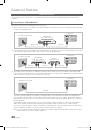
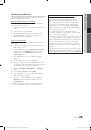
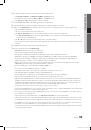
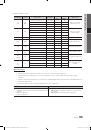
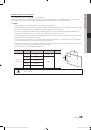
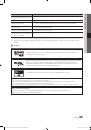
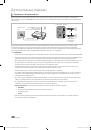
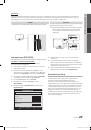
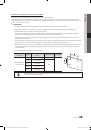
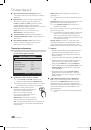
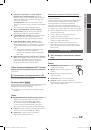
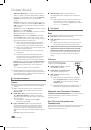
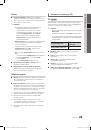
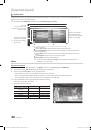
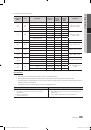
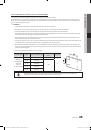
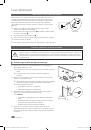
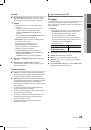
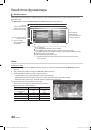
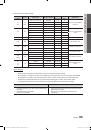
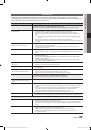
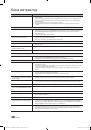
Installing the Wall Mount Kit
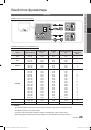
The wall mount kit (sold separately) allows you to mount the TV on the wall.
For detailed information on installing the wall mount, see the instructions provided with the wall mount. Contact a technician for
assistance when installing the wall mount bracket.
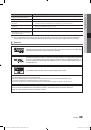
Samsung Electronics is not responsible for any damage to the product or injury to yourself or others if you elect to install the
TV on your own.
1
2
3
Blanking Bracket
[UC5100_Rus]BN68-02656H-00L04.indb 44
2010-03-24 오전 10:37:21