Инструкция для Samsung UE37C5100QW, UE32C5100QW, UE37C5000QW, UE32C5000QW, UE40C6540SW
 1
 2
 3
 4
 5
 6
 7
 8
 9
 10
 11
 12
 13
 14
 15
 16
 17
 18
 19
 20
 21
 22
 23
 24
 25
 26
 27
 28
 29
 30
 31
 32
 33
 34
 35
 36
 37
 38
 39
 40
 41
 42
 43
 44
 45
 46
 47
 48
 49
 50
 51
 52
 53
 54
 55
 56
 57
 58
 59
 60
 61
 62
 63
 64
 65
 66
 67
 68
 69
 70
 71
 72
 73
 74
 75
 76
 77
 78
 79
 80
 81
 82
 83
 84
 85
 86
 87
 88
 89
 90
 91
 92
 93
 94
 95
 96
 97
 98
 99
 100
 101
 102
 103
 104
 105
 106
 107
 108
 109
 110
 111
 112
 113
 114
 115
 116
 117
 118
 119
 120
 121
 122
 123
 124
 125
 126
 127
 128
 129
 130
 131
 132
 133
 134
 135
 136
 137
 138
 139
 140
 141
 142
 143
 144
 145
 146
 147
 148
 149
 150
 151
 152
 153
 154
 155
 156
 157
 158
 159
 160
 161
 162
 163
 164
 165
 166
 167
 168
 169
 170
 171
 172
 173
 174
 175
 176
 177
 178
 179
 180
 181
 182
 183
 184
 185
 186
 187
 188
 189
 190
 191
 192
 193
 194
 195
 196
 197
 198
 199
 200
 201

36
English
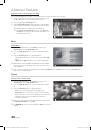
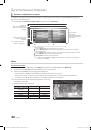
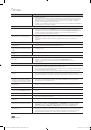
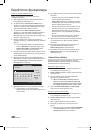
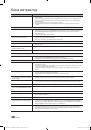
Advanced Features
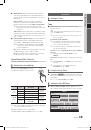
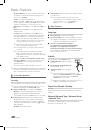
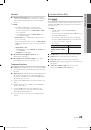
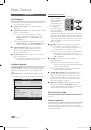
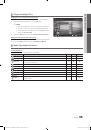
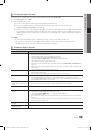
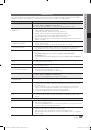
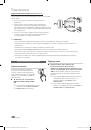
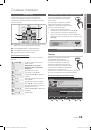
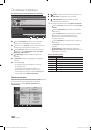
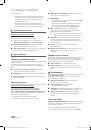
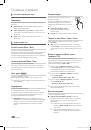
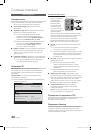
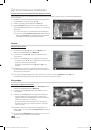
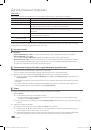
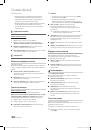
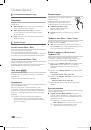
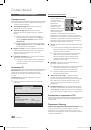
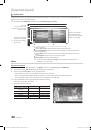
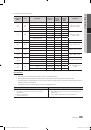
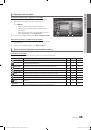
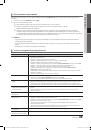
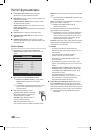
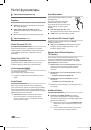
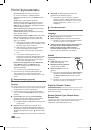
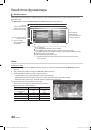
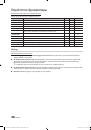
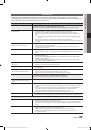
Videos/Music/Photos Play Option menu
During playing a file, press the
TOOLS
button.
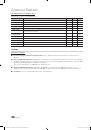
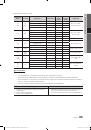
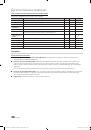
Category
Operations
Videos
Music
Photos
Title
You can move the other file directly.
>
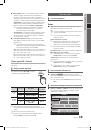
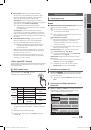
Repeat Mode
You can play movie and music files repeatedly.
>
>
Picture Size
You can adjust the picture size for preference.
>
Picture Setting
You can adjust the picture setting. (p. 15, 16, 17)
>
>
Sound Setting
You can adjust the sound setting. (p. 17, 18, 19)
>
>
>
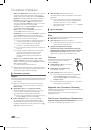
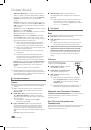
Subtitle Setting
You can play the video file with Subtitle. This function only works if the subtitles are the
same file name as the video file.
>
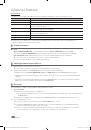
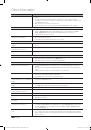
Stop Slide Show /
Start Slide Show
You can start or stop a slide show.
>
Slide Show Speed
You can select the slide show speed during the slide show.
>
Background Music
You can set and select background music when watching a slide show.
>
Zoom
You can zoom into images in full screen mode.
>
Rotate
You can rotate images in full screen mode.
>
Information
You can see detailed information about the played file.
>
>
>
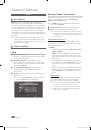
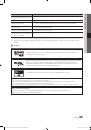
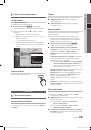
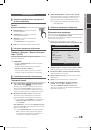
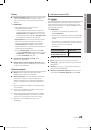
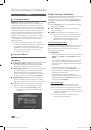
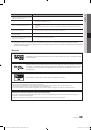
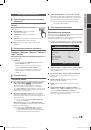
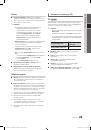
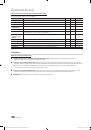
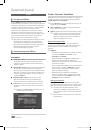
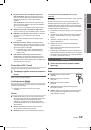
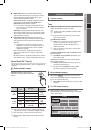
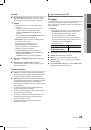
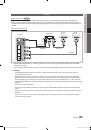
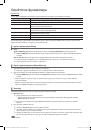
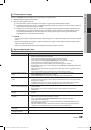
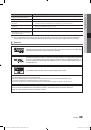
Settings
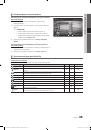
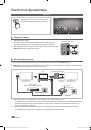
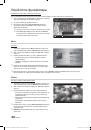
Using the Setup Menu
■
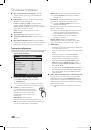
Cont. movie play help (Resume Play) (On / Off)
: Select to display the help pop-up message for continuous movie
playback.
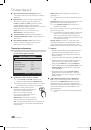
■
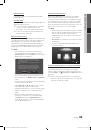
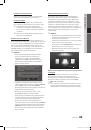
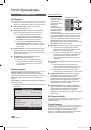
Get the DivX® VOD registration code
: Shows the registration code authorized for the TV. If you connect to the DivX web
site and register the registration code with a personal account, you can download VOD registration file. If you play the VOD
registration using Media Play, the registration is completed.
✎
For more information on DivX® VOD, visit “www.DivX.com.”
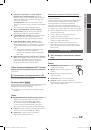
■
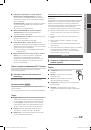
Get the DivX® VOD deactivation code
: When DivX® VOD is not registered, the registration deactivation code is
displayed. If you execute this function when DivX® VOD is registered, the current DivX® VOD registration is deactivated.
■
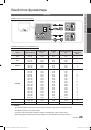
Information
: Select to view information about the connected device.
[UC5100_Rus]BN68-02656H-00L04.indb 36
2010-03-24 오전 10:37:15