Инструкция для Samsung UE37C5100QW, UE32C5100QW, UE37C5000QW, UE32C5000QW, UE40C6540SW
 1
 2
 3
 4
 5
 6
 7
 8
 9
 10
 11
 12
 13
 14
 15
 16
 17
 18
 19
 20
 21
 22
 23
 24
 25
 26
 27
 28
 29
 30
 31
 32
 33
 34
 35
 36
 37
 38
 39
 40
 41
 42
 43
 44
 45
 46
 47
 48
 49
 50
 51
 52
 53
 54
 55
 56
 57
 58
 59
 60
 61
 62
 63
 64
 65
 66
 67
 68
 69
 70
 71
 72
 73
 74
 75
 76
 77
 78
 79
 80
 81
 82
 83
 84
 85
 86
 87
 88
 89
 90
 91
 92
 93
 94
 95
 96
 97
 98
 99
 100
 101
 102
 103
 104
 105
 106
 107
 108
 109
 110
 111
 112
 113
 114
 115
 116
 117
 118
 119
 120
 121
 122
 123
 124
 125
 126
 127
 128
 129
 130
 131
 132
 133
 134
 135
 136
 137
 138
 139
 140
 141
 142
 143
 144
 145
 146
 147
 148
 149
 150
 151
 152
 153
 154
 155
 156
 157
 158
 159
 160
 161
 162
 163
 164
 165
 166
 167
 168
 169
 170
 171
 172
 173
 174
 175
 176
 177
 178
 179
 180
 181
 182
 183
 184
 185
 186
 187
 188
 189
 190
 191
 192
 193
 194
 195
 196
 197
 198
 199
 200
 201
40
English
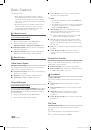
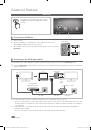
Advanced Features
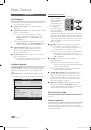
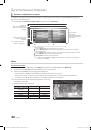
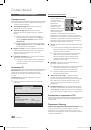
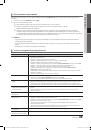
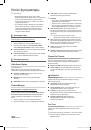
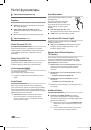
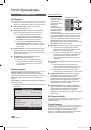
AllShare
¦
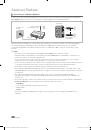
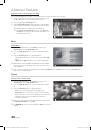
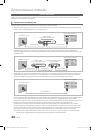
About AllShare
AllShare
connects your TV, mobile phones and other
devices which are compatible through a network. On your
TV, you can view call arrivals, SMS messages and schedules
set on your mobile phones. In addition, you can play media
contents including videos, photos and music saved on your
mobile phones or the other devices (such as your PC) by
controlling them on the TV via the network. Additionally, you
can use your TV as a monitor for your mobile when browsing
a web page.
✎
For more information, visit “www.samsung.com” or
contact the Samsung call centre. Mobile devices may
need additional software installation. For details, refer to
each device's user’s guide.
¦
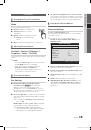
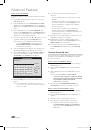
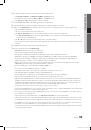
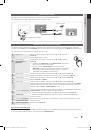
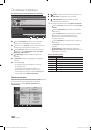
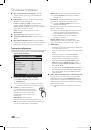
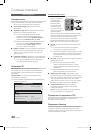
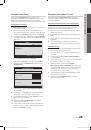
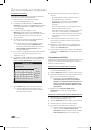
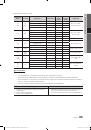
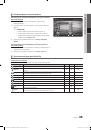
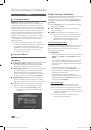
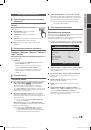
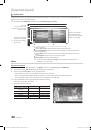
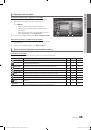
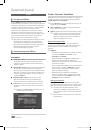
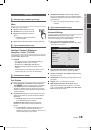
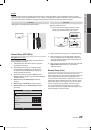
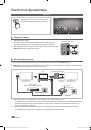
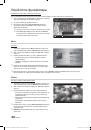
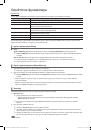
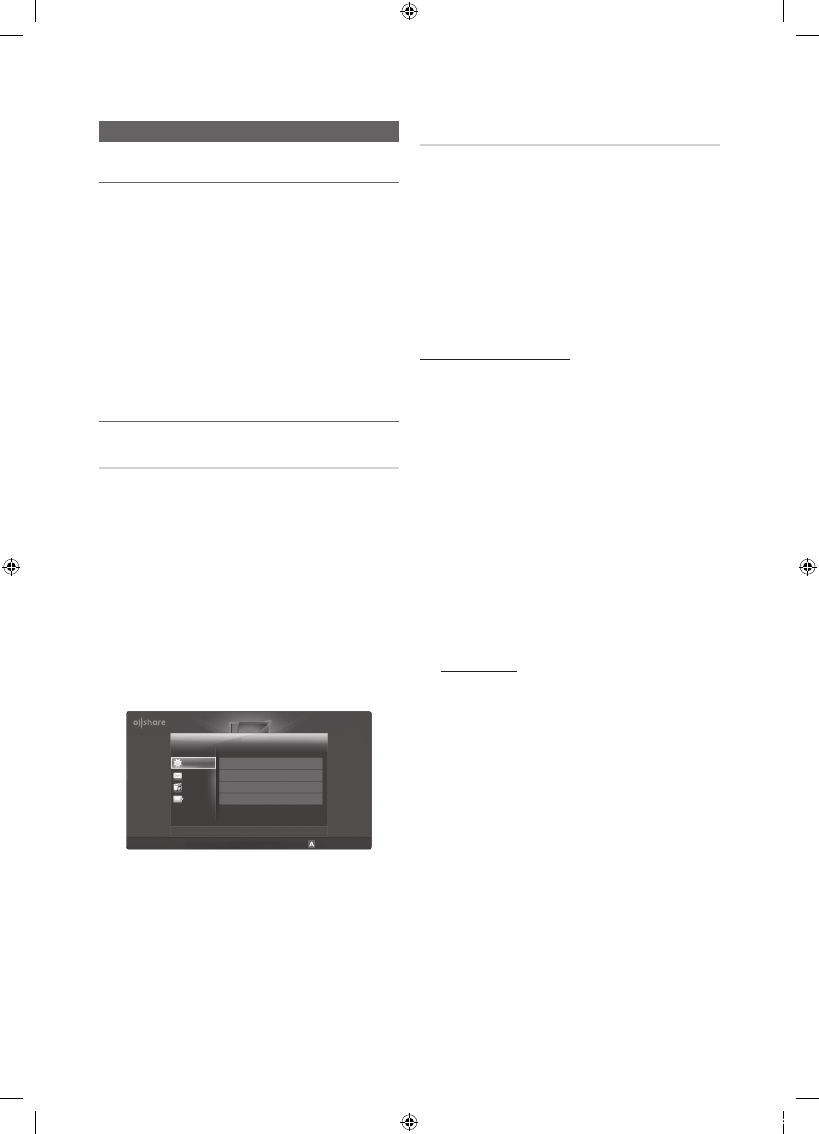
Setting Up AllShare
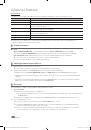
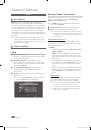
Setup
■
Message (On / Off)
: Enables or disables the message
function (for call arrivals, SMS messages and schedules
set on your mobile phones).
■
Media (On / Off)
: Enables or disables the media
function. When the media function is on, it plays videos,
photos and music from a mobile phone or other device
that supports
AllShare
.
■
ScreenShare (On / Off)
: Enables or disables the
ScreenShare function for using mobile phone as a
remote control.
■
TV name
: Sets the TV name so you can find it easily on
a mobile device.
✎
If you select
User Input
, you can type on the TV
using the OSK (On Screen Keyboard).
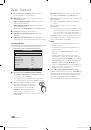
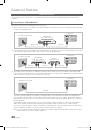
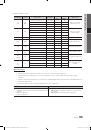
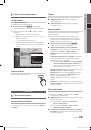
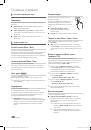
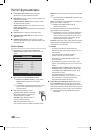
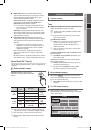
Message / Media / ScreenShare
Shows a list of mobile phones or connected devices which
have been set up with this TV for using the
Message
,
Media
, or
ScreenShare
function.
✎
The
Media
function is available in all mobile devices
which support
AllShare
.
■
Allowed / Denied
: Allows/Blocks the mobile phone.
■
Delete
: Deletes the mobile phone from the list.
✎
This function only deletes the name of the mobile
from the list. If the deleted mobile device is turned
on or trys to connect to the TV, it may appear on
the list again.
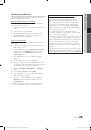
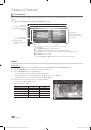
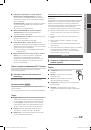
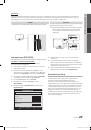
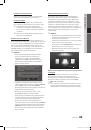
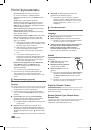
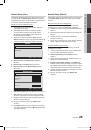
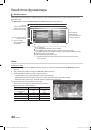
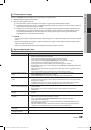
Using the Message Function
Using this function, you view call arrivals, SMS messages
and schedules set on the mobile phone through the alarm
window while watching TV.
✎
NOTE
x
To disable the alarm window, set
Message
to
Off
in
Setup
of
AllShare
.
x
If
OK
is selected, or if
OK
is not selected after the
message has appeared three times, the message
will be deleted. The message is not deleted from the
mobile phone.
x
The alarm window can be displayed while using
some applications such as
Media Play
etc. To view
the contents of a message, switch to TV viewing
mode.
x
When a message from an unknown mobile phone is
displayed, select the mobile phone on the message
menu in
AllShare
and select
Denied
to block the
phone.
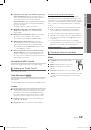
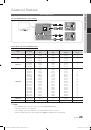
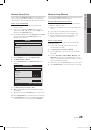
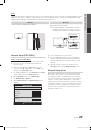
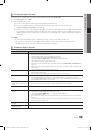
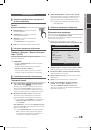
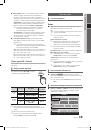
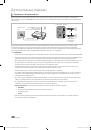
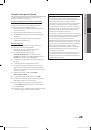
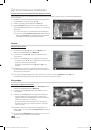
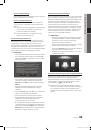
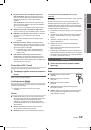
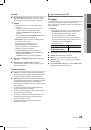
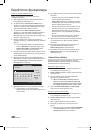
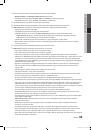
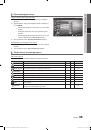
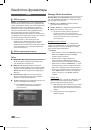
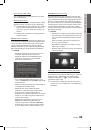
Message View
If a new SMS message arrives while you are watching
TV, the alarm window appears. If you click the OK
button, the contents of the message are displayed.
✎
You can configure the viewing settings for SMS
messages on your mobile phones. For the
procedures, refer to the mobile phone manual.
✎
Some types of characters may be displayed as
blank or broken characters.
AllShare™
3/7
E
Select
R
Return
e
Exit
Setup
R
Return
Setup
Message
Media
ScreenShare
Message
: On
Media
: On
ScreenShare
: On
TV name
: Home TV
[UC5100_Rus]BN68-02656H-00L04.indb 40
2010-03-24 오전 10:37:17