Инструкция для Samsung UE37C5100QW, UE32C5100QW, UE37C5000QW, UE32C5000QW, UE40C6540SW
 1
 2
 3
 4
 5
 6
 7
 8
 9
 10
 11
 12
 13
 14
 15
 16
 17
 18
 19
 20
 21
 22
 23
 24
 25
 26
 27
 28
 29
 30
 31
 32
 33
 34
 35
 36
 37
 38
 39
 40
 41
 42
 43
 44
 45
 46
 47
 48
 49
 50
 51
 52
 53
 54
 55
 56
 57
 58
 59
 60
 61
 62
 63
 64
 65
 66
 67
 68
 69
 70
 71
 72
 73
 74
 75
 76
 77
 78
 79
 80
 81
 82
 83
 84
 85
 86
 87
 88
 89
 90
 91
 92
 93
 94
 95
 96
 97
 98
 99
 100
 101
 102
 103
 104
 105
 106
 107
 108
 109
 110
 111
 112
 113
 114
 115
 116
 117
 118
 119
 120
 121
 122
 123
 124
 125
 126
 127
 128
 129
 130
 131
 132
 133
 134
 135
 136
 137
 138
 139
 140
 141
 142
 143
 144
 145
 146
 147
 148
 149
 150
 151
 152
 153
 154
 155
 156
 157
 158
 159
 160
 161
 162
 163
 164
 165
 166
 167
 168
 169
 170
 171
 172
 173
 174
 175
 176
 177
 178
 179
 180
 181
 182
 183
 184
 185
 186
 187
 188
 189
 190
 191
 192
 193
 194
 195
 196
 197
 198
 199
 200
 201
27
English
04
Advanced Featur
es
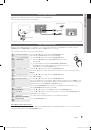
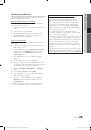
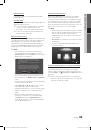
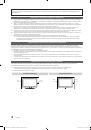
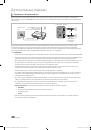
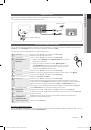
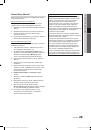
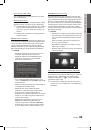
Network Setup (PBC (WPS))
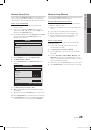
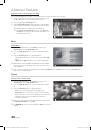
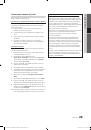
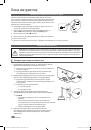
How to set up using PBC (WPS)
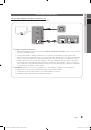
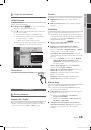
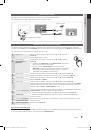
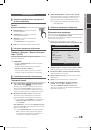
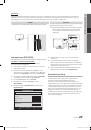
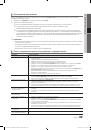
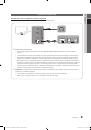
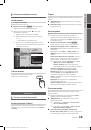
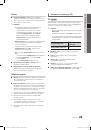
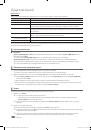
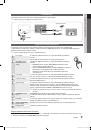
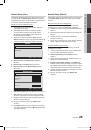
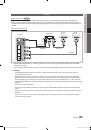
If your router has a PBC (WPS) button, follow these steps:
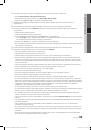
1.
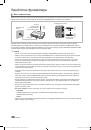
Connect your TV to your LAN as described in the
previous section.
2.
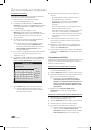
Turn on your TV, press the
MENU
button on your
remote, use the
▲
or
▼
button to select
Setup
, and
then press the
ENTER
E
button.
3.
Use the
▲
or
▼
button to select
Network
in the
Setup
menu, and then press the
ENTER
E
button.
4.
On the
Network
screen, select
Network Type
.
5.
Set
Network Type
to
Wireless
.
6.
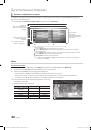
Select
Network Setup
. The
Network Setup
screen
appears.
7.
Press the Red button on your remote.
8.
Press the PBC (WPS) button on your router within 2
minutes. Your TV player automatically acquires all the
network setting values it needs and connects to your
network.
9.
After the network connection is set up, press the
RETURN
button to exit the
Network Setup
screen.
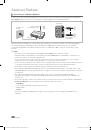
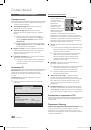
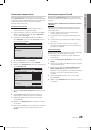
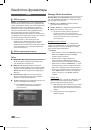
Network Setup (Auto)
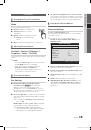
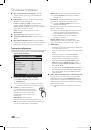
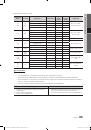
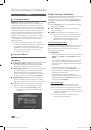
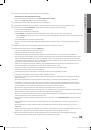
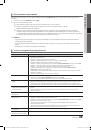
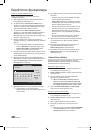
Most wireless networks have an optional security system
that requires devices that access the network to transmit
an encrypted security code called an Access or Security
Key. The Security Key is based on a Pass Phrase, typically
a word or a series of letters and numbers of a specified
length you were asked to enter when you set up security for
your wireless network. If you use this method of setting up
the network connection, and have a Security Key for your
wireless network, you will have to enter the Pass Phrase
during the setup process.
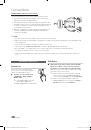
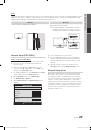
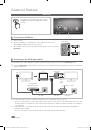
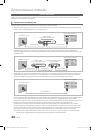
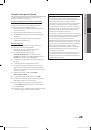
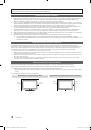
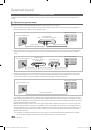
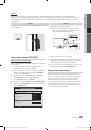
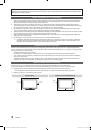
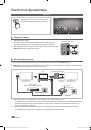
Notice
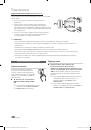
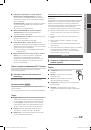
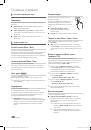
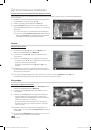
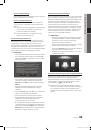
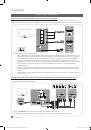
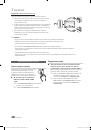
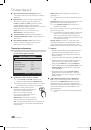
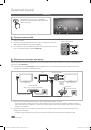
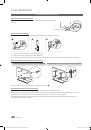
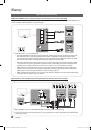
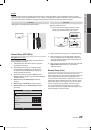
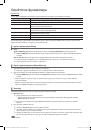
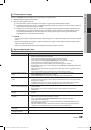
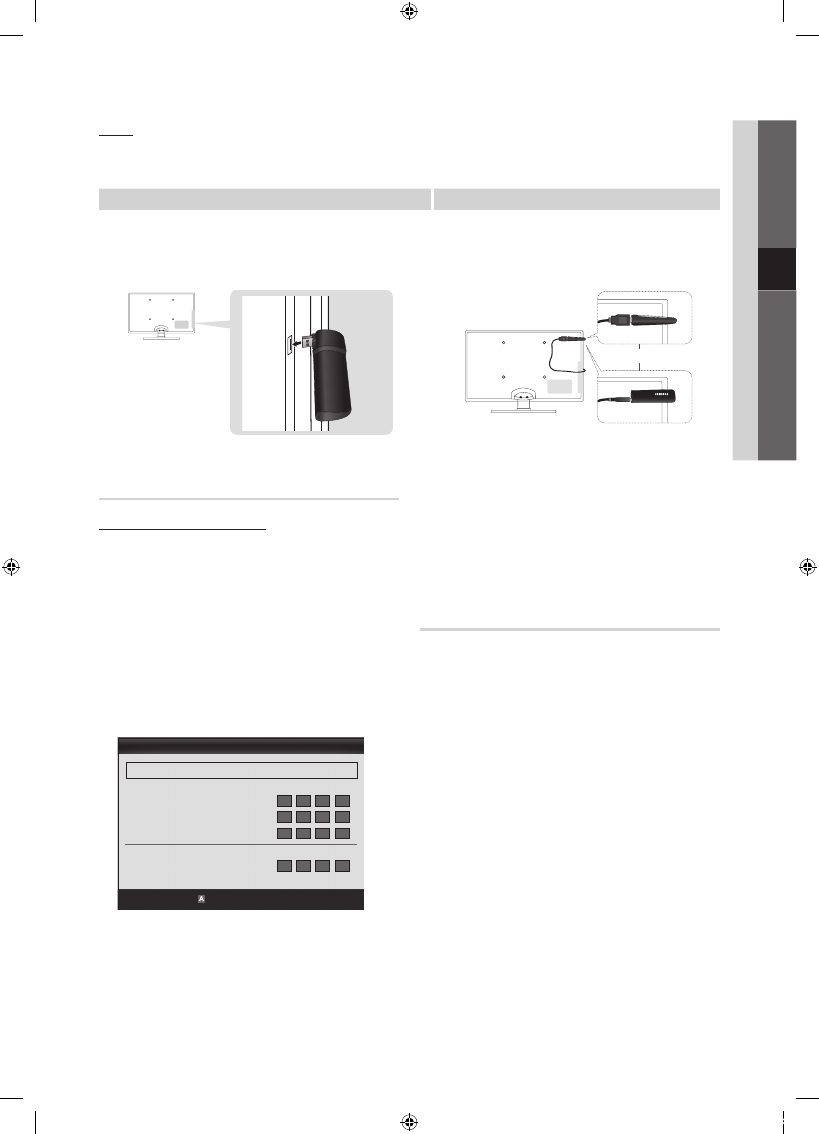
The picture may appear corrupted or have static for some channels when the TV is connected to the Samsung Wireless LAN
Adapter. In such a case, establish a connection using one of the following methods or connect the Samsung Wireless LAN
Adapter using a USB cable in a place that is not affected by radio interference.
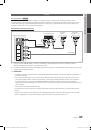
Method 1
Method 2
Connect using the USB right angle adapter
Connect via an extension cable
✎
The Samsung Wireless LAN Adapter should be
installed in an interference-free area in order to
avoid interference between the adapter and tuner.
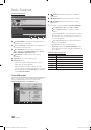
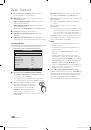
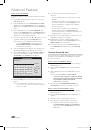
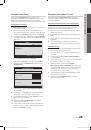
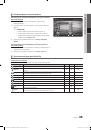
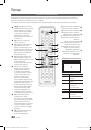
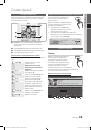
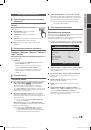
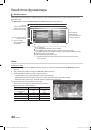
Network Setup
PBC(WPS)
U
Move
E
Enter
R
Return
Select a network
: Not Selected ►
Internet Protocol Setup
: Auto
IP Address
:
Subnet Mask
:
Gateway
:
DNS
: Auto
DNS Server
:
or
[UC5100_Rus]BN68-02656H-00L04.indb 27
2010-03-24 오전 10:37:08