Инструкция для Samsung UE37C5100QW, UE32C5100QW, UE37C5000QW, UE32C5000QW, UE40C6540SW
 1
 2
 3
 4
 5
 6
 7
 8
 9
 10
 11
 12
 13
 14
 15
 16
 17
 18
 19
 20
 21
 22
 23
 24
 25
 26
 27
 28
 29
 30
 31
 32
 33
 34
 35
 36
 37
 38
 39
 40
 41
 42
 43
 44
 45
 46
 47
 48
 49
 50
 51
 52
 53
 54
 55
 56
 57
 58
 59
 60
 61
 62
 63
 64
 65
 66
 67
 68
 69
 70
 71
 72
 73
 74
 75
 76
 77
 78
 79
 80
 81
 82
 83
 84
 85
 86
 87
 88
 89
 90
 91
 92
 93
 94
 95
 96
 97
 98
 99
 100
 101
 102
 103
 104
 105
 106
 107
 108
 109
 110
 111
 112
 113
 114
 115
 116
 117
 118
 119
 120
 121
 122
 123
 124
 125
 126
 127
 128
 129
 130
 131
 132
 133
 134
 135
 136
 137
 138
 139
 140
 141
 142
 143
 144
 145
 146
 147
 148
 149
 150
 151
 152
 153
 154
 155
 156
 157
 158
 159
 160
 161
 162
 163
 164
 165
 166
 167
 168
 169
 170
 171
 172
 173
 174
 175
 176
 177
 178
 179
 180
 181
 182
 183
 184
 185
 186
 187
 188
 189
 190
 191
 192
 193
 194
 195
 196
 197
 198
 199
 200
 201
3
ENGLISH
English
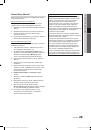
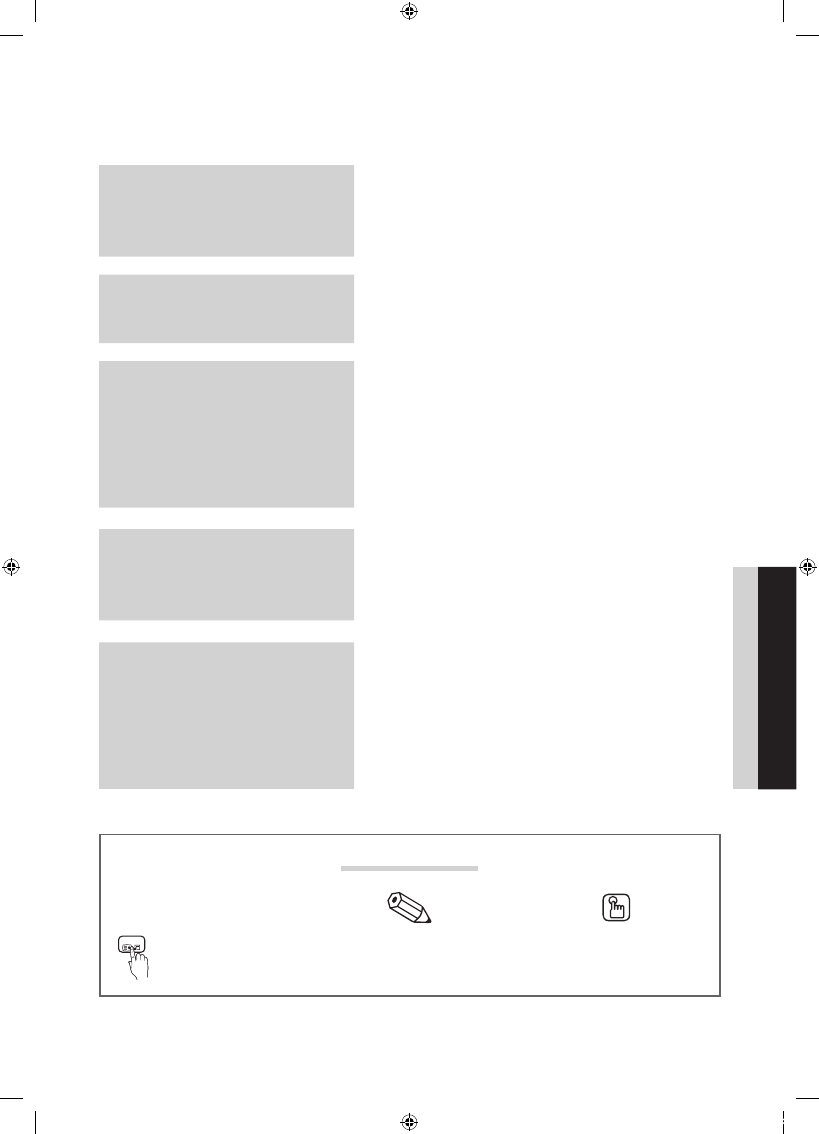
Check the Symbol!
t
This function can be used by
pressing the
TOOLS
button on the
remote control.
Note
One-Touch Button
TOOLS
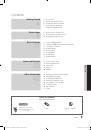
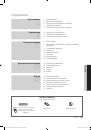
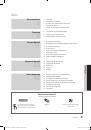
Contents
Getting Started
4
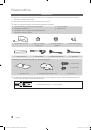
4 Accessories
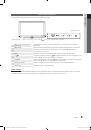
5 Viewing the Control Panel
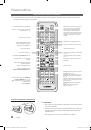
6 Viewing the Remote Control
7 Connecting to an Antenna
7 Plug & Play (Initial Setup)
Connections
8
8 Connecting to an AV Device
9 Connecting to an Audio Device
10 Changing the Input Source
Basic Features
11
11 How to Navigate Menus
11 Using the
INFO
button (Now & Next guide)
11 Planning Your Viewing
13 Channel Menu
15 Picture Menu
17 Sound Menu
19 Setup Menu
22 Support Menu
Advanced Features
23
23 Connecting to a PC
24 Network Connection
30 Media Play
37 Anynet+
40 AllShare
Other Information
42
42 Analogue Channel Teletext Feature
43 Assembling the Cables
44 Installing the Wall Mount
46 Anti-theft Kensington Lock
46 Securing the TV to the wall
47 Troubleshooting
50 Specifications
51 Index
[UC5100_Rus]BN68-02656H-00L04.indb 3
2010-03-24 오전 10:36:52