Инструкция для Samsung UE37C5100QW, UE32C5100QW, UE37C5000QW, UE32C5000QW, UE40C6540SW
 1
 2
 3
 4
 5
 6
 7
 8
 9
 10
 11
 12
 13
 14
 15
 16
 17
 18
 19
 20
 21
 22
 23
 24
 25
 26
 27
 28
 29
 30
 31
 32
 33
 34
 35
 36
 37
 38
 39
 40
 41
 42
 43
 44
 45
 46
 47
 48
 49
 50
 51
 52
 53
 54
 55
 56
 57
 58
 59
 60
 61
 62
 63
 64
 65
 66
 67
 68
 69
 70
 71
 72
 73
 74
 75
 76
 77
 78
 79
 80
 81
 82
 83
 84
 85
 86
 87
 88
 89
 90
 91
 92
 93
 94
 95
 96
 97
 98
 99
 100
 101
 102
 103
 104
 105
 106
 107
 108
 109
 110
 111
 112
 113
 114
 115
 116
 117
 118
 119
 120
 121
 122
 123
 124
 125
 126
 127
 128
 129
 130
 131
 132
 133
 134
 135
 136
 137
 138
 139
 140
 141
 142
 143
 144
 145
 146
 147
 148
 149
 150
 151
 152
 153
 154
 155
 156
 157
 158
 159
 160
 161
 162
 163
 164
 165
 166
 167
 168
 169
 170
 171
 172
 173
 174
 175
 176
 177
 178
 179
 180
 181
 182
 183
 184
 185
 186
 187
 188
 189
 190
 191
 192
 193
 194
 195
 196
 197
 198
 199
 200
 201
6
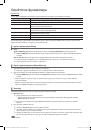
Getting Started
English
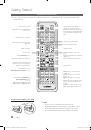
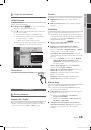
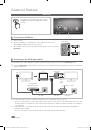
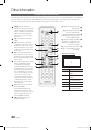
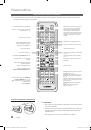
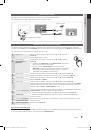
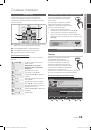
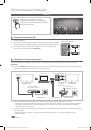
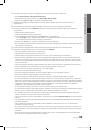
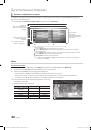
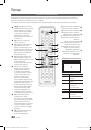
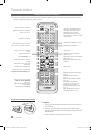
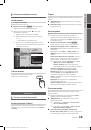
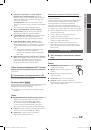
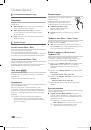
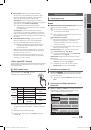
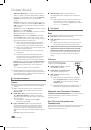
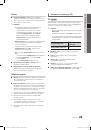
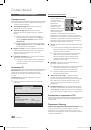
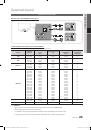
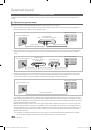
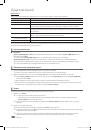
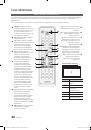
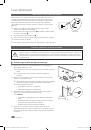
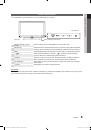
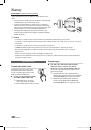
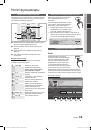
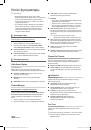
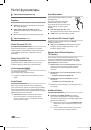
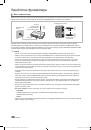
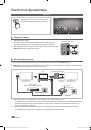
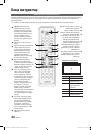
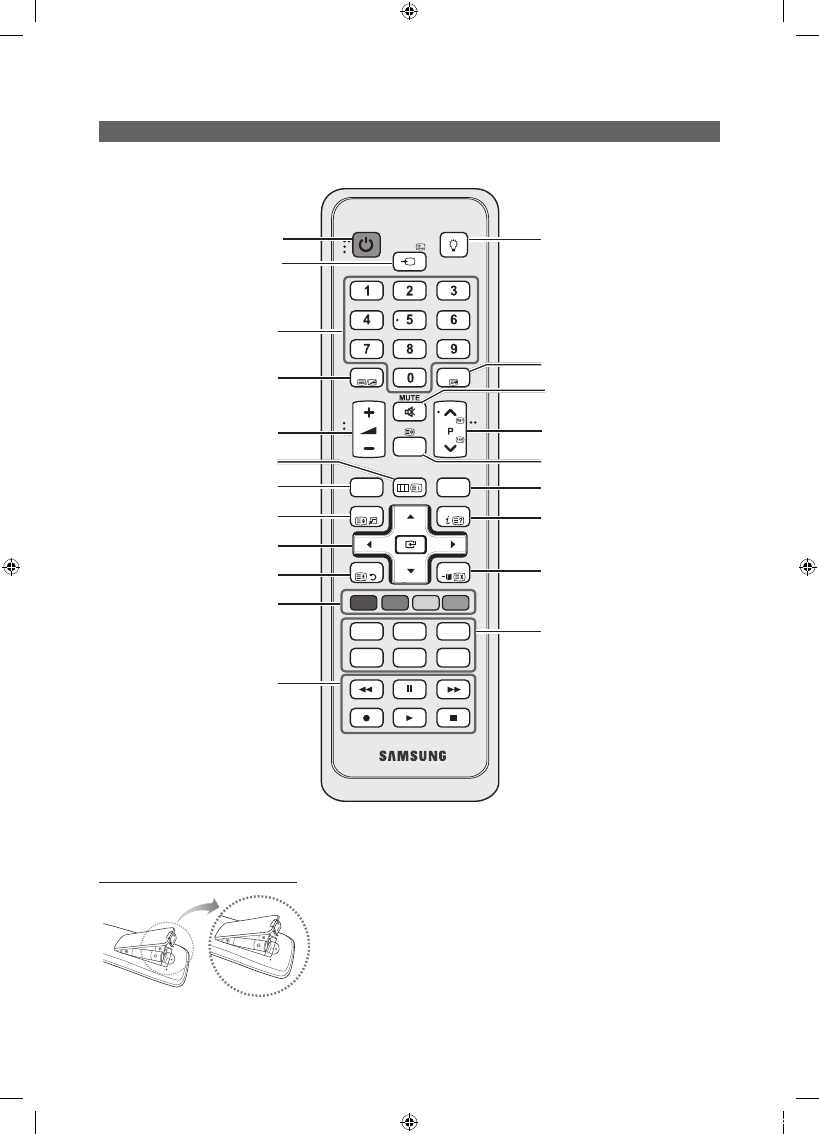
Viewing the Remote Control
✎
This is a special remote control for the visually impaired persons and has Braille points on the Power, Channel and
Volume buttons.
CH LIST
POWER
ON/OFF
PRE-CH
GUIDE
MIDEA.P
Ⳓⳓ
MENU
TOOLS
RETURN
P.MODE
S.MODE
AD
P.SIZE
SUBT.
DUAL
EXIT
INFO
TTX/MIX
A
B
C
D
SOURCE
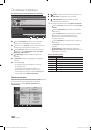
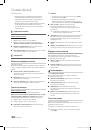
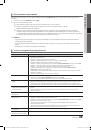
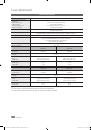
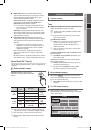
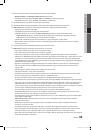
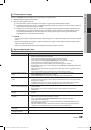
Installing batteries (Battery size: AAA)
✎
NOTE
x
Use the remote control within 23 feet from the TV.
x
Bright light may affect the performance of the remote control.
Avoid using nearby special fluorescent light or neon signs.
x
The colour and shape may vary depending on the model.
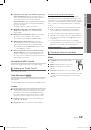
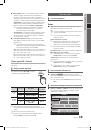
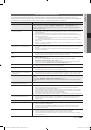
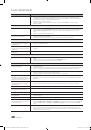
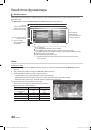
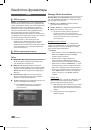
Turns the TV on and off.
Displays and selects the available video
sources (p. 10).
Turns the remote control light on or
off. When on, the buttons become
illuminated for a moment when pressed.
(Using the remote control with this button
set to ON will reduce the battery usage
time.)
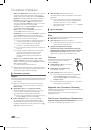
Returns to the previous channel.
To mute all TV output sound.
Changes channels.
Displays channel lists on the screen
(p. 13).
Displays the EPG (Electronic Programme
Guide) (p. 11).
Displays information on the TV screen.
Exits the menu.
Have direct access to channels.
Adjusts the volume.
Alternately select Teletext ON, Double,
Mix or OFF.
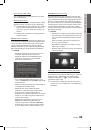
Opens the OSD.
Quickly select frequently used functions.
Displays
Media Play
(p. 30).
Returns to the previous menu.
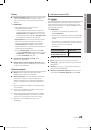
Selects the on-screen menu items and
changes the values seen on the menu.
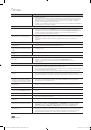
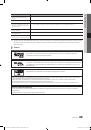
These buttons are for the
Channel Manager
,
Media Play
menu, etc.
Use these buttons in
Media Play
and
Anynet+ (HDMI-CEC)
modes
(p. 30, 37).
(
�
: Controls recording for Samsung
recorders that have the
Anynet+
feature)
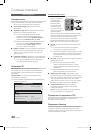
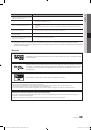
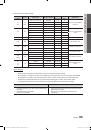
P.MODE
: Press to select the picture
mode (p. 15).
S.MODE
: Press to select the sound
mode (p. 17).
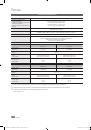
DUAL
f
-
g
: Sound effect selection (p.
19).
AD
: Turns the audio description on and
off (p. 18). This is not available in some
locations.
P.SIZE
: Selects the picture size (p. 16).
SUBT.
: Displays digital subtitles (p. 20).
[UC5100_Rus]BN68-02656H-00L04.indb 6
2010-03-24 오전 10:36:54