Инструкция для Samsung UE37C5100QW, UE32C5100QW, UE37C5000QW, UE32C5000QW, UE40C6540SW
 1
 2
 3
 4
 5
 6
 7
 8
 9
 10
 11
 12
 13
 14
 15
 16
 17
 18
 19
 20
 21
 22
 23
 24
 25
 26
 27
 28
 29
 30
 31
 32
 33
 34
 35
 36
 37
 38
 39
 40
 41
 42
 43
 44
 45
 46
 47
 48
 49
 50
 51
 52
 53
 54
 55
 56
 57
 58
 59
 60
 61
 62
 63
 64
 65
 66
 67
 68
 69
 70
 71
 72
 73
 74
 75
 76
 77
 78
 79
 80
 81
 82
 83
 84
 85
 86
 87
 88
 89
 90
 91
 92
 93
 94
 95
 96
 97
 98
 99
 100
 101
 102
 103
 104
 105
 106
 107
 108
 109
 110
 111
 112
 113
 114
 115
 116
 117
 118
 119
 120
 121
 122
 123
 124
 125
 126
 127
 128
 129
 130
 131
 132
 133
 134
 135
 136
 137
 138
 139
 140
 141
 142
 143
 144
 145
 146
 147
 148
 149
 150
 151
 152
 153
 154
 155
 156
 157
 158
 159
 160
 161
 162
 163
 164
 165
 166
 167
 168
 169
 170
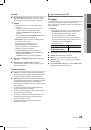 171
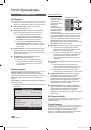 172
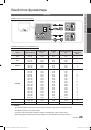 173
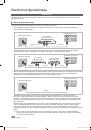 174
 175
 176
 177
 178
 179
 180
 181
 182
 183
 184
 185
 186
 187
 188
 189
 190
 191
 192
 193
 194
 195
 196
 197
 198
 199
 200
 201
20
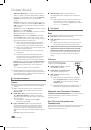
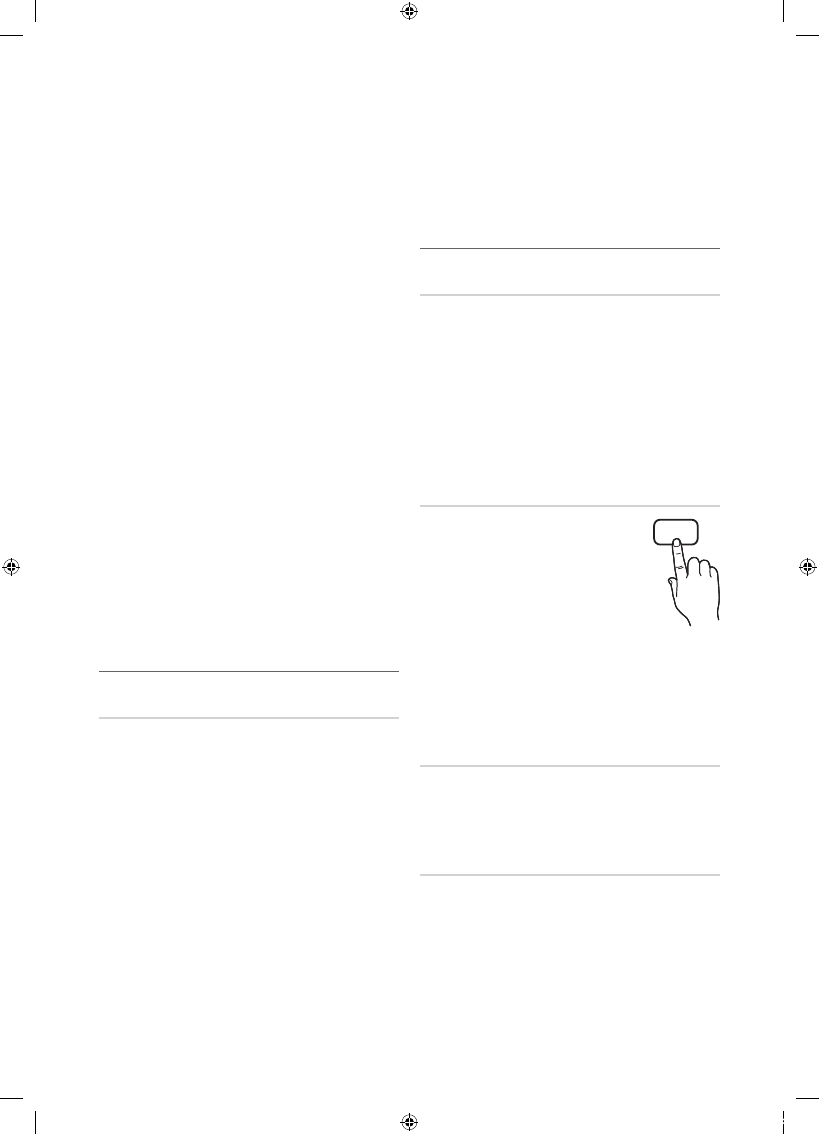
English
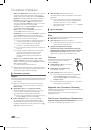
Basic Features
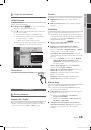
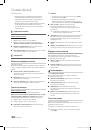
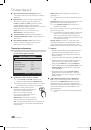
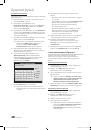
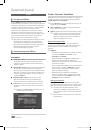
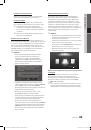
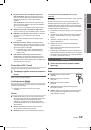
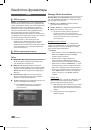
On Time / Off Time
: Set the hour, minute, and activate
/ inactivate. (To activate timer with the setting you’ve
chosen, set to
Activate
.)
Volume
: Set the desired volume level.
Source
: Select
TV
or
USB
content to be played when
the TV is turned on automatically. (
USB
can be selected
only when a USB device is connected to the TV)
Antenna
(when the
Source
is set to
TV
): Select
ATV
or
DTV
.
Channel
(when the
Source
is set to
TV
): Select the
desired channel.
Contents
(when the
Source
is set to
USB
): Select a
folder in the USB device containing music or photo files
to be played when the TV is turned on automatically.
✎
If there is no music file on the USB device or the
folder containing a music file is not selected, the
Timer function does not operate correctly.
✎
When there is only one photo file in the USB
device, the Slide Show will not play.
✎
If a folder name is too long, the folder cannot be
selected.
✎
Each USB you use is assigned its own folder.
When using more than one of the same type of
USB, make sure the folders assigned to each USB
have different names.
Repeat
: Select
Once, Everyday, Mon~Fri, Mon~Sat,
Sat~Sun
or
Manual
to set at you convenience. If you
select
Manual
, you can set up the day you want to
activate the timer.
✎
The
c
mark indicates the day is selected.
✎
Auto Power Off (available only when the TV is turned on
by Timer): The TV will be automatically turned off after 3
hours of being left idle to prevent overheating.
¦
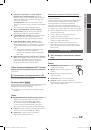
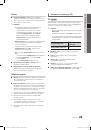
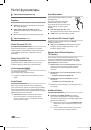
Locking Programmes
Security
✎
The PIN input screen appears before the setup screen.
✎
Enter your 4-digit PIN, the default of which is “0-0-0-0”.
Change the PIN using the
Change PIN
option.
■
Child Lock (Off / On)
: Lock channels in
Channel
Manager
, to prevent unauthorized users, such as
children, from watching unsuitable programme.
✎
Available only when the
Input
source is set to
TV
.
■
Parental Lock
(depending on the country): Prevent
unauthorized users, such as children, from watching
unsuitable programme with a user-defined 4-digit PIN
code. If the selected channel is locked, the “
\
” symbol
will be displayed.
Allow All
: Unlock All TV ratings.
■
Change PIN
: Change your personal ID number required
to set up the TV.
✎
If you forget the PIN code, press the remote
control buttons in the following sequence, which
resets the PIN to “0-0-0-0”:
POWER
(off)
→
MUTE
→
8
→
2
→
4
→
POWER
(on).
¦
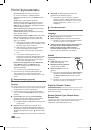
Other Features
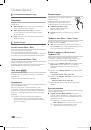
Language
■
Menu Language
: Set the menu language.
■
Teletext Language
: Set a desired language for teletext.
✎
English is the default in cases where the selected
language is unavailable in the broadcast.
■
Preference (Primary Audio Language /
Secondary Audio Language / Primary Subtitle
Language / Secondary Subtitle Language /
Primary Teletext Language / Secondary Teletext Language)
:
Select a language, which will be the default language
when a channel is selected.
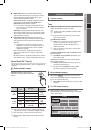
Subtitle
Use this menu to set the
Subtitle
mode.
■
Subtitle (Off / On)
: Switches subtitles
on or off.
■
Mode (Normal / Hearing Impaired)
:
Sets the subtitle mode.
■
Subtitle Language
: Sets the subtitle
language.
✎
If the programme you are watching does not
support the
Hearing Impaired
function,
Normal
automatically activates even if the
Hearing
Impaired
mode is selected.
✎
English is the default in cases where the selected
language is unavailable in the broadcast.
Digital Text (Disable / Enable)
(UK only)
If the programme broadcasts with digital text, this feature is
enabled.
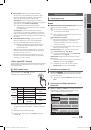
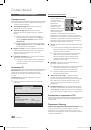
Network (Network Type / Network Setup
/ Network Test)
For details on setting up options, refer to the “Network
Connection” instructions (p. 24).
SUBT.
[UC5100_Rus]BN68-02656H-00L04.indb 20
2010-03-24 오전 10:37:03


