Инструкция для Samsung UE37C5100QW, UE32C5100QW, UE37C5000QW, UE32C5000QW, UE40C6540SW
 1
 2
 3
 4
 5
 6
 7
 8
 9
 10
 11
 12
 13
 14
 15
 16
 17
 18
 19
 20
 21
 22
 23
 24
 25
 26
 27
 28
 29
 30
 31
 32
 33
 34
 35
 36
 37
 38
 39
 40
 41
 42
 43
 44
 45
 46
 47
 48
 49
 50
 51
 52
 53
 54
 55
 56
 57
 58
 59
 60
 61
 62
 63
 64
 65
 66
 67
 68
 69
 70
 71
 72
 73
 74
 75
 76
 77
 78
 79
 80
 81
 82
 83
 84
 85
 86
 87
 88
 89
 90
 91
 92
 93
 94
 95
 96
 97
 98
 99
 100
 101
 102
 103
 104
 105
 106
 107
 108
 109
 110
 111
 112
 113
 114
 115
 116
 117
 118
 119
 120
 121
 122
 123
 124
 125
 126
 127
 128
 129
 130
 131
 132
 133
 134
 135
 136
 137
 138
 139
 140
 141
 142
 143
 144
 145
 146
 147
 148
 149
 150
 151
 152
 153
 154
 155
 156
 157
 158
 159
 160
 161
 162
 163
 164
 165
 166
 167
 168
 169
 170
 171
 172
 173
 174
 175
 176
 177
 178
 179
 180
 181
 182
 183
 184
 185
 186
 187
 188
 189
 190
 191
 192
 193
 194
 195
 196
 197
 198
 199
 200
 201
10
English
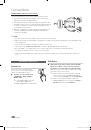
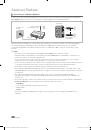
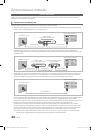
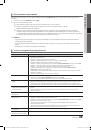
Connections
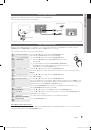
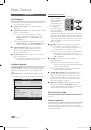
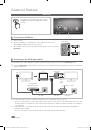
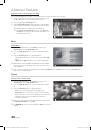
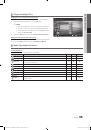
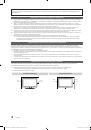
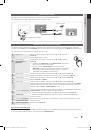
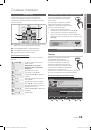
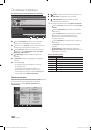
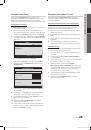
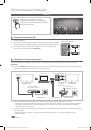
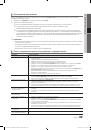
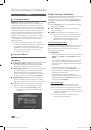
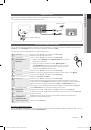
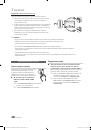
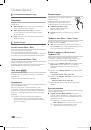
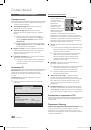
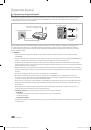
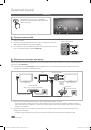
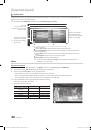
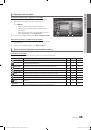
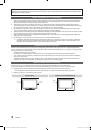
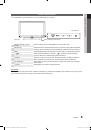
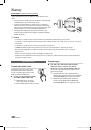
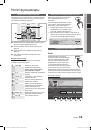
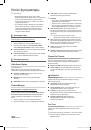
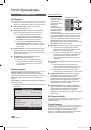
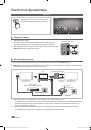
Changing the Input Source
Source List
Use to select TV or an external input
sources such as a DVD / Blu-ray player /
cable box / STB satellite receiver.
■
TV / Ext. / PC / AV / Component
/ HDMI1/DVI / HDMI2 / HDMI3 /
HDMI4 / USB
✎
In the
Source List
, connected
inputs will be highlighted.
✎
Ext.
and
PC
always stay activated.
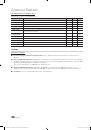
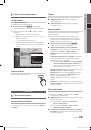
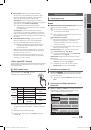
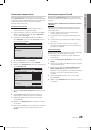
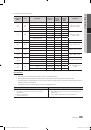
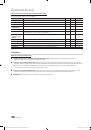
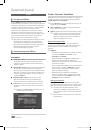
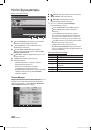
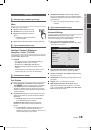
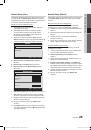
Edit Name
■
VCR / DVD / Cable STB / Satellite STB / PVR STB /
AV Receiver / Game / Camcorder / PC / DVI PC /
DVI Devices / TV / IPTV / Blu-ray / HD DVD / DMA
:
Name the device connected to the input jacks to make
your input source selection easier.
✎
When a PC with a resolution of 1920 x 1080 @
60Hz is connected to the
HDMI IN 1(DVI)
port,
you should set to
DVI PC
mode under
Edit Name
.
✎
When connecting an HDMI/DVI cable to the
HDMI IN 1(DVI)
port, you should set to
DVI PC
or
DVI Devices
mode under
Edit Name
.
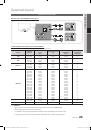
CONNECTIONS
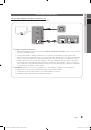
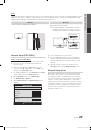
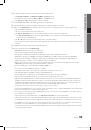
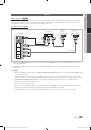
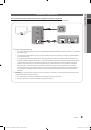
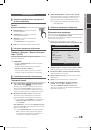
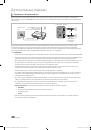
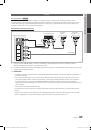
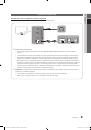
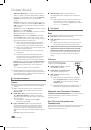
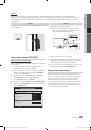
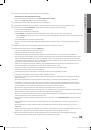
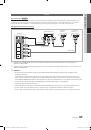
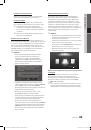
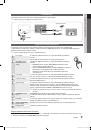
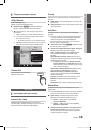
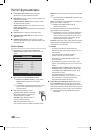
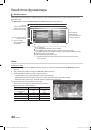
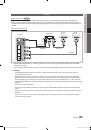
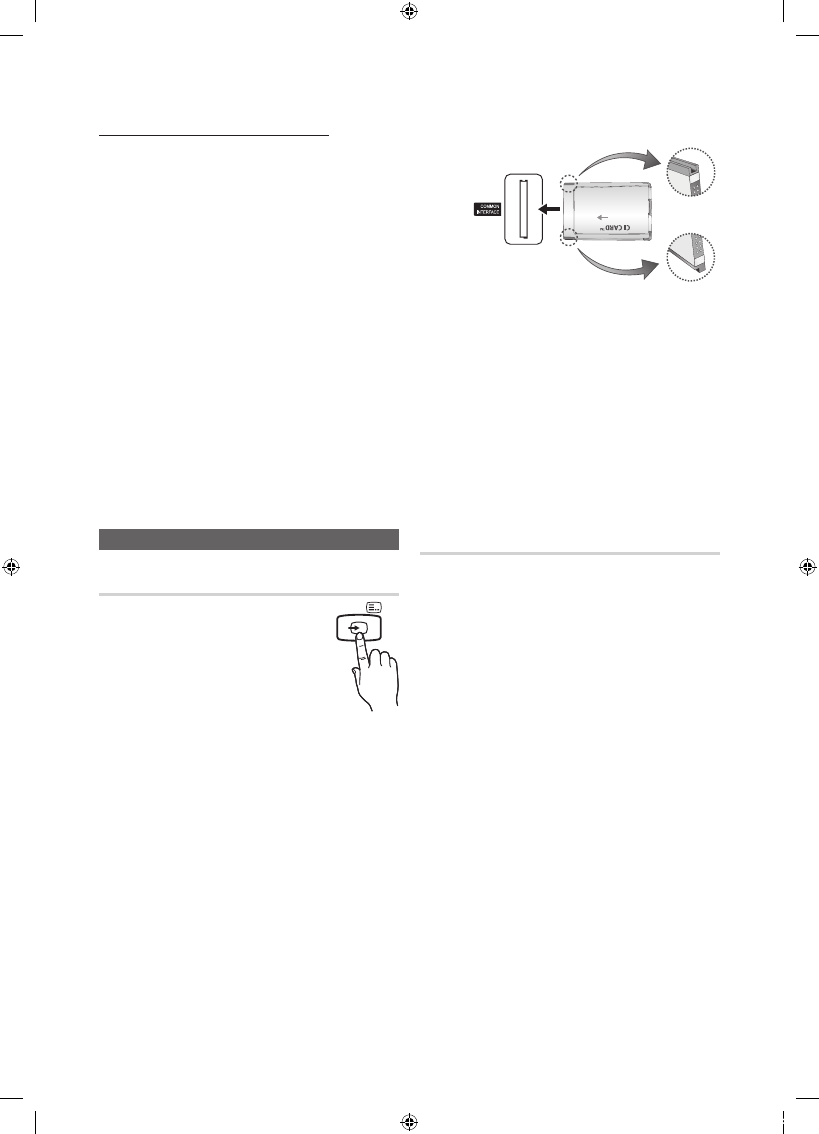
COMMON INTERFACE
Slot
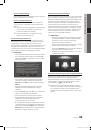
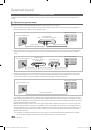
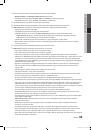
To watch paid channels, the “CI or CI+ CARD” must be inserted.
y
If you don’t insert the “CI or CI+ CARD,” some channels will
display the message “Scrambled Signal”.
y
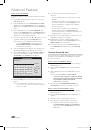
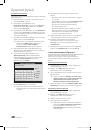
The pairing information containing a telephone number, the “CI or
CI+ CARD” ID the Host ID and other information will be displayed
in about 2~3 minutes. If an error message is displayed, please
contact your service provider.
y
When the configuration of channel information has finished, the
message “Updating Completed” is displayed, indicating the
channel list is updated.
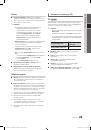
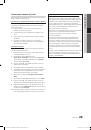
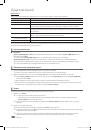
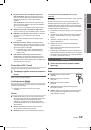
✎
NOTE
x
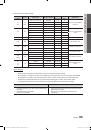
You must obtain a “CI or CI+ CARD” from a local cable service provider.
x
When removing the “CI or CI+ CARD”, carefully pull it out with your hands since dropping the “CI or CI+ CARD” may
cause damage to it.
x
Insert the “CI or CI+ CARD” in the direction marked on the card.
x
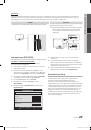
The location of the
COMMON INTERFACE
slot may be different depending on the model.
x
“CI or CI+ CARD” is not supported in some countries and regions; check with your authorized dealer.
x
If you have any problems, please contact a service provider.
x
Insert the “CI or CI+ CARD” that supports the current antenna settings. The screen will be distorted or will not be
seen.
SOURCE
[UC5100_Rus]BN68-02656H-00L04.indb 10
2010-03-24 오전 10:36:57