Инструкция для Samsung UE37C5100QW, UE32C5100QW, UE37C5000QW, UE32C5000QW, UE40C6540SW
 1
 2
 3
 4
 5
 6
 7
 8
 9
 10
 11
 12
 13
 14
 15
 16
 17
 18
 19
 20
 21
 22
 23
 24
 25
 26
 27
 28
 29
 30
 31
 32
 33
 34
 35
 36
 37
 38
 39
 40
 41
 42
 43
 44
 45
 46
 47
 48
 49
 50
 51
 52
 53
 54
 55
 56
 57
 58
 59
 60
 61
 62
 63
 64
 65
 66
 67
 68
 69
 70
 71
 72
 73
 74
 75
 76
 77
 78
 79
 80
 81
 82
 83
 84
 85
 86
 87
 88
 89
 90
 91
 92
 93
 94
 95
 96
 97
 98
 99
 100
 101
 102
 103
 104
 105
 106
 107
 108
 109
 110
 111
 112
 113
 114
 115
 116
 117
 118
 119
 120
 121
 122
 123
 124
 125
 126
 127
 128
 129
 130
 131
 132
 133
 134
 135
 136
 137
 138
 139
 140
 141
 142
 143
 144
 145
 146
 147
 148
 149
 150
 151
 152
 153
 154
 155
 156
 157
 158
 159
 160
 161
 162
 163
 164
 165
 166
 167
 168
 169
 170
 171
 172
 173
 174
 175
 176
 177
 178
 179
 180
 181
 182
 183
 184
 185
 186
 187
 188
 189
 190
 191
 192
 193
 194
 195
 196
 197
 198
 199
 200
 201
37
English
04
Advanced Featur
es
Anynet+
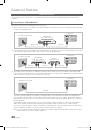
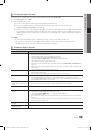
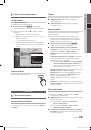
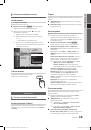
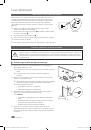
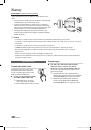
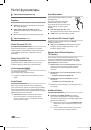
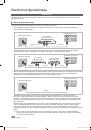
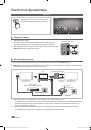
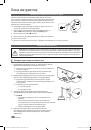
What is Anynet+?
t
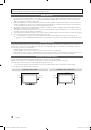
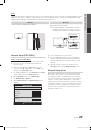
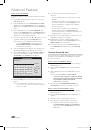
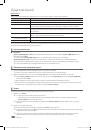
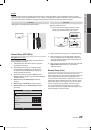
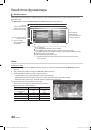
Anynet+ is a function that enables you to control all connected Samsung devices that support Anynet+ with your Samsung
TV’s remote. The Anynet+ system can be used only with Samsung devices that have the Anynet+ feature. To be sure your
Samsung device has this feature, check if there is an Anynet+ logo on it.
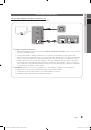
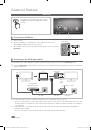
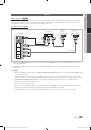
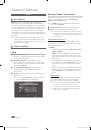
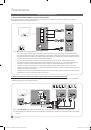
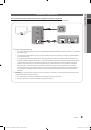
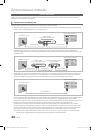
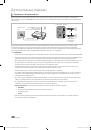
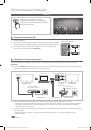
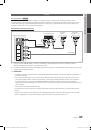
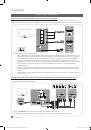
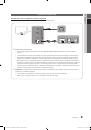
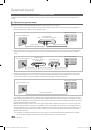
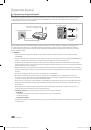
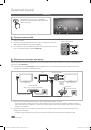
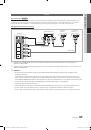
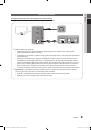
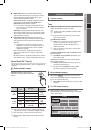
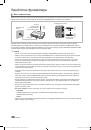
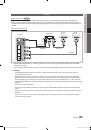
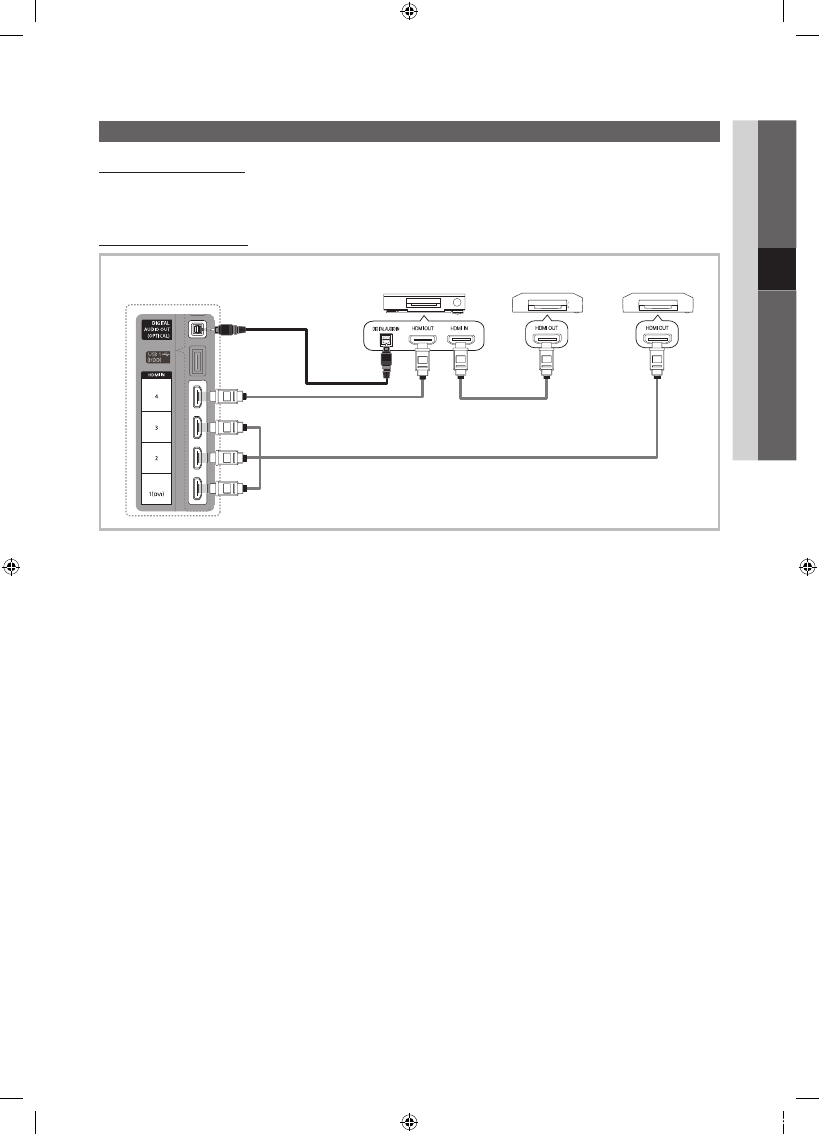
To connect to Home Theatre
1.
Connect the
HDMI IN
(
1(DVI), 2, 3
or
4
) jack on the TV and the HDMI OUT jack of the corresponding Anynet+ device
using an HDMI cable.
2.
Connect the HDMI IN jack of the home theatre and the HDMI OUT jack of the corresponding Anynet+ device using an
HDMI cable.
✎
NOTE
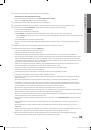
x
Connect the Optical cable between the
DIGITAL AUDIO OUT (OPTICAL)
jack on your TV and the Digital Audio Input
on the Home Theatre.
x
When following the connection above, the Optical jack only outputs 2 channel audio. You will only hear sound from
the Home Theatre’s Front, Left and Right speakers and the subwoofer. If you want to hear 5.1 channel audio, connect
the
DIGITAL AUDIO OUT (OPTICAL)
jack on the DVD / Satellite Box (i.e. Anynet Device 1 or 2) directly to the
Amplifier or Home Theatre, not the TV.
x
Connect only one Home Theatre.
x
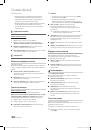
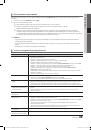
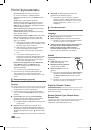
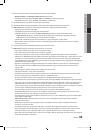
You can connect an Anynet+ device using the HDMI cable. Some HDMI cables may not support Anynet+ functions.
x
Anynet+ works when the AV device supporting Anynet+ is in the standby or on status.
x
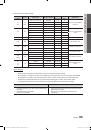
Anynet+ supports up to 12 AV devices in total. Note that you can connect up to 3 devices of the same type.
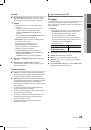
TV Rear Panel
Home Theatre
Anynet+
Device 1
Anynet+ Device
2, 3, 4
HDMI Cable
HDMI Cable
HDMI Cable
Optical Cable
[UC5100_Rus]BN68-02656H-00L04.indb 37
2010-03-24 오전 10:37:16