Инструкция для Yamaha PSR-175
 1
 2
 3
 4
 5
 6
 7
 8
 9
 10
 11
 12
 13
 14
 15
 16
 17
 18
 19
 20
 21
 22
 23
 24
 25
 26
 27
 28
 29
 30
 31
 32
 33
 34
 35
 36
 37
 38
 39
 40
 41
 42
 43
 44
 45
 46
 47
 48
 49
 50
 51
 52
 53
 54
 55
 56
 57
 58
 59
 60
 61
 62
 63
 64
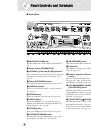
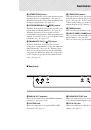
Panel Controls and Terminals
7
!5
[START/STOP] button
When the Style mode is selected, this alternately starts
and stops the auto accompaniment. (See page 43.)
When the Song mode is selected, this alternately starts
and stops song playback. (See page 32.)
!6
[INTRO/ENDING/rit.] ([
REW]) button
When the Style mode is selected, this is used to con-
trol the Intro and Ending functions. (See page 45.)
When the Song mode is selected, this is used to
rewind during song playback. When song playback is
stopped, it is used to reverse to specific measure num-
bers in the song. (See page 32.)
!7
[MAIN/AUTO FILL] ([
FF]) button
When the Style mode is selected, this is used to
change auto accompaniment sections and control the
Auto Fill function. (See page 46.) When the Song
mode is selected, this is used to fast forward during
song playback. When song playback is stopped, it is
used to advance to specific measure numbers in the
song. (See page 32.)
!8
[TEMPO/TAP] button
This button allows you to tap out the tempo and auto-
matically start a selected song or style at that tapped
speed. (See page 44.) It also is used to call up the
Tempo setting, letting you set the Tempo with the
numeric keypad or [+]/[-] buttons. (See page 31.)
!9
[DEMO] button
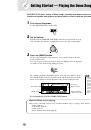
This is used to play the Demo songs. (See page 18.)
@0
[MULTI PAD/DJ GAME] buttons
These are used to automatically play pre-programmed
musical phrases. (See page 51.)
These are also used to play DJ GAME. (See page 22.)
■
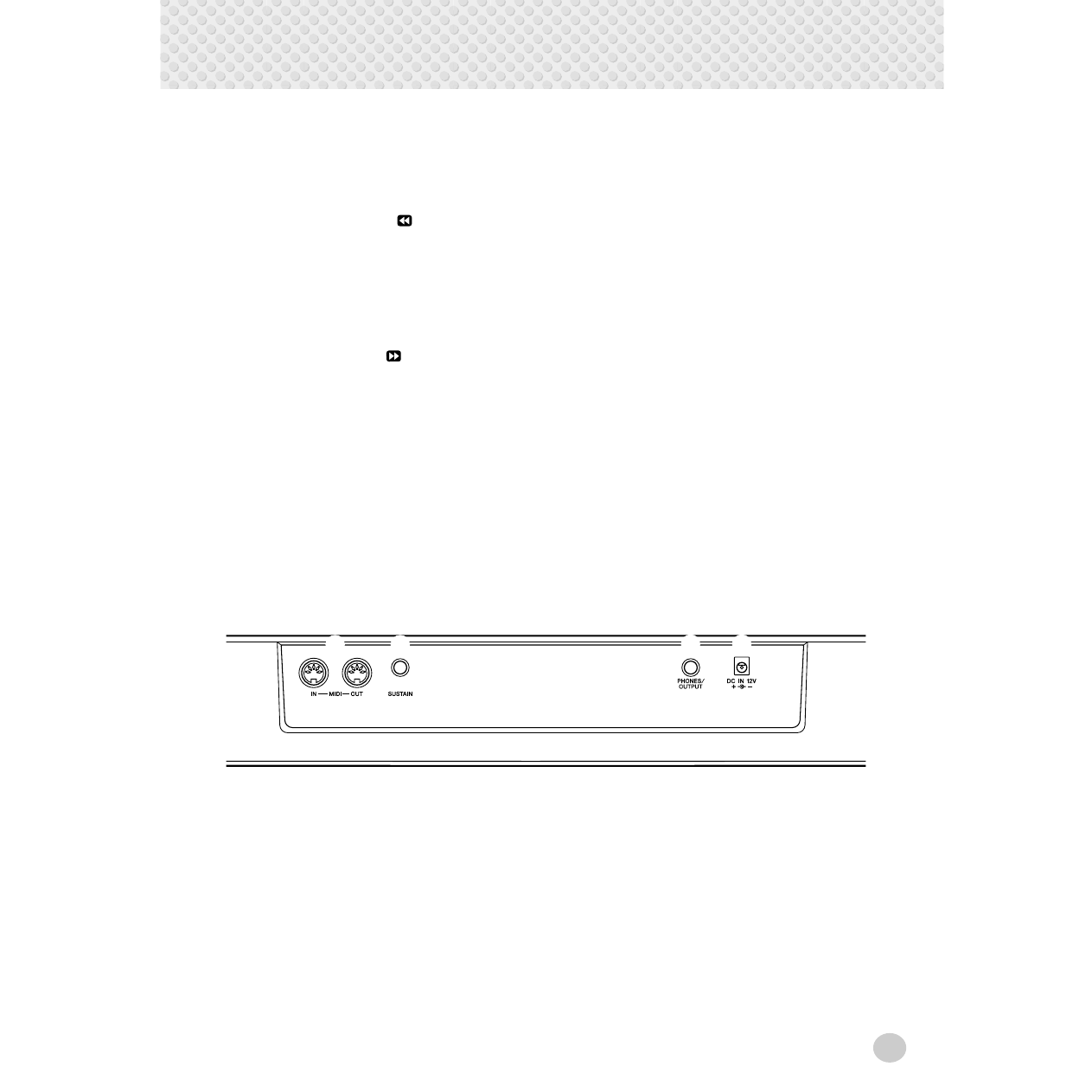
Rear Panel
@1
@3
@4
@2
@1
MIDI IN, OUT terminals
These are for connection to other MIDI instruments
and devices. (See pages 9, 52.)
@2
SUSTAIN jack
This is for connection to an optional FC4 or FC5
Footswitch. (See page 9.)
@3
PHONES/OUTPUT jack
This is for connection to a set of stereo headphones or
to an external amplifier/speaker system. (See page 9.)
@4
DC IN 12V jack
This is for connection to a PA-3C or PA-3B AC power
adaptor. (See page 8.)
Оглавление инструкции
- Cover
- PRECAUTIONS
- Contents
- Panel Controls and Terminals
- Setting Up
- Quick Guide
- Getting Started — Playing the Demo Songs
- Panel Display Indications
- Portable Grand
- DJ
- Selecting and Playing Voices
- Selecting and Playing Songs
- Song Lesson
- Talking
- Dictionary
- Selecting and Playing Styles
- MIDI
- Troubleshooting
- Voice List
- Drum Kit List
- Style List & Multi pads
- MIDI Implementation Chart
- Specifications
- Index