Инструкция для Yamaha PSR-175
 1
 2
 3
 4
 5
 6
 7
 8
 9
 10
 11
 12
 13
 14
 15
 16
 17
 18
 19
 20
 21
 22
 23
 24
 25
 26
 27
 28
 29
 30
 31
 32
 33
 34
 35
 36
 37
 38
 39
 40
 41
 42
 43
 44
 45
 46
 47
 48
 49
 50
 51
 52
 53
 54
 55
 56
 57
 58
 59
 60
 61
 62
 63
 64
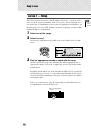
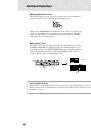
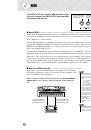
Selecting and Playing Songs
31
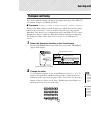
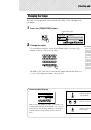
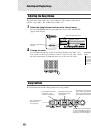
Changing the Tempo
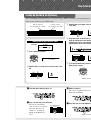
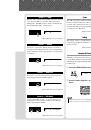
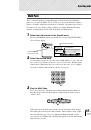
The tempo of song playback can be adjusted over a range of 40 - 240 bpm (beats
per minute).
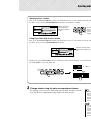
1
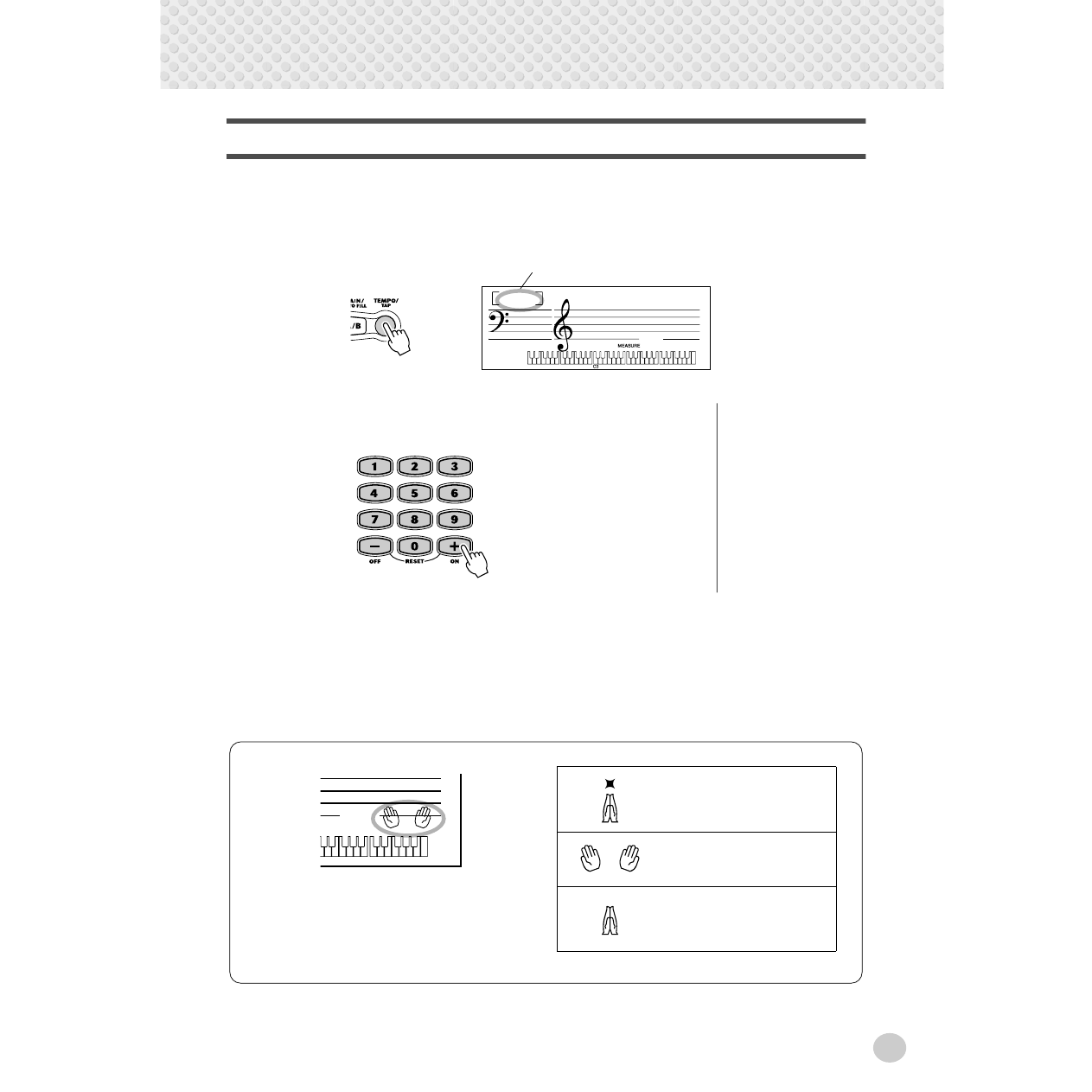
Press the [TEMPO/TAP] button.
2
Change the value.
Use the numeric keypad to set the desired Tempo value, or use the [+]/[-]
buttons to increase or decrease the value.
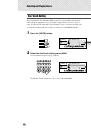
The PSR-175/172 also has a convenient Tap Tempo function that allows you
to “tap” a new tempo in real time. (See page 44.)
Current Tempo value
TEMPO
-04
120
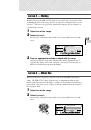
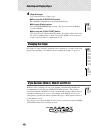
Resetting the Tempo Value
Each song and style has been
given a default or standard Tempo
setting. You can instantly restore
this default Tempo setting by press-
ing both [+]/[-] buttons simulta-
neously (when Tempo is selected).
Also, the tempo of a song or style
returns to the default setting when
selecting a different song or style.
(The set tempo remains, however,
when switching styles during play-
back except when OTS is on.)
When you turn on the power of the
PSR-175/172, the tempo is auto-
matically set to 116 bpm.
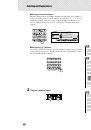
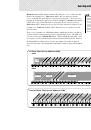
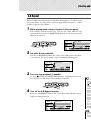
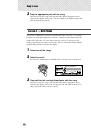
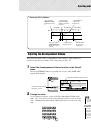
About the Beat Display
This section of the display provides a convenient, easy-
to-understand indication of the rhythm — for song and
style playback. The flashing “handclap” icons indicate
both the downbeats and upbeats of a measure as fol-
lows:
002
SURE
Indicates the first beat of the mea-
sure (downbeat)
Indicates an upbeat
Indicates a downbeat (other than
the first beat)
Оглавление инструкции
- Cover
- PRECAUTIONS
- Contents
- Panel Controls and Terminals
- Setting Up
- Quick Guide
- Getting Started — Playing the Demo Songs
- Panel Display Indications
- Portable Grand
- DJ
- Selecting and Playing Voices
- Selecting and Playing Songs
- Song Lesson
- Talking
- Dictionary
- Selecting and Playing Styles
- MIDI
- Troubleshooting
- Voice List
- Drum Kit List
- Style List & Multi pads
- MIDI Implementation Chart
- Specifications
- Index