Инструкция для Yamaha PSR-175
 1
 2
 3
 4
 5
 6
 7
 8
 9
 10
 11
 12
 13
 14
 15
 16
 17
 18
 19
 20
 21
 22
 23
 24
 25
 26
 27
 28
 29
 30
 31
 32
 33
 34
 35
 36
 37
 38
 39
 40
 41
 42
 43
 44
 45
 46
 47
 48
 49
 50
 51
 52
 53
 54
 55
 56
 57
 58
 59
 60
 61
 62
 63
 64
16
Quick
Guide
GrandPno
z
z
v
x
x
z
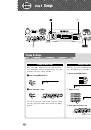
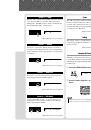
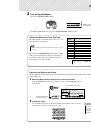
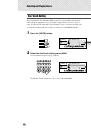
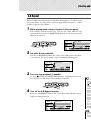
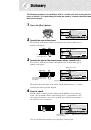
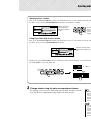
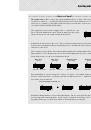
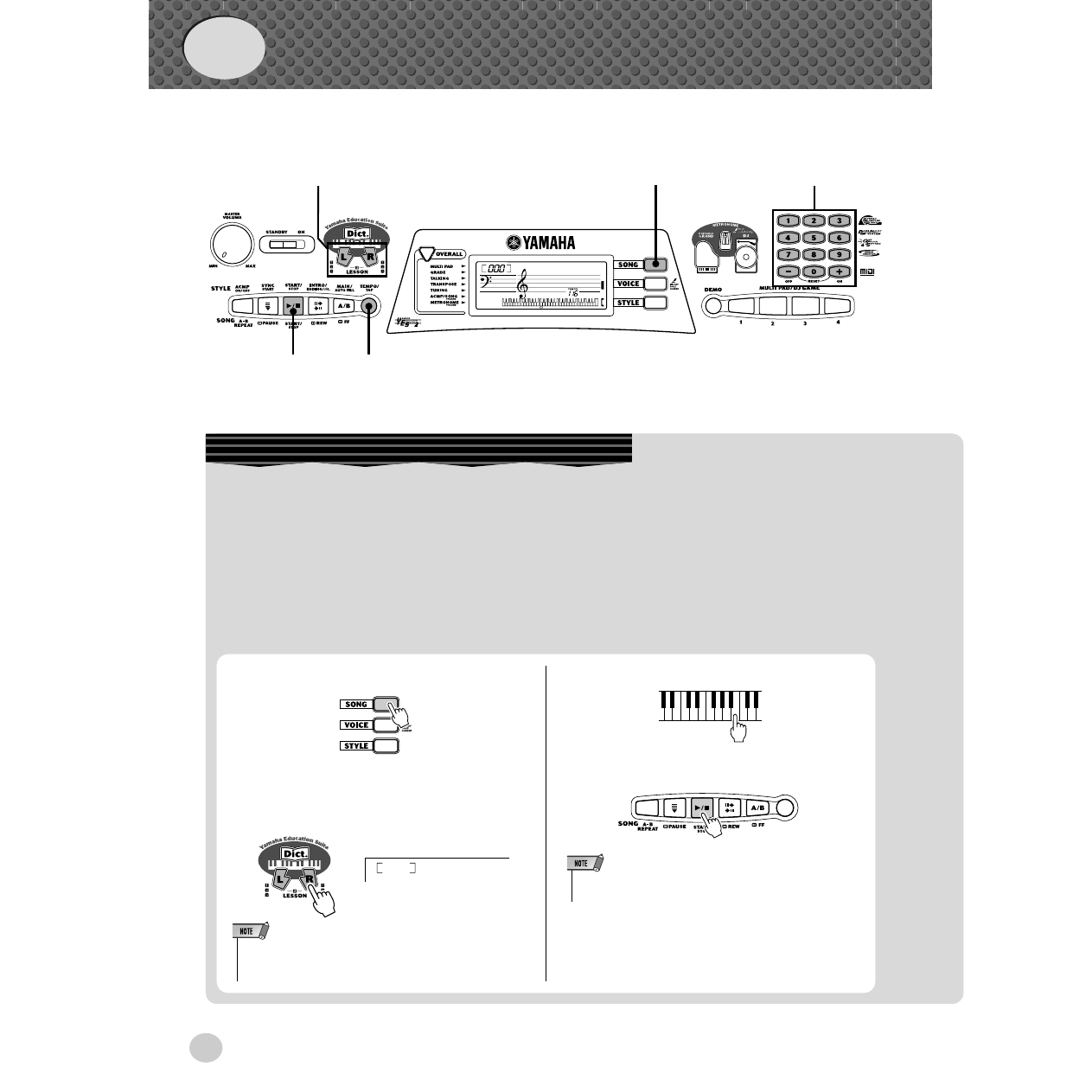
Select one of the Lesson songs.
For instructions on selecting songs, see page 29.
x
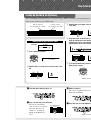
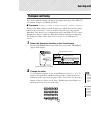
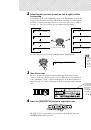
Select the part you wish to work on (left or
right) and the Lesson step.
If you want to work on the right-hand part, press the
[R] button; to work on the left, press the [L] button.
Timing
r1
• Each press of the corresponding button ([L] or [R]) alternately selects
Lessons 1 - 3. Pressing both buttons simultaneously calls up Lesson
4, Both Hands.
Using the Lesson Feature
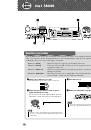
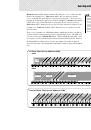
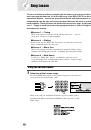
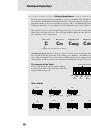
All of the PSR-175/172 songs can be used with the educational Lesson feature. Lesson makes it fun and easy to master these
songs. You can practice the left- and right-hand parts of each song individually: simply press the appropriate button, [L] (left)
or [R] (right). The practice steps below apply to either hand.
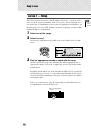
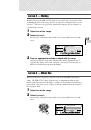
Lesson 1 — Timing
. . . . . . . . .This lesson step lets you practice just the timing of the notes.
Lesson 2 — Waiting
. . . . . . . .In this lesson step, the PSR-175/172 waits for you to play the correct notes before continu-
ing playback of the song.
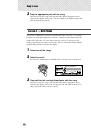
Lesson 3 — Minus One
. . . . .This lesson step plays back the song with one part muted — letting you play and master the
missing part yourself.
Lesson 4 — Both Hands
. . . . .This lesson step is the same as “Minus One,” except in that both the left- and right-hand
parts are muted — letting you play and master both hands.
c
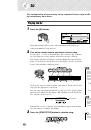
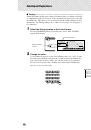
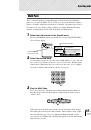
Start the Lesson.
v
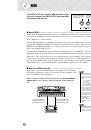
When you’re finished, stop the Lesson.
• You can also exit from the Lesson by pressing one of the LESSON
buttons ([L] or [R]) repeatedly until “OFF” is shown in the display.
Step 4
Lesson
Оглавление инструкции
- Cover
- PRECAUTIONS
- Contents
- Panel Controls and Terminals
- Setting Up
- Quick Guide
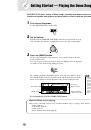
- Getting Started — Playing the Demo Songs
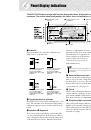
- Panel Display Indications
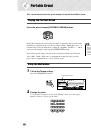
- Portable Grand
- DJ
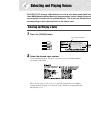
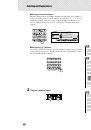
- Selecting and Playing Voices
- Selecting and Playing Songs
- Song Lesson
- Talking
- Dictionary
- Selecting and Playing Styles
- MIDI
- Troubleshooting
- Voice List
- Drum Kit List
- Style List & Multi pads
- MIDI Implementation Chart
- Specifications
- Index