Инструкция для Yamaha PSR-175
 1
 2
 3
 4
 5
 6
 7
 8
 9
 10
 11
 12
 13
 14
 15
 16
 17
 18
 19
 20
 21
 22
 23
 24
 25
 26
 27
 28
 29
 30
 31
 32
 33
 34
 35
 36
 37
 38
 39
 40
 41
 42
 43
 44
 45
 46
 47
 48
 49
 50
 51
 52
 53
 54
 55
 56
 57
 58
 59
 60
 61
 62
 63
 64
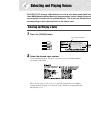
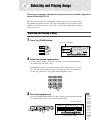
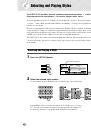
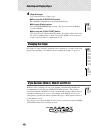
Selecting and Playing Styles
46
4
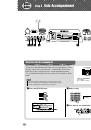
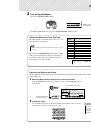
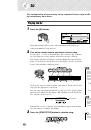
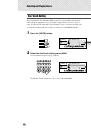
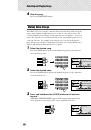
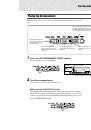
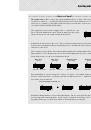
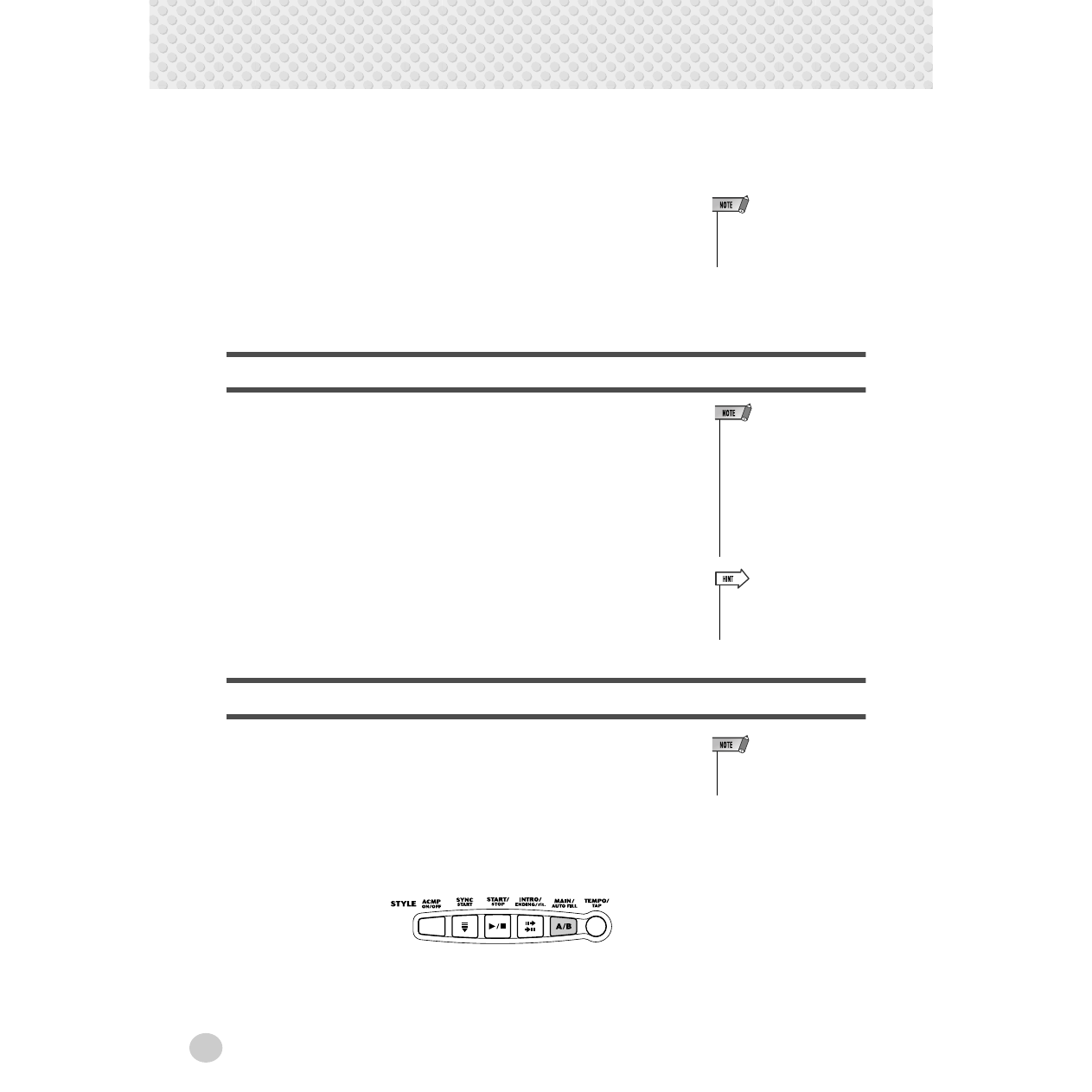
Stop the style.
You can do this in one of three ways:
■
Pressing the [START/STOP] button
The rhythm/accompaniment stops playing immediately.
■
Using an Ending section
Press the [INTRO/ENDING/rit.] button. The style stops after the Ending
section is finished.
■
Pressing the [SYNC START] button
This stops the style and automatically enables Sync Start, letting you re-start
the style by simply playing a chord or key in the ACMP section of the key-
board (or any key when accompaniment is off).
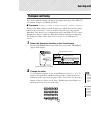
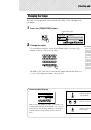
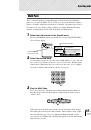
Changing the Tempo
The Tempo of song (and style) playback can be adjusted over a range of 40 - 240
bpm (beats per minute). For instructions on changing the Tempo, see page 31.
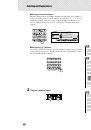
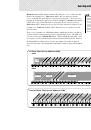
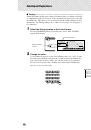
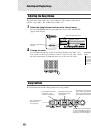
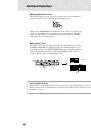
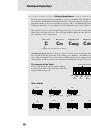
Style Sections (Main A, Main B) and Fill-ins
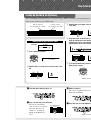
While the style is playing you can create dynamic variation in the rhythm and
accompaniment by pressing the [MAIN/AUTO FILL] button. This switches
between the Main A and Main B sections, automatically playing a fill-in pattern to
smoothly lead into the next section. For example, if the Main A section is cur-
rently playing, pressing this button automatically plays a fill-in pattern, followed
by the Main B section.
You can also select either the Main A or B section to start by pressing the [MAIN/
AUTO FILL] button before starting the style.
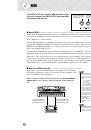
• To have the Ending section grad-
ually slow down (ritardando) as it
is playing, press the [INTRO/
ENDING/rit.] button twice quickly.
• Each style has been given a
default or standard tempo. When
style playback is stopped and a
different style is selected, the
tempo returns to the default set-
ting of the new style. When
switching styles during playback,
the last tempo setting is main-
tained. (This allows you to keep
the same tempo, even when
changing styles.)
• You can also use the convenient
Tap Tempo function to change
the tempo by “tapping” a new one
in real time. (See page 44.)
• Fill-in patterns are not available
when one of the Pianist styles
(#081 - #100) are selected.
Оглавление инструкции
- Cover
- PRECAUTIONS
- Contents
- Panel Controls and Terminals
- Setting Up
- Quick Guide
- Getting Started — Playing the Demo Songs
- Panel Display Indications
- Portable Grand
- DJ
- Selecting and Playing Voices
- Selecting and Playing Songs
- Song Lesson
- Talking
- Dictionary
- Selecting and Playing Styles
- MIDI
- Troubleshooting
- Voice List
- Drum Kit List
- Style List & Multi pads
- MIDI Implementation Chart
- Specifications
- Index