Инструкция для Yamaha PSR-175
 1
 2
 3
 4
 5
 6
 7
 8
 9
 10
 11
 12
 13
 14
 15
 16
 17
 18
 19
 20
 21
 22
 23
 24
 25
 26
 27
 28
 29
 30
 31
 32
 33
 34
 35
 36
 37
 38
 39
 40
 41
 42
 43
 44
 45
 46
 47
 48
 49
 50
 51
 52
 53
 54
 55
 56
 57
 58
 59
 60
 61
 62
 63
 64
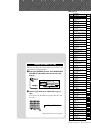
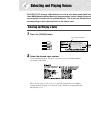
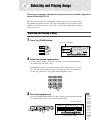
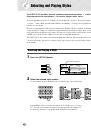
Selecting and Playing Songs
30
4
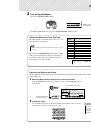
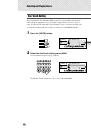
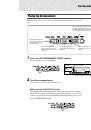
Stop the song.
Press the [START/STOP] button.
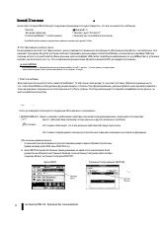
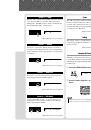
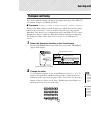
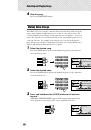
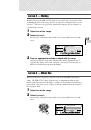
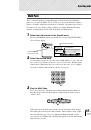
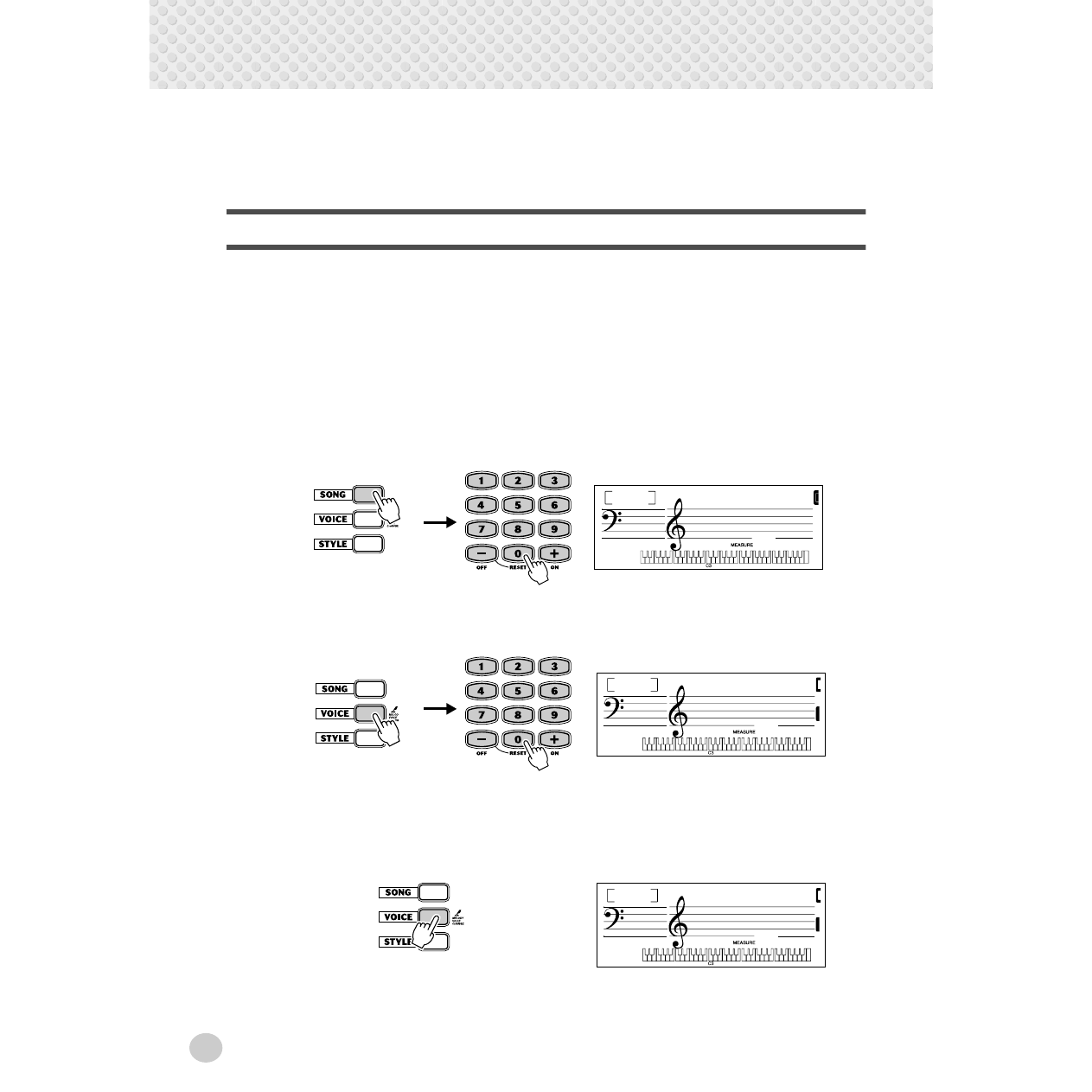
Melody Voice Change
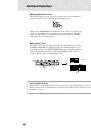
The PSR-175/172 lets you play a melody on the keyboard along with each of the
songs, either with the original melody voice or one of your own selection. The
convenient Melody Voice Change feature takes this one step further — it lets you
replace the original voice used for the melody of the song with the panel voice of
your own selection. For example, if the current voice selected on the panel is
piano but the song’s melody is being played by a flute voice, using Melody Voice
Change will change the flute melody voice to piano.
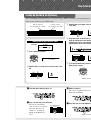
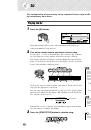
1
Select the desired song.
Press the [SONG] button, then use the numeric keypad or [+]/[-] buttons to
select the desired song.
2
Select the desired voice.
Press the [VOICE] button, then use the numeric keypad or [+]/[-] buttons to
select the desired voice.
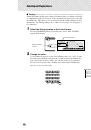
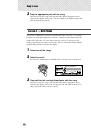
3
Press and hold down the [VOICE] button for at least one
second.
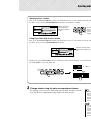
“MELODY VOICE CHANGE” appears in the display, indicating that the
selected panel voice has replaced the song’s original melody voice.
FurElise
001
006
GrandPno
001
001
MELODY V
001
001
Оглавление инструкции
- Cover
- PRECAUTIONS
- Contents
- Panel Controls and Terminals
- Setting Up
- Quick Guide
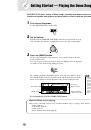
- Getting Started — Playing the Demo Songs
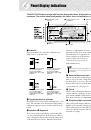
- Panel Display Indications
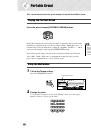
- Portable Grand
- DJ
- Selecting and Playing Voices
- Selecting and Playing Songs
- Song Lesson
- Talking
- Dictionary
- Selecting and Playing Styles
- MIDI
- Troubleshooting
- Voice List
- Drum Kit List
- Style List & Multi pads
- MIDI Implementation Chart
- Specifications
- Index