Инструкция для Yamaha PSR-175
 1
 2
 3
 4
 5
 6
 7
 8
 9
 10
 11
 12
 13
 14
 15
 16
 17
 18
 19
 20
 21
 22
 23
 24
 25
 26
 27
 28
 29
 30
 31
 32
 33
 34
 35
 36
 37
 38
 39
 40
 41
 42
 43
 44
 45
 46
 47
 48
 49
 50
 51
 52
 53
 54
 55
 56
 57
 58
 59
 60
 61
 62
 63
 64
Selecting and Playing Styles
44
■
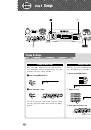
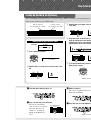
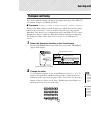
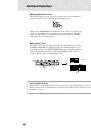
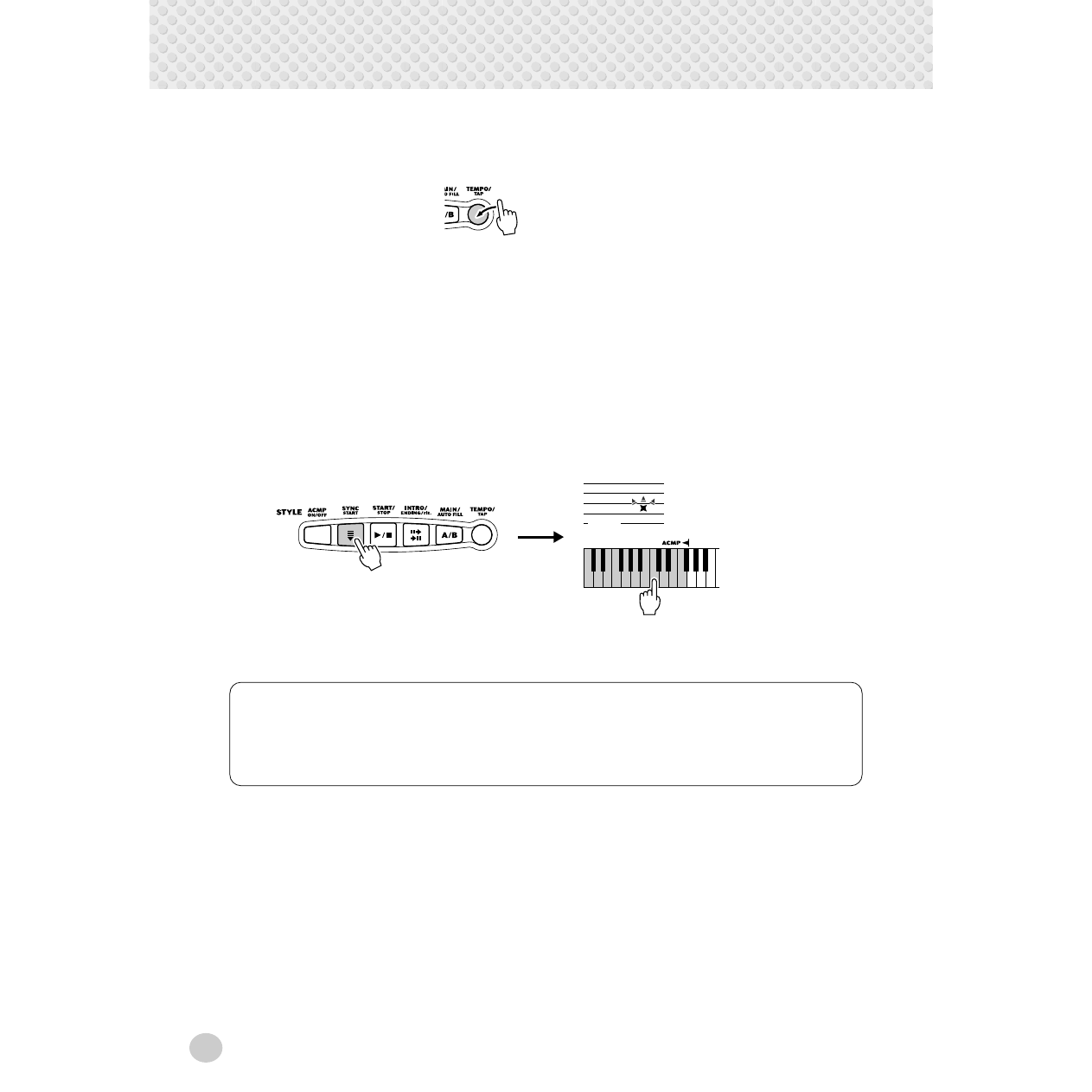
Using Tap Tempo to start
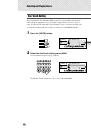
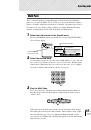
This useful feature lets you tap out the speed (tempo) of the auto accompaniment
and automatically start the accompaniment at that tapped speed.
Simply tap the [TEMPO/TAP] button four times (or three times for a 3/4 time style),
and the accompaniment starts automatically at the tempo you tapped. You can also
change the tempo while the accompaniment is playing by tapping the [TEMPO/
TAP] button twice at the desired tempo.
■
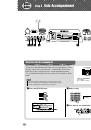
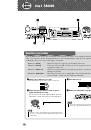
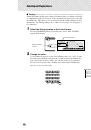
Using Sync Start
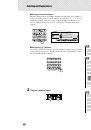
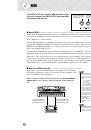
The PSR-175/172 also has a Sync Start function that allows you to start the
rhythm/accompaniment by simply pressing a key on the keyboard. To use
Sync Start, first press the [SYNC START] button (the icon flashes to indicate
Sync Start stand-by), then press any key in the ACMP section of the key-
board (or any key when accompaniment is off).
TEMPO
116
Icon flases
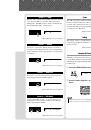
About the Beat Display
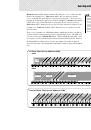
The handclap icon in the display flashes in time with the current tempo during playback of a style (or song). The
flashing pattern provides a visual indication of both the tempo and time signature of the style or song. (For more
information, see page 31.)
Оглавление инструкции
- Cover
- PRECAUTIONS
- Contents
- Panel Controls and Terminals
- Setting Up
- Quick Guide
- Getting Started — Playing the Demo Songs
- Panel Display Indications
- Portable Grand
- DJ
- Selecting and Playing Voices
- Selecting and Playing Songs
- Song Lesson
- Talking
- Dictionary
- Selecting and Playing Styles
- MIDI
- Troubleshooting
- Voice List
- Drum Kit List
- Style List & Multi pads
- MIDI Implementation Chart
- Specifications
- Index