Инструкция для Yamaha PSR-175
 1
 2
 3
 4
 5
 6
 7
 8
 9
 10
 11
 12
 13
 14
 15
 16
 17
 18
 19
 20
 21
 22
 23
 24
 25
 26
 27
 28
 29
 30
 31
 32
 33
 34
 35
 36
 37
 38
 39
 40
 41
 42
 43
 44
 45
 46
 47
 48
 49
 50
 51
 52
 53
 54
 55
 56
 57
 58
 59
 60
 61
 62
 63
 64
22
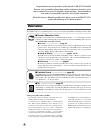
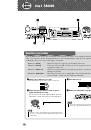
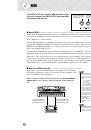
DJ
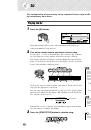
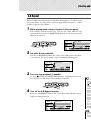
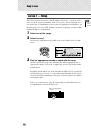
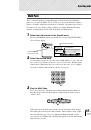
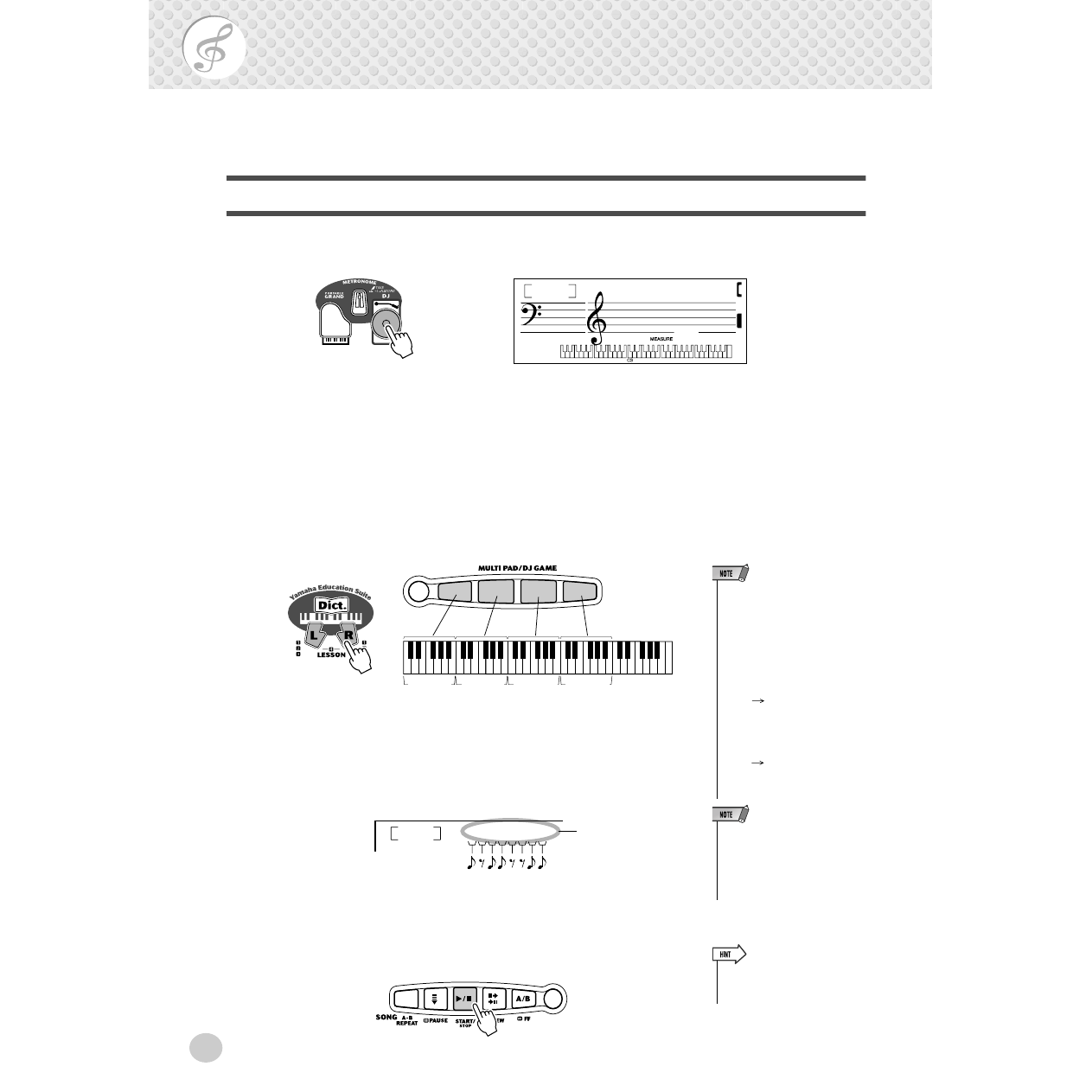
This exciting feature lets you instantly call up a dynamic DJ voice, style and DJ GAME for play-
ing contemporary dance music.
Playing the DJ
1
Press the [DJ] button.
Doing this automatically resets the entire instrument for playing the spe-
cially programmed DJ song and voice.
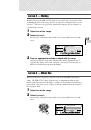
2
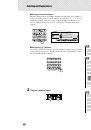
Turn on the Lesson feature, and select a Lesson step.
Lesson steps 1 - 3 can be used with DJ play. Press either the [L] or [R] but-
ton, repeatedly if necessary, until the desired Lesson step is called up.
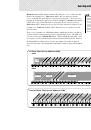
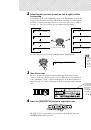
You can play with the DJ feauture by using the Multi pads or the keyboard.
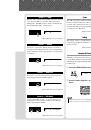
In the case of the keyboard, the DJ voice is divided into “blocks” (as shown
below). Each block has a different sound.
For Lesson 1, any note on the keyboard can be played. For the other Lesson
steps, play the appropriate octave block.
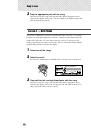
Once the song starts playing and the DJ “teacher” says “Go,” play the appro-
priate block as indicated in the display. (When Talking is on, the blocks are
also “announced” in Lesson 2.)
When the DJ “teacher” is playing, the block numbers appear in the display
one after another according to the rhythm.
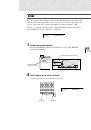
3
Press the [START/STOP] button to stop the song.
DJvoice1
001
098
Block #1
Block #4
Block #2
Block #3
Block number
1 32
33
r1
• If two sixteenth notes are to be
played, the appropriate block
numbers appear successively at
the same position. If the same
block is to be played twice as six-
teenth notes, an equal sign
appears after the block number
(as shown below).
Indicates that the
third block and first
block are to be
played as succe-
sive sixteenth notes.
Indicates that the
third block is to be
played as two six-
teenth notes.
• Since there are no left or right
parts in the DJ song, the [L] and
[R] buttons can be used inter-
changeably. Also for the same
reason, Lesson 3 and Lesson 4
are identical.
3
=
3
1
• Try playing one of the special DJ
voices (#098, #099) with the DJ
song. (See page 25.)
Оглавление инструкции
- Cover
- PRECAUTIONS
- Contents
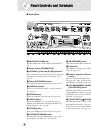
- Panel Controls and Terminals
- Setting Up
- Quick Guide
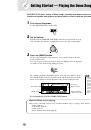
- Getting Started — Playing the Demo Songs
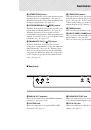
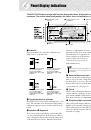
- Panel Display Indications
- Portable Grand
- DJ
- Selecting and Playing Voices
- Selecting and Playing Songs
- Song Lesson
- Talking
- Dictionary
- Selecting and Playing Styles
- MIDI
- Troubleshooting
- Voice List
- Drum Kit List
- Style List & Multi pads
- MIDI Implementation Chart
- Specifications
- Index