Инструкция для Yamaha PSR-175
 1
 2
 3
 4
 5
 6
 7
 8
 9
 10
 11
 12
 13
 14
 15
 16
 17
 18
 19
 20
 21
 22
 23
 24
 25
 26
 27
 28
 29
 30
 31
 32
 33
 34
 35
 36
 37
 38
 39
 40
 41
 42
 43
 44
 45
 46
 47
 48
 49
 50
 51
 52
 53
 54
 55
 56
 57
 58
 59
 60
 61
 62
 63
 64
Song Lesson
37
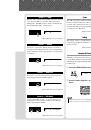
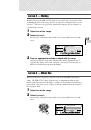
Lesson 2 — Waiting
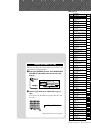
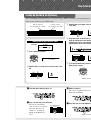
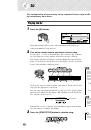
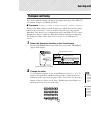
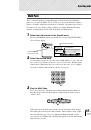
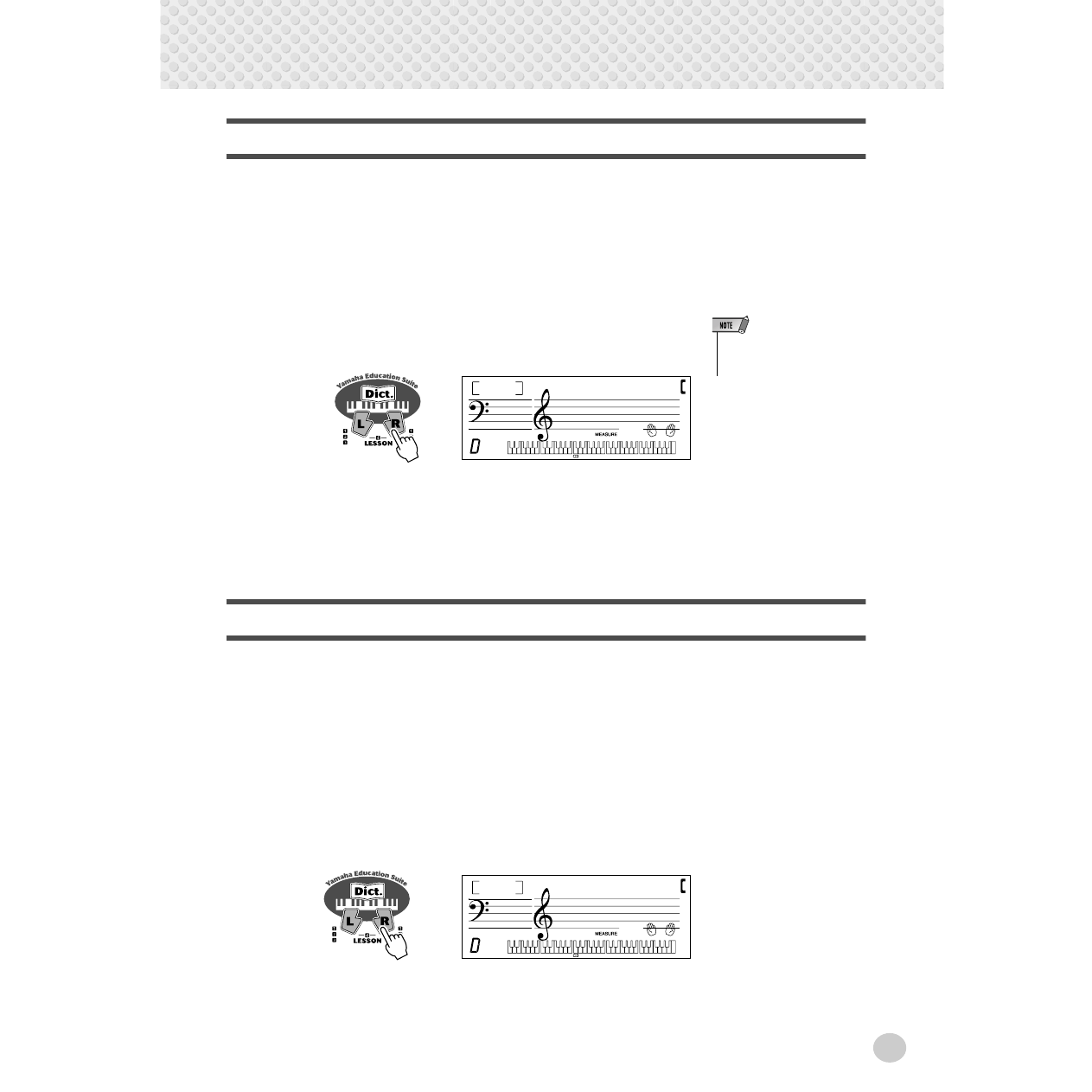
In this lesson step, the PSR-175/172 waits for you to play the correct notes before
continuing playback of the song. This lets you practice reading the music at your
own pace. The notes to be played are shown in the display, one after another, as
you play them correctly.
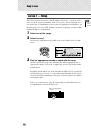
1
Select one of the songs.
2
Select Lesson 2.
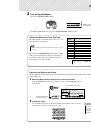
Press the [L] or [R] button (repeatedly, if necessary) until Lesson 2 is indi-
cated.
3
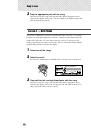
Play the appropriate melody or chord with the song.
After the lead-in, the song starts automatically, and the appropriate notes
appear in the display. In Lesson 2, play the correct notes at your own pace,
until you can master playing them in rhythm.
Lesson 3 — Minus One
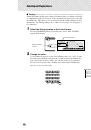
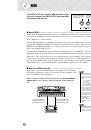
This lesson step lets you practice one part of the song in rhythm at the proper
tempo. The PSR-175/172 plays back the song accompaniment with one part
muted (either the left part or the right)— letting you play and master the missing
part yourself. The notes you are to play are shown continuously in the display as
the song plays back.
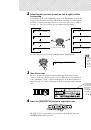
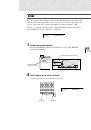
1
Select one of the songs.
2
Select Lesson 3.
Press the [L] or [R] button (repeatedly, if necessary) until Lesson 3 is indi-
cated.
• Depending on the selected song,
the rhythm part may be muted for
Lesson 2.
m
Waiting
-04
r2
m
MinusOne
-04
r3
Оглавление инструкции
- Cover
- PRECAUTIONS
- Contents
- Panel Controls and Terminals
- Setting Up
- Quick Guide
- Getting Started — Playing the Demo Songs
- Panel Display Indications
- Portable Grand
- DJ
- Selecting and Playing Voices
- Selecting and Playing Songs
- Song Lesson
- Talking
- Dictionary
- Selecting and Playing Styles
- MIDI
- Troubleshooting
- Voice List
- Drum Kit List
- Style List & Multi pads
- MIDI Implementation Chart
- Specifications
- Index