Инструкция для Yamaha PSR-175
 1
 2
 3
 4
 5
 6
 7
 8
 9
 10
 11
 12
 13
 14
 15
 16
 17
 18
 19
 20
 21
 22
 23
 24
 25
 26
 27
 28
 29
 30
 31
 32
 33
 34
 35
 36
 37
 38
 39
 40
 41
 42
 43
 44
 45
 46
 47
 48
 49
 50
 51
 52
 53
 54
 55
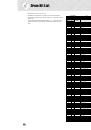 56
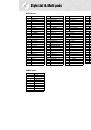 57
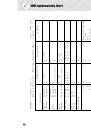 58
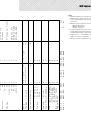 59
 60
 61
 62
 63
 64
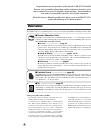
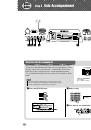
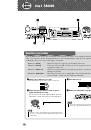
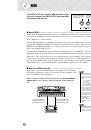
Step 3 Auto Accompaniment
15
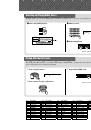
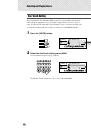
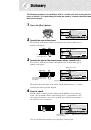
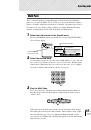
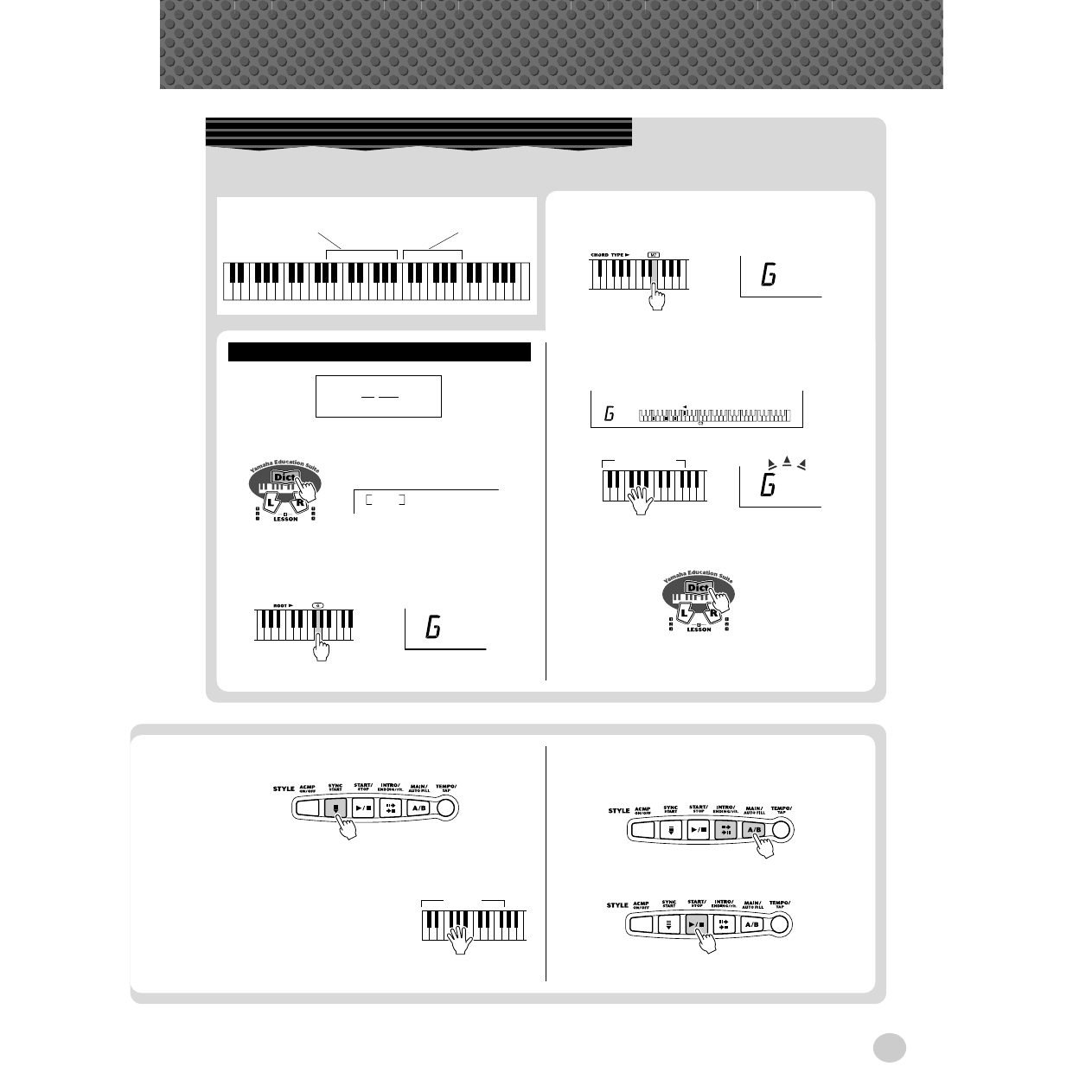
Looking up Chords in the Dictionary
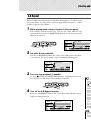
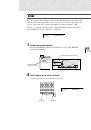
The convenient Dictionary function teaches you how to play chords by showing you the individual notes. In the example
below, we’ll learn how to play a GM7 chord...
Keys for entering
the chord type (A2 — B
b
3)
Keys for entering
the chord root (C4 — B4)
z
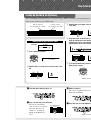
Press the [Dict.] button.
x
Specify the root note of the chord (in this case,
G).
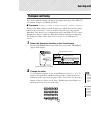
Learning how to play a specific chord
G M
7
Root note Chord type
Example:
Dict.
c
Specify the chord type of the chord (in this
case, M7).
v
Play the notes of the chord as indicated in the
keyboard diagram in the display. The chord
name flashes and “congratulation” melody is
played when the chord is played properly.
b
To leave the Dictionary function, press the
[Dict.] button again.
Want to find out more? See page 41.
7
M
7
M
ACMP
ON
7
M
Chord area
v
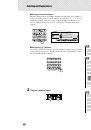
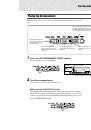
Turn the Sync Start function on.
b
Play a chord with your left hand.
The auto accompaniment
starts as soon as you play the
keyboard. For more on
chords, see “Looking up
Chords in the Dictionary”
above.
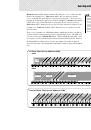
Accompaniment
section
n
Select a section.
The auto accompaniment has four sections: Intro,
Main A/B, and Ending.
m
Stop the auto accompaniment.
Оглавление инструкции
- Cover
- PRECAUTIONS
- Contents
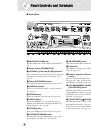
- Panel Controls and Terminals
- Setting Up
- Quick Guide
- Getting Started — Playing the Demo Songs
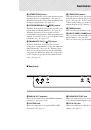
- Panel Display Indications
- Portable Grand
- DJ
- Selecting and Playing Voices
- Selecting and Playing Songs
- Song Lesson
- Talking
- Dictionary
- Selecting and Playing Styles
- MIDI
- Troubleshooting
- Voice List
- Drum Kit List
- Style List & Multi pads
- MIDI Implementation Chart
- Specifications
- Index