Инструкция для Yamaha PSR-175
 1
 2
 3
 4
 5
 6
 7
 8
 9
 10
 11
 12
 13
 14
 15
 16
 17
 18
 19
 20
 21
 22
 23
 24
 25
 26
 27
 28
 29
 30
 31
 32
 33
 34
 35
 36
 37
 38
 39
 40
 41
 42
 43
 44
 45
 46
 47
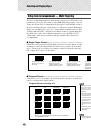 48
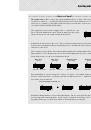 49
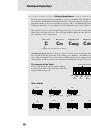 50
 51
 52
 53
 54
 55
 56
 57
 58
 59
 60
 61
 62
 63
 64
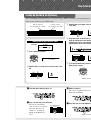
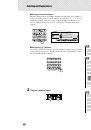
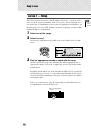
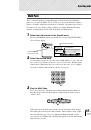
Song Lesson
35
2
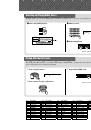
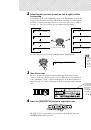
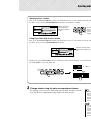
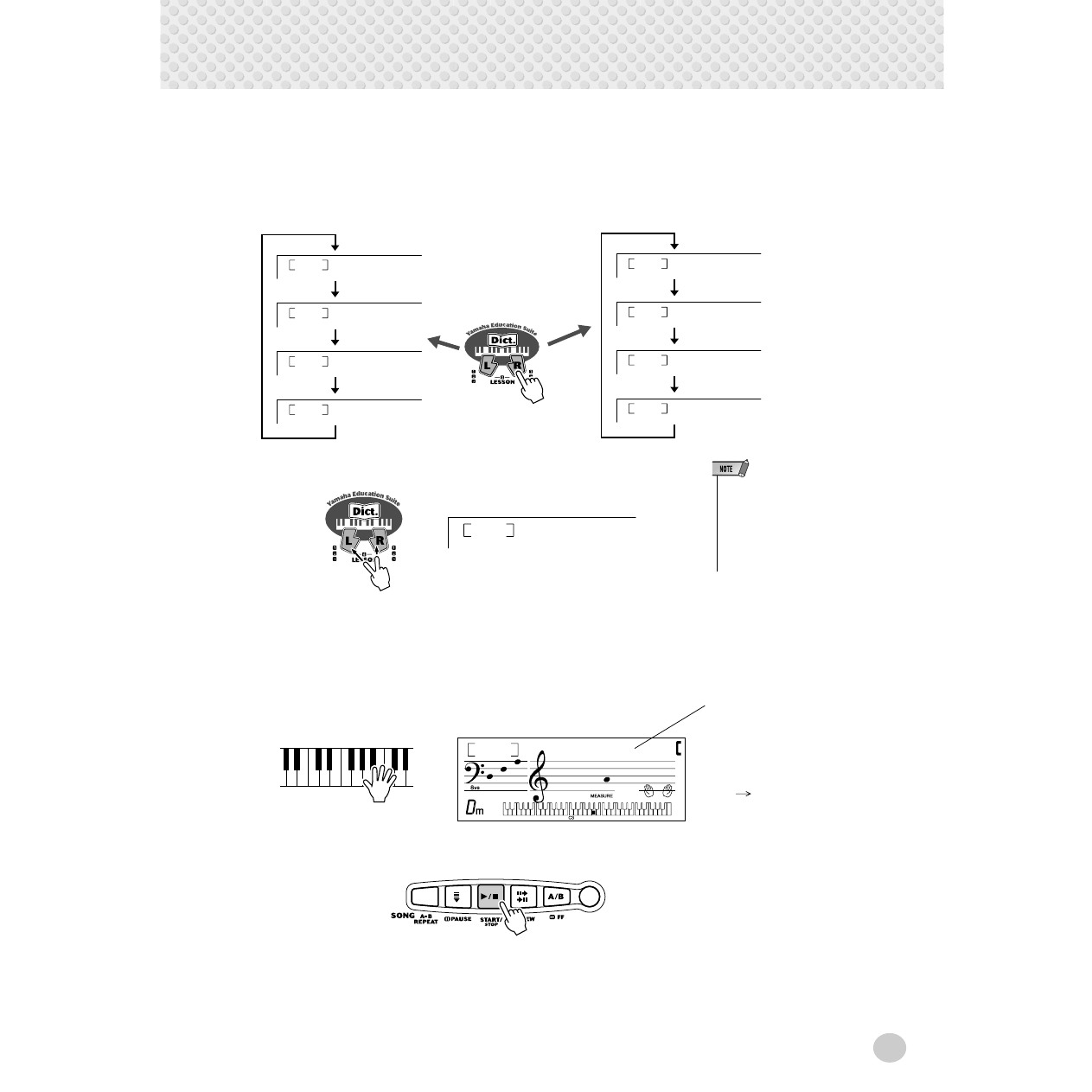
Select the part you wish to work on (left or right) and the
Lesson step.
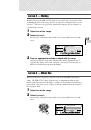
If you want to work on the right-hand part, press the [R] button; to work on the
left, press the [L] button. Pressing either button repeatedly cycles through the
available Lesson steps in order: Lesson 1
→
Lesson 2
→
Lesson 3
→
Off
→
Lesson 1, etc. The selected Lesson step is indicated in the display.
To select Lesson 4, press both [L] and [R] buttons simultaneously.
3
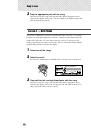
Start the Lesson.
The Lesson and song playback start automatically (following a lead-in
count) as soon as the Lesson step is selected. When the Lesson is finished,
your performance “grade” is shown in the display (if the Grade function is
turned on; page 39). After a short pause, the Lesson begins again automati-
cally.
4
Press the [START/STOP] button to stop the Lesson.
The PSR-175/172 exits from the Lesson feature automatically when the
[START/STOP] button is pressed.
Timing
r1
Waiting
r2
MinusOne
r3
FurElise
006
Timing
L 1
Waiting
L 2
MinusOne
L 3
FurElise
006
(Song Lesson off)
(Song Lesson off)
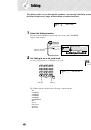
• When the Talking function (page
40) is on, the PSR-175/172
“announces” the current Lesson
step.
• When a DJ song is selected, the
left (L) and right (R) lessons are
identical.
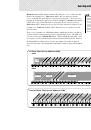
BothHand
Lr4
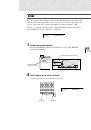
* **
*
001
r1
7
_
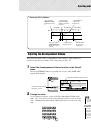
Asterisks appear indicating
the timing at which you should
play the notes. The line of
asterisks represents one full
measure. Sixteenth notes
are indicated by an alternating
asterisk and sharp sign.
Indicates that the
timing is to be
played as two six-
teen notes.
*
#
Оглавление инструкции
- Cover
- PRECAUTIONS
- Contents
- Panel Controls and Terminals
- Setting Up
- Quick Guide
- Getting Started — Playing the Demo Songs
- Panel Display Indications
- Portable Grand
- DJ
- Selecting and Playing Voices
- Selecting and Playing Songs
- Song Lesson
- Talking
- Dictionary
- Selecting and Playing Styles
- MIDI
- Troubleshooting
- Voice List
- Drum Kit List
- Style List & Multi pads
- MIDI Implementation Chart
- Specifications
- Index