Инструкция для Yamaha PSR-175
 1
 2
 3
 4
 5
 6
 7
 8
 9
 10
 11
 12
 13
 14
 15
 16
 17
 18
 19
 20
 21
 22
 23
 24
 25
 26
 27
 28
 29
 30
 31
 32
 33
 34
 35
 36
 37
 38
 39
 40
 41
 42
 43
 44
 45
 46
 47
 48
 49
 50
 51
 52
 53
 54
 55
 56
 57
 58
 59
 60
 61
 62
 63
 64
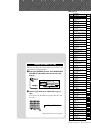
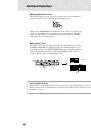
Selecting and Playing Voices
28
■
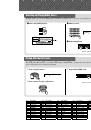
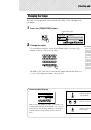
Tuning • • • • • • • • • • • • • • • • • • • • • • • • • • • • • • • • • • • • • • • • •
Tuning determines the fine pitch setting of both the main voice and the bass/chord
accompaniment of the selected style. It also determines the pitch of the songs and
the Multi Pads. This allows you to accurately match the tuning with that of other
instruments. The Tuning settings can be adjusted over a range of ± 50 (approx. ±
0.5 semitones).
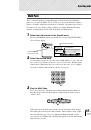
1
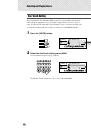
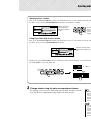
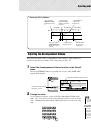
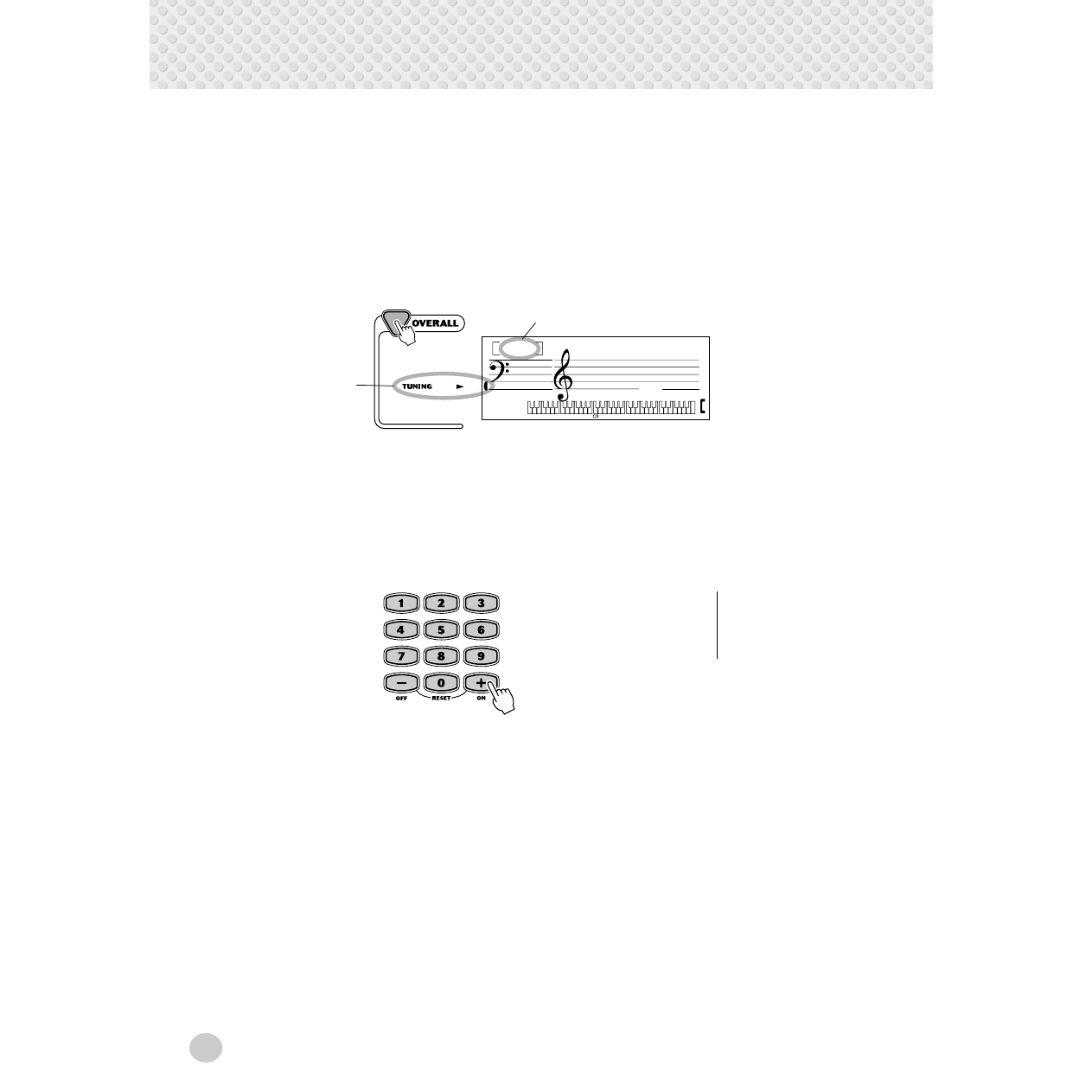
Select the Tuning function in the Overall menu.
Press the [OVERALL] button, repeatedly if necessary, until “TUNING”
appears in the display.
2
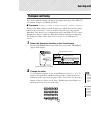
Change the value.
Use the numeric keypad to set the desired Tuning value (-50 - +50). To tune
the pitch down, simultaneously press the [-] button and use the numeric key-
pad to type in the (negative) value. You can also use the [+]/[-] buttons to
increase or decrease the value. Holding down either button continuously
increases or decreases the value.
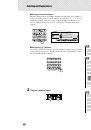
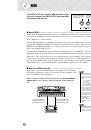
Current Tuning value
Indicates Tuning is
selected
TUNING
TEMPO
116
00
Resetting the Tuning Value
If you’ve changed the Tuning set-
ting, you can instantly restore the
default setting of “00” by pressing
both [+]/[-] buttons simultaneously
(when Tuning is selected).
Оглавление инструкции
- Cover
- PRECAUTIONS
- Contents
- Panel Controls and Terminals
- Setting Up
- Quick Guide
- Getting Started — Playing the Demo Songs
- Panel Display Indications
- Portable Grand
- DJ
- Selecting and Playing Voices
- Selecting and Playing Songs
- Song Lesson
- Talking
- Dictionary
- Selecting and Playing Styles
- MIDI
- Troubleshooting
- Voice List
- Drum Kit List
- Style List & Multi pads
- MIDI Implementation Chart
- Specifications
- Index