Инструкция для Yamaha PSR-175
 1
 2
 3
 4
 5
 6
 7
 8
 9
 10
 11
 12
 13
 14
 15
 16
 17
 18
 19
 20
 21
 22
 23
 24
 25
 26
 27
 28
 29
 30
 31
 32
 33
 34
 35
 36
 37
 38
 39
 40
 41
 42
 43
 44
 45
 46
 47
 48
 49
 50
 51
 52
 53
 54
 55
 56
 57
 58
 59
 60
 61
 62
 63
 64
29
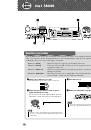
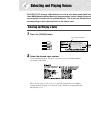
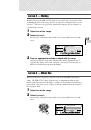
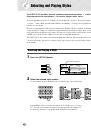
Selecting and Playing Songs
The Song mode features 100 special songs that have been created using the rich and dynamic
sounds of the PSR-175/172.
The songs are generally for your listening enjoyment; however, you can also play
along with them on the keyboard. The songs of the PSR-175/172 can also be used
with the powerful Lesson feature (page 34), a convenient tool that makes learning
songs fun and easy.
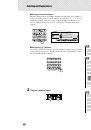
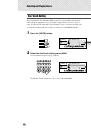
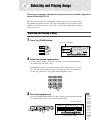
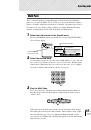
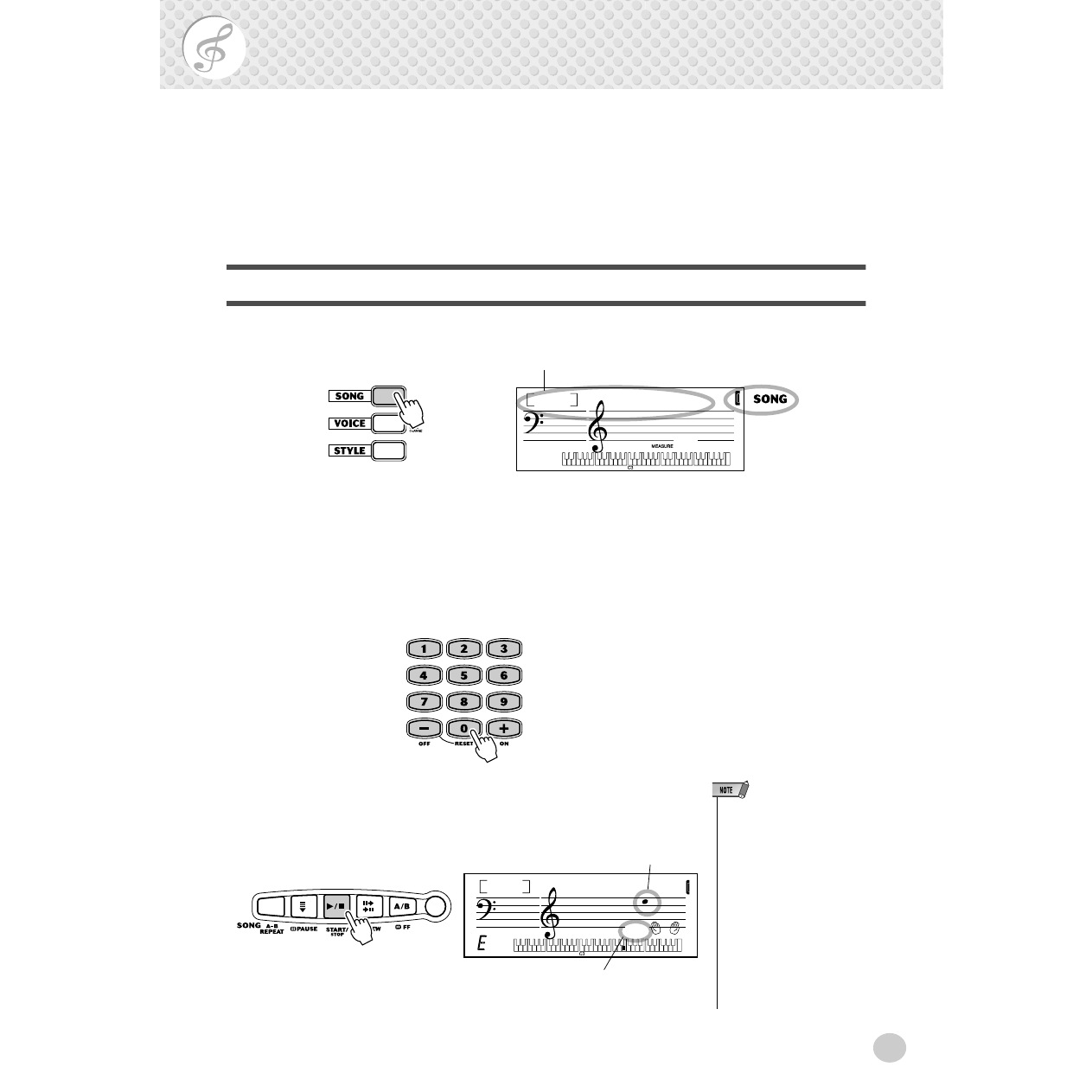
Selecting and Playing a Song
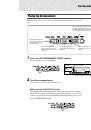
1
Press the [SONG] button.
2
Select the desired song number.
Use the numeric keypad. The basic categories of songs and their numbers
are shown at the left of the panel.
Song numbers can be selected in the same way as with the voices (see page
24). You can use the numeric keypad to directly enter the song number, or
use the [+]/[-] buttons to step up and down through the songs.
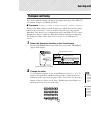
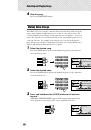
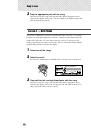
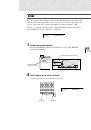
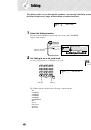
3
Start the selected song.
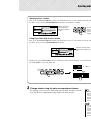
Press the [START/STOP] button. As the song plays back, the measure num-
ber, chords and melody notes are shown in the display.
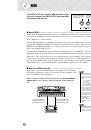
Song name and number
DemoSong
-02
001
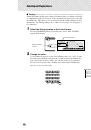
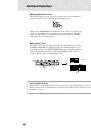
• You can play along with the song
using the currently selected
voice, or even select a different
voice for playing along. Simply
press the [VOICE] button while
the song is playing back and
select the desired voice. There’s
also a Melody Voice Change
function (below) that lets you
change the song’s melody voice
to the one currently selected
voice.
• The PSR-175/172 also has a
convenient Tap Tempo function
that allows you to "tap" a new
tempo in real time. (See page
44.)
Current measure number
Current melody note
MEASURE
FurElise
006
002
Оглавление инструкции
- Cover
- PRECAUTIONS
- Contents
- Panel Controls and Terminals
- Setting Up
- Quick Guide
- Getting Started — Playing the Demo Songs
- Panel Display Indications
- Portable Grand
- DJ
- Selecting and Playing Voices
- Selecting and Playing Songs
- Song Lesson
- Talking
- Dictionary
- Selecting and Playing Styles
- MIDI
- Troubleshooting
- Voice List
- Drum Kit List
- Style List & Multi pads
- MIDI Implementation Chart
- Specifications
- Index