Инструкция для Yamaha PSR-175
 1
 2
 3
 4
 5
 6
 7
 8
 9
 10
 11
 12
 13
 14
 15
 16
 17
 18
 19
 20
 21
 22
 23
 24
 25
 26
 27
 28
 29
 30
 31
 32
 33
 34
 35
 36
 37
 38
 39
 40
 41
 42
 43
 44
 45
 46
 47
 48
 49
 50
 51
 52
 53
 54
 55
 56
 57
 58
 59
 60
 61
 62
 63
 64
23
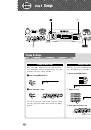
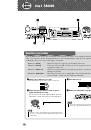
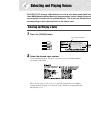
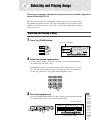
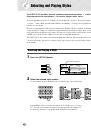
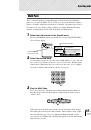
Selecting and Playing Voices
The PSR-175/172 features 100 authentic voices that have been created with Yamaha’s sophisti-
cated AWM (Advanced Wave Memory) tone generation system. Many of these voices also have
special preset characteristics or embellishments. The voices are divided into various catego-
ries depending on their characteristics or the effects used.
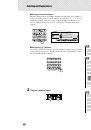
Selecting and Playing a Voice
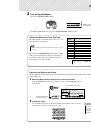
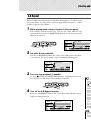
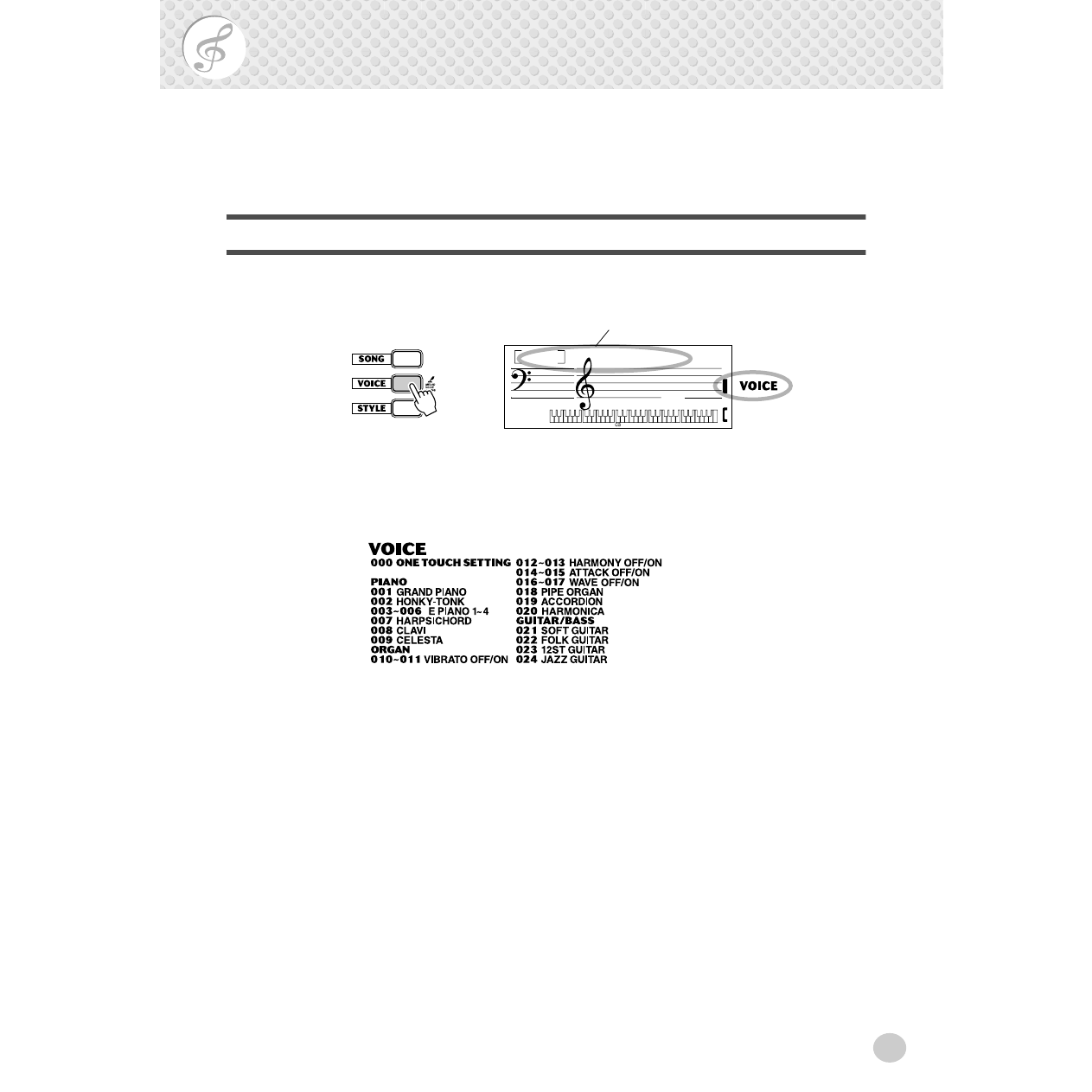
1
Press the [VOICE] button.
2
Select the desired voice number.
Use the numeric keypad. The basic categories of voices and their numbers
are shown on the panel.
There are two ways to select voices: 1) directly entering the voice number
with the numeric keypad, or 2) using the [+]/[-] buttons to step up and down
through the voices.
Voice name and number
GrandPno
TEMPO
116
000
Оглавление инструкции
- Cover
- PRECAUTIONS
- Contents
- Panel Controls and Terminals
- Setting Up
- Quick Guide
- Getting Started — Playing the Demo Songs
- Panel Display Indications
- Portable Grand
- DJ
- Selecting and Playing Voices
- Selecting and Playing Songs
- Song Lesson
- Talking
- Dictionary
- Selecting and Playing Styles
- MIDI
- Troubleshooting
- Voice List
- Drum Kit List
- Style List & Multi pads
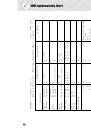
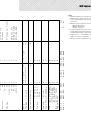
- MIDI Implementation Chart
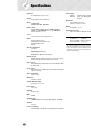
- Specifications
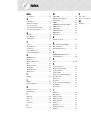
- Index