Инструкция для Yamaha PSR-175
 1
 2
 3
 4
 5
 6
 7
 8
 9
 10
 11
 12
 13
 14
 15
 16
 17
 18
 19
 20
 21
 22
 23
 24
 25
 26
 27
 28
 29
 30
 31
 32
 33
 34
 35
 36
 37
 38
 39
 40
 41
 42
 43
 44
 45
 46
 47
 48
 49
 50
 51
 52
 53
 54
 55
 56
 57
 58
 59
 60
 61
 62
 63
 64
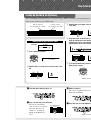
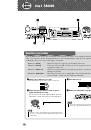
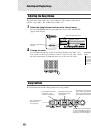
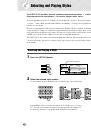
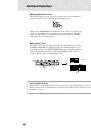
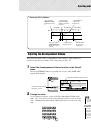
Selecting and Playing Songs
32
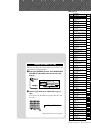
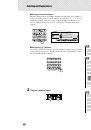
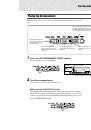
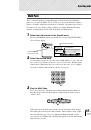
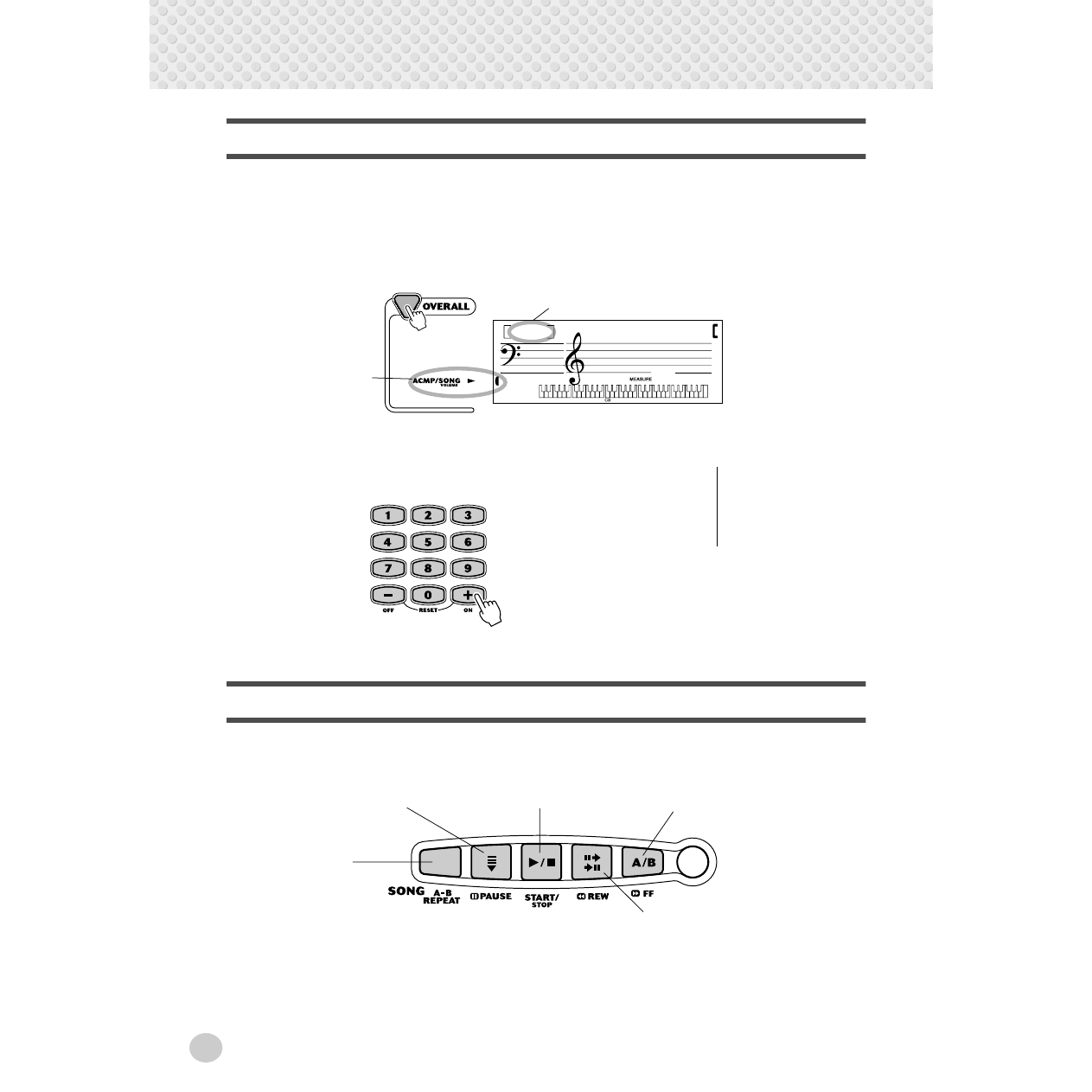
Adjusting the Song Volume
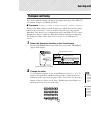
The playback volume of the song can be adjusted. This volume control affects
only the song volume. The volume range is 000 - 127.
1
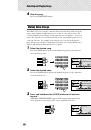
Select the Song Volume function in the Overall menu.
Press the [OVERALL] button, repeatedly if necessary, until “SONG VOL”
appears in the display.
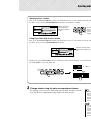
2
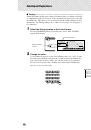
Change the value.
Use the numeric keypad to set the desired Song Volume value (000 - 127).
You can also use the [+]/[-] buttons to increase or decrease the value. Hold-
ing down either button continuously increases or decreases the value.
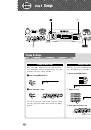
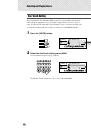
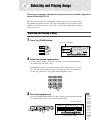
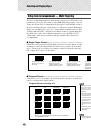
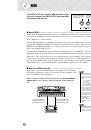
Song Controls
The panel buttons below the display function as song controls.
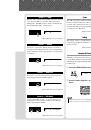
Indicates Song Volume is
selected
Current Song Volume value
SONG VOL
001
110
Resetting the Song Volume
Value
If you’ve changed the Song Volume
setting, you can instantly restore
the default setting of “110” by
pressing both [+]/[-] buttons simul-
taneously (when Song Volume is
selected).
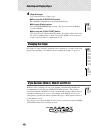
This controls the A-B
Repeat function.
(See page 33.)
Pressing this button alter-
nately pauses and
resumes song playback.
Pressing this button alter-
nately starts and stops
song playback.
This functions as a rewind button, stepping
in reverse through the measure numbers.
It can be used during playback, or when
playback is paused or stopped.
This functions as a fast-forward button, step-
ping in advance through the measure numbers.
It can be used during playback (with sound), or
when playback is paused or stopped.
Оглавление инструкции
- Cover
- PRECAUTIONS
- Contents
- Panel Controls and Terminals
- Setting Up
- Quick Guide
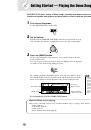
- Getting Started — Playing the Demo Songs
- Panel Display Indications
- Portable Grand
- DJ
- Selecting and Playing Voices
- Selecting and Playing Songs
- Song Lesson
- Talking
- Dictionary
- Selecting and Playing Styles
- MIDI
- Troubleshooting
- Voice List
- Drum Kit List
- Style List & Multi pads
- MIDI Implementation Chart
- Specifications
- Index