Инструкция для Yamaha PSR-175
 1
 2
 3
 4
 5
 6
 7
 8
 9
 10
 11
 12
 13
 14
 15
 16
 17
 18
 19
 20
 21
 22
 23
 24
 25
 26
 27
 28
 29
 30
 31
 32
 33
 34
 35
 36
 37
 38
 39
 40
 41
 42
 43
 44
 45
 46
 47
 48
 49
 50
 51
 52
 53
 54
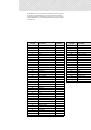 55
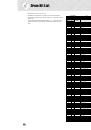 56
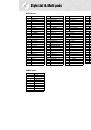 57
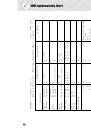 58
 59
 60
 61
 62
 63
 64
41
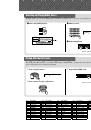
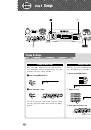
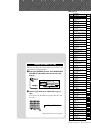
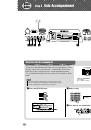
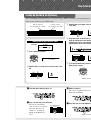
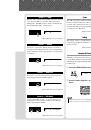
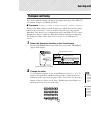
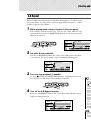
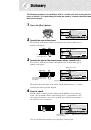
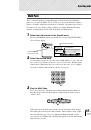
Dictionary
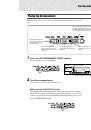
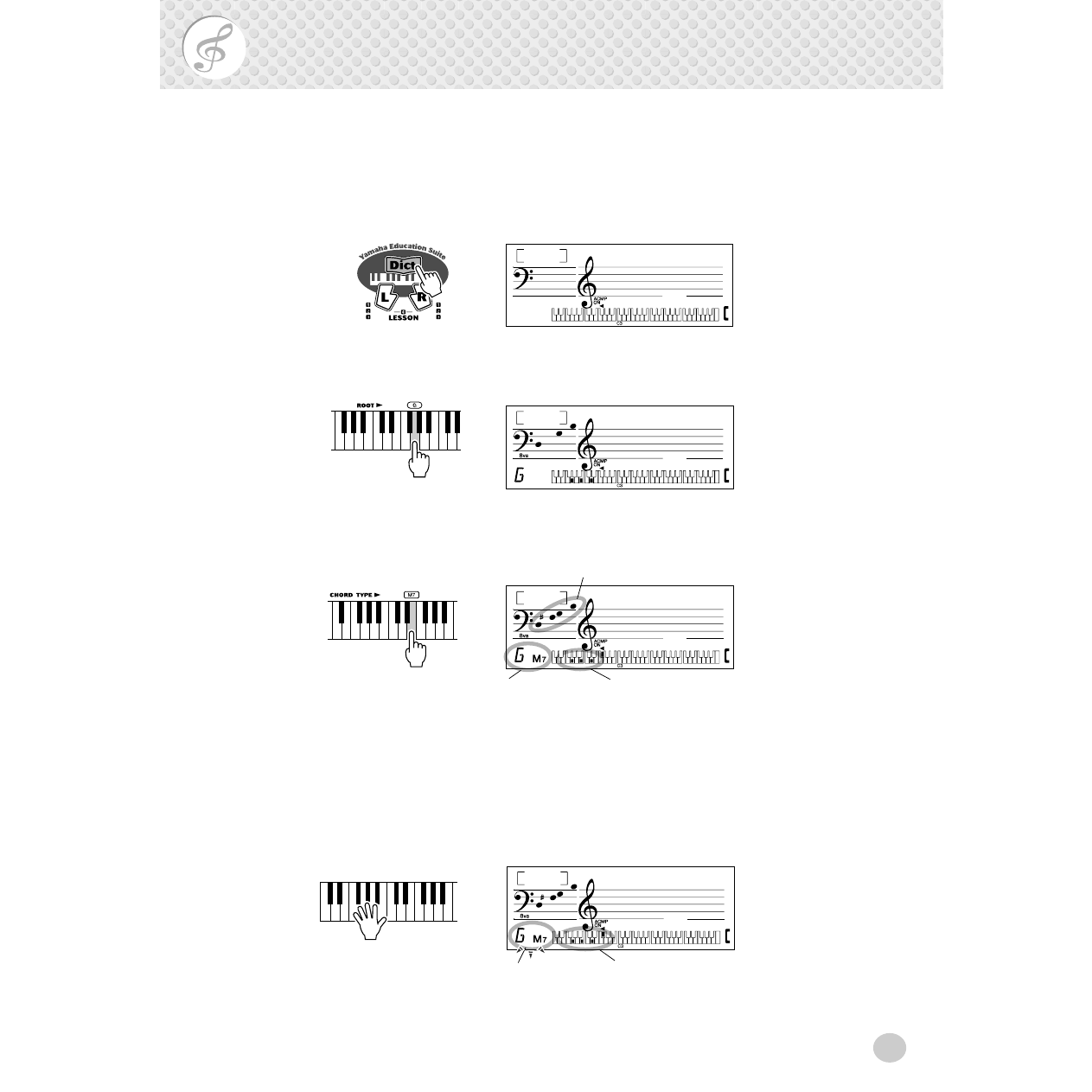
The Dictionary feature is essentially a built-in “chord book” that shows you the individual
notes of chords. It is ideal when you know the name of a certain chord and want to quickly
learn how to play it.
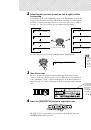
1
Press the [Dict.] button.
2
Specify the root of the chord.
Press the key on the keyboard that corresponds to the desired chord root (as
printed on the panel).
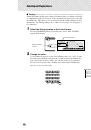
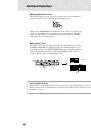
3
Specify the type of the chord (major, minor, seventh, etc.).
Press the key on the keyboard that corresponds to the desired chord type (as
printed on the panel).
The display shows the name of the chord, and the individual notes — both in
notation and on the keyboard diagram.
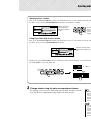
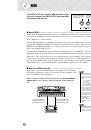
4
Play the chord.
Play the chord (as indicated in the display) in the ACMP section of the key-
board. The chord name flashes in the display (and a “congratualtions” mel-
ody is played) when the correct notes are held down. (Inversions for many of
the chords are also recognized.)
To leave the Dictionary function, press the [Dict.] button again.
Dict.
TEMPO
116
Dict.
TEMPO
116
Pressing this key
selects the root G.
Pressing this key selects
the major seventh chord
type (M7).
Notation of chord
Chord name (root and type)
Individual notes of chord (keyboard)
Dict.
TEMPO
116
Flashes when correct
notes are held.
Indicates notes to be played.
Dict.
TEMPO
116
Оглавление инструкции
- Cover
- PRECAUTIONS
- Contents
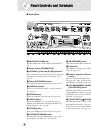
- Panel Controls and Terminals
- Setting Up
- Quick Guide
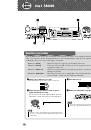
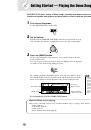
- Getting Started — Playing the Demo Songs
- Panel Display Indications
- Portable Grand
- DJ
- Selecting and Playing Voices
- Selecting and Playing Songs
- Song Lesson
- Talking
- Dictionary
- Selecting and Playing Styles
- MIDI
- Troubleshooting
- Voice List
- Drum Kit List
- Style List & Multi pads
- MIDI Implementation Chart
- Specifications
- Index