Инструкция для Yamaha PSR-175
 1
 2
 3
 4
 5
 6
 7
 8
 9
 10
 11
 12
 13
 14
 15
 16
 17
 18
 19
 20
 21
 22
 23
 24
 25
 26
 27
 28
 29
 30
 31
 32
 33
 34
 35
 36
 37
 38
 39
 40
 41
 42
 43
 44
 45
 46
 47
 48
 49
 50
 51
 52
 53
 54
 55
 56
 57
 58
 59
 60
 61
 62
 63
 64
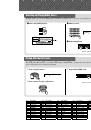
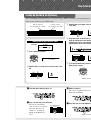
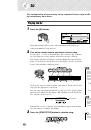
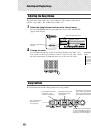
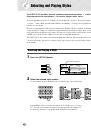
Selecting and Playing Styles
45
3
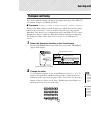
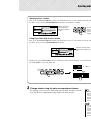
Change chords using the auto accompaniment feature.
Try playing a few successive chords with your left hand, and notice how the
bass and chord accompaniment change with each chord you play.
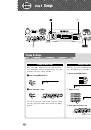
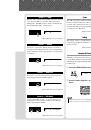
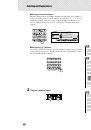
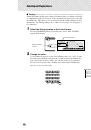
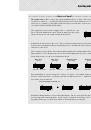
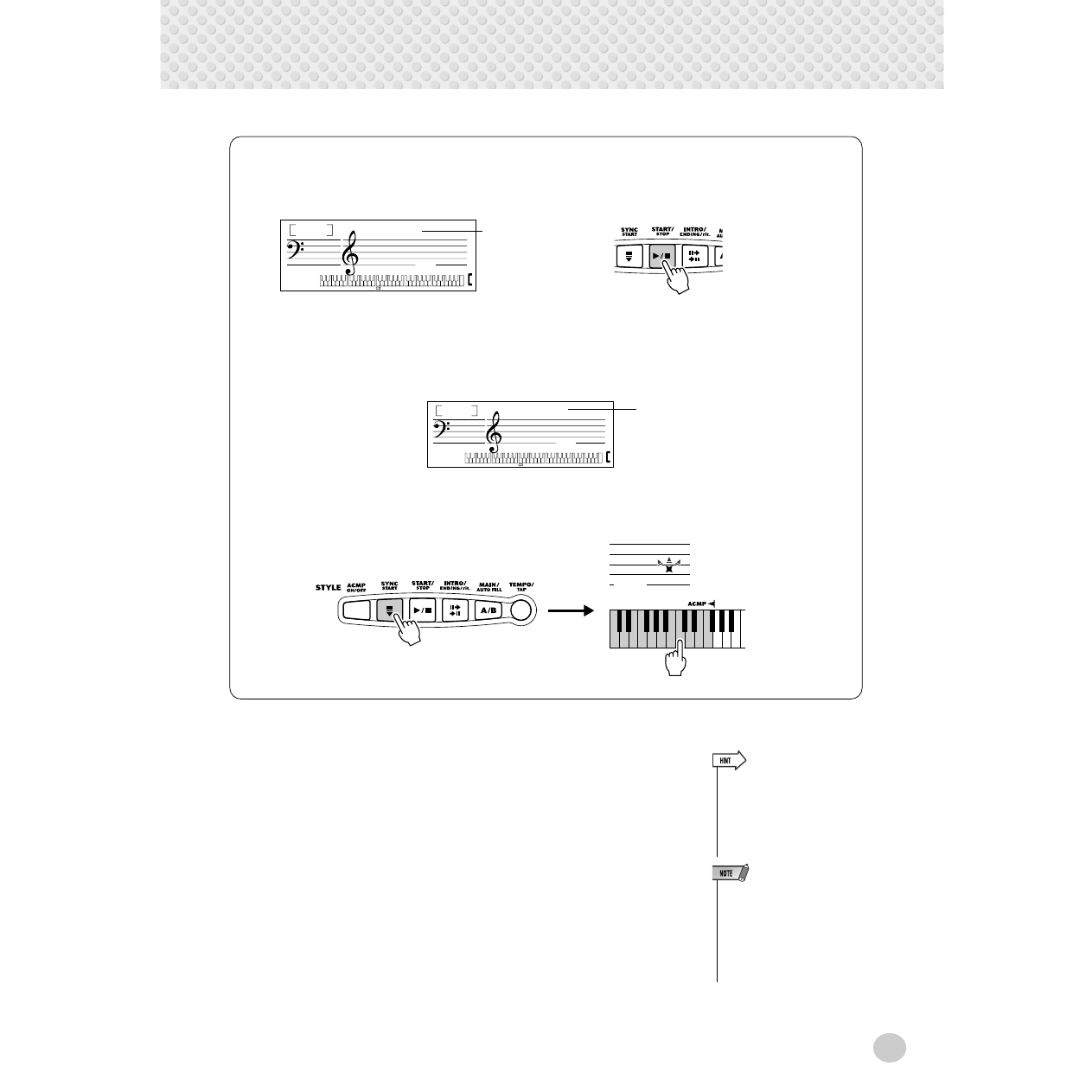
Starting with an section
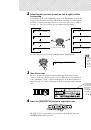
First, press the [MAIN/AUTO FILL] button, repeatedly if necessary, to select which section (A or B) is to follow
the Intro. Next, press the [INTRO/ENDING/rit.] button to set the Intro to standby.
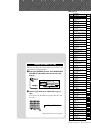
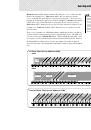
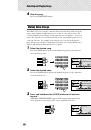
Using Sync Start with an Intro section
First, press the [MAIN/AUTO FILL] button, repeatedly if necessary, to select which section (A or B) is to follow
the Intro. Next, press the [INTRO/ENDING/rit.] button.
Finally, press the [SYNC START] button to enable Sync Start, and start the Intro section and style by playing any
key in the ACMP section of the keyboard.
INTRO
≥A
TEMPO
116
To actually start the
Intro section and
accompaniment,
press the [START/
STOP] button.
Indicates that Intro is
on, and will be fol-
lowed by the Main A
section.
INTRO
≥A
TEMPO
116
Indicates that Intro will be
followed by the Main A sec-
tion.
TEMPO
116
Icon flashes
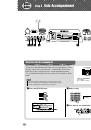
• The [ACCOMPANIMENT ON/
OFF] button can also be used to
turn off and on the bass/chord
accompaniment while playing —
allowing you to create dynamic
rhythmic breaks in your perfor-
mance.
• Chords played in the ACMP sec-
tion of the keyboard are also
detected and played when the
accompaniment is stopped. In
effect, this gives you a “split key-
board,” with bass and chords in
the left hand and the normally
selected voice in the right.
Оглавление инструкции
- Cover
- PRECAUTIONS
- Contents
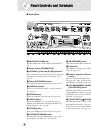
- Panel Controls and Terminals
- Setting Up
- Quick Guide
- Getting Started — Playing the Demo Songs
- Panel Display Indications
- Portable Grand
- DJ
- Selecting and Playing Voices
- Selecting and Playing Songs
- Song Lesson
- Talking
- Dictionary
- Selecting and Playing Styles
- MIDI
- Troubleshooting
- Voice List
- Drum Kit List
- Style List & Multi pads
- MIDI Implementation Chart
- Specifications
- Index