Инструкция для Yamaha PSR-175
 1
 2
 3
 4
 5
 6
 7
 8
 9
 10
 11
 12
 13
 14
 15
 16
 17
 18
 19
 20
 21
 22
 23
 24
 25
 26
 27
 28
 29
 30
 31
 32
 33
 34
 35
 36
 37
 38
 39
 40
 41
 42
 43
 44
 45
 46
 47
 48
 49
 50
 51
 52
 53
 54
 55
 56
 57
 58
 59
 60
 61
 62
 63
 64
6
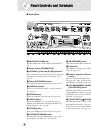
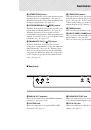
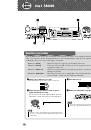
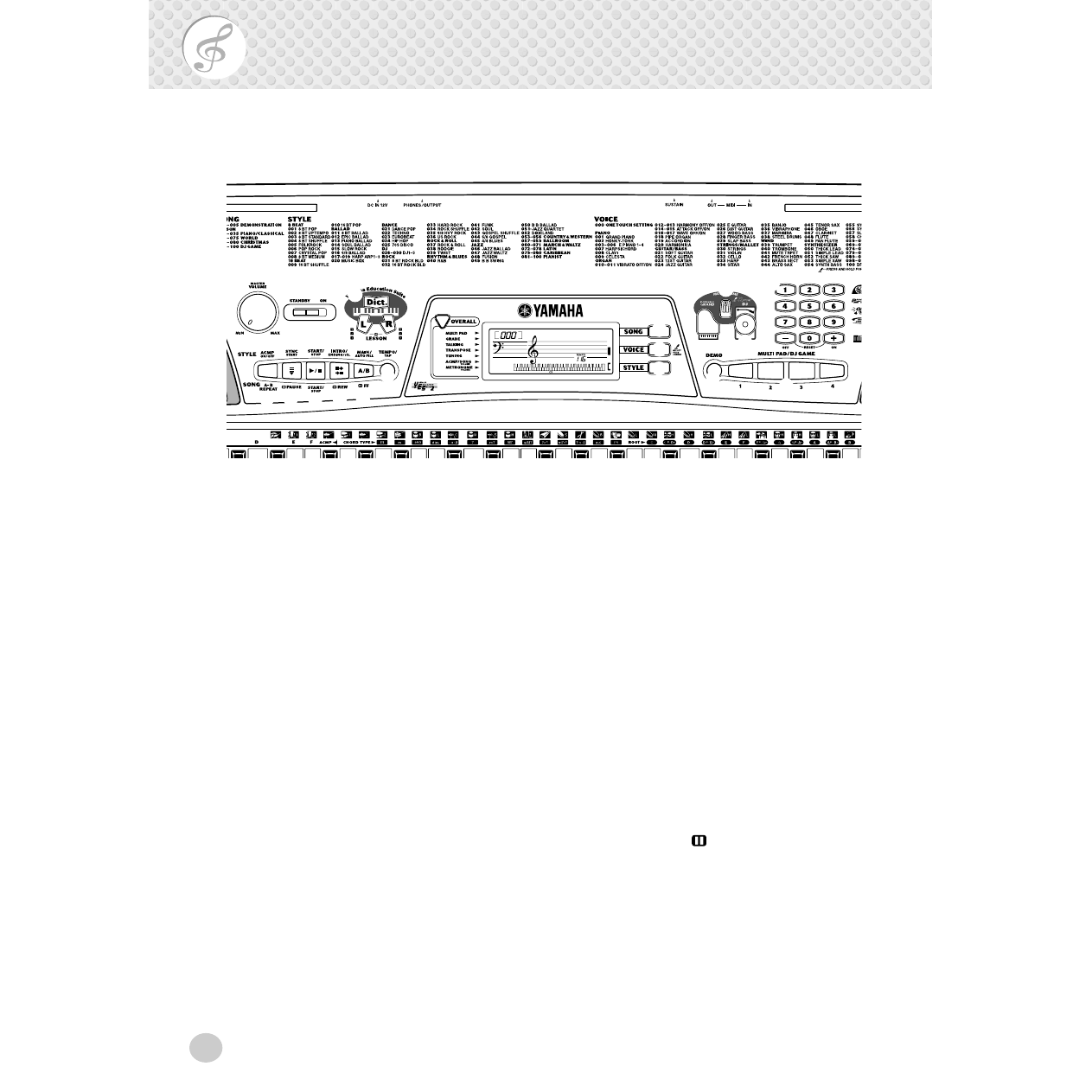
Panel Controls and Terminals
q
[MASTER VOLUME] dial
This determines the overall volume of the PSR-175/
172.
w
Power switch ([STANDBY/ON])
e
LESSON [L] (Left) and [R] (Right) buttons
These call up the Lesson exercises for the correspond-
ing hand (left or right) for the selected song. (See
page 35.)
r
[Dict.] (DICTIONARY) button
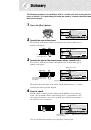
This calls up the Dictionary function (See page 41).
t
[OVERALL] button
This is for selecting the various “overall” functions.
(See page 21.)
y
[SONG] button
This is for enabling song selection. (See page 29.)
u
[VOICE] button
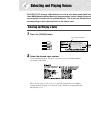
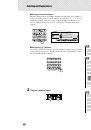
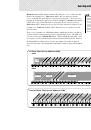
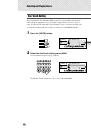
This is for enabling voice selection. (See page 23.)
Holding down this button calls up the Melody Voice
Change function. (See page 30.)
i
[STYLE] button
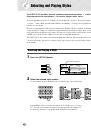
This is for enabling style selection. (See page 42.)
o
[PORTABLE GRAND] button
This instantly calls up the Grand Piano voice, plus a
special piano song and style. (See page 20.)
!0
[METRONOME] button
This turns the metronome on and off. (See page 20.)
!1
[DJ] button
This instantly calls up a special DJ voice, song and
style. (See page 22.)
!2
Numeric keypad, [+/ON] and [-/OFF]
buttons
These are used for selecting songs, voices, and styles.
(See page 24.) They are also used for entering values
and adjusting or making certain settings.
!3
[ACCOMPANIMENT ON/OFF]
([A-B REPEAT]) button
When the Style mode is selected, this turns the auto
accompaniment on and off. (See page 43.) When the
Song mode is selected, this controls the A-B Repeat
function. (See page 33.)
!4
[SYNC START] ([
PAUSE]) button
When the Style mode is selected, this turns the Sync
Start function on and off. (See page 44.) When the
Song mode is selected, this alternately pauses and
starts song playback. (See page 32.)
■
Front Panel
GrandPno
q
w
e
r
t
u
o
!0
!1
!7
y
!6
!5
!4
!3
!2
@0
!9
!8
i
Оглавление инструкции
- Cover
- PRECAUTIONS
- Contents
- Panel Controls and Terminals
- Setting Up
- Quick Guide
- Getting Started — Playing the Demo Songs
- Panel Display Indications
- Portable Grand
- DJ
- Selecting and Playing Voices
- Selecting and Playing Songs
- Song Lesson
- Talking
- Dictionary
- Selecting and Playing Styles
- MIDI
- Troubleshooting
- Voice List
- Drum Kit List
- Style List & Multi pads
- MIDI Implementation Chart
- Specifications
- Index