Инструкция для Samsung LE40A454C1, LE40A451C1, LE40A450C2, LE37A451C1, LE37A450C2
 1
 2
 3
 4
 5
 6
 7
 8
 9
 10
 11
 12
 13
 14
 15
 16
 17
 18
 19
 20
 21
 22
 23
 24
 25
 26
 27
 28
 29
 30
 31
 32
 33
 34
 35
 36
 37
 38
 39
 40
 41
 42
 43
 44
 45
 46
 47
 48
 49
 50
 51
 52
 53
 54
 55
 56
 57
 58
 59
 60
 61
 62
 63
 64
 65
 66
 67
 68
 69
 70
 71
 72
 73
 74
 75
 76
 77
 78
 79
 80
 81
 82
 83
 84
 85
 86
 87
 88
 89
 90
 91
English - 9
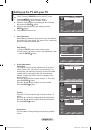
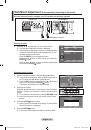
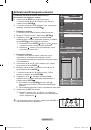
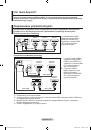
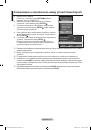
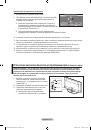
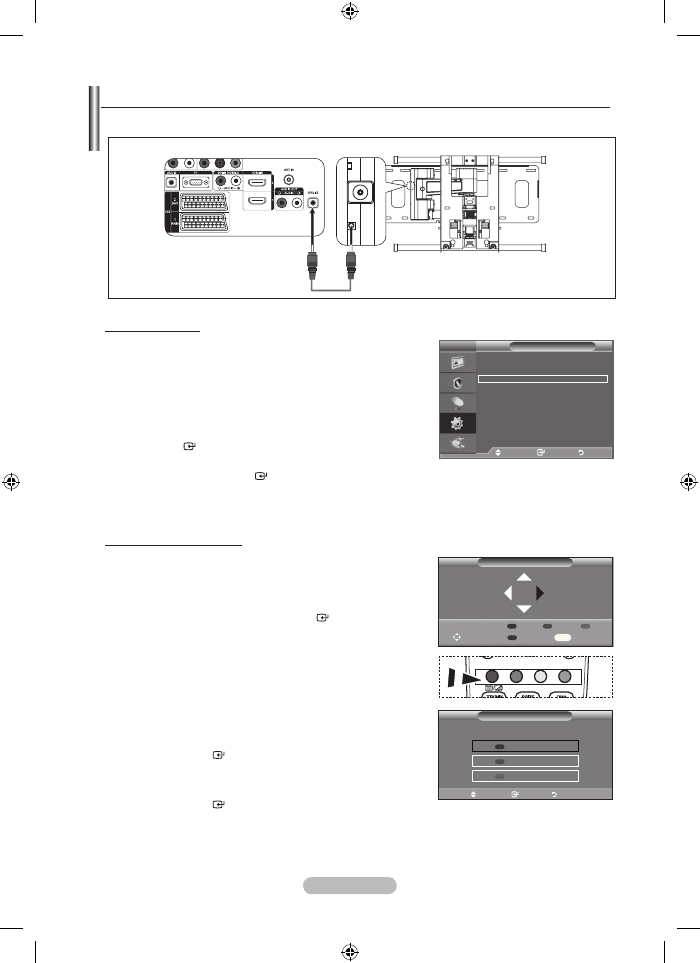
Once the auto wall mount is installed, your tV’s position can be easily adjusted.
Wall-Mount Adjustment
(Sold separately) (depending on the model)
tV Rear Panel
Auto Wall-Mount
SERVICE Cable (Not supplied)
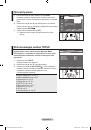
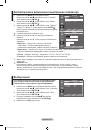
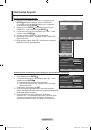
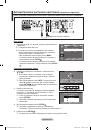
Entering the menu
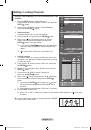
1.
Press the ▲, ▼, ◄ or ► button on your remote control.
The Wall Mount Adjustment screen is displayed.
If the Wall Mount Adjustment screen is not displayed when
clicking on a direction
button while watching your TV, use
the menu to display that screen.
• Press the
MENU
butt on to display the menu.
Press the ▲ or ▼ button to select “Setup”, then press the
ENtER
button.
• Press the ▲ or ▼ button to select “Wall-Mount Adjustment”,
then press the
ENtER
button.
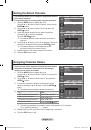
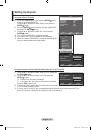
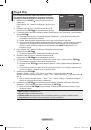
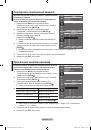
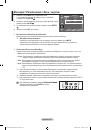
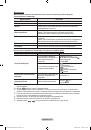
Remembering the Position
.
Adjust to the desired position using the ▲,▼,◄,► buttons.
If you press an arrow button when no OSD is displayed on
the TV screen, the Adjustment screen appears.
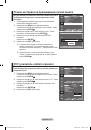
Press the
INFO
button to reset. Press the ◄ or ► button to
select “Yes”, then press the
ENtER
button.
The position is initialized to the default setting.
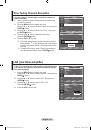
.
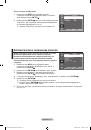
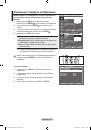
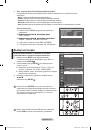
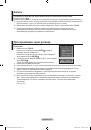
Press the blue button.
Press the ▲ and ▼ buttons to select a save mode from either
Position 1, Position 2 or Position 3 in order to save the current
position.
To not save the current position, press the
REtURN
button.
When selecting a save mode, you cannot use the Colour
buttons.
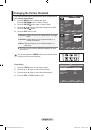
.
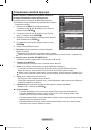
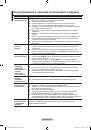
Press the
ENtER
button to save.
When Position1 is selected, the message "Current position
saved as Position1" is displayed.
5.
Press the
ENtER
button.
The saved Position appears on the left side of the OSD.
➣
➣
➣
➣
➣
➣
➣
➣
tV
Setup
Plug & Play
Language
: English
time
Wall-Mount Adjustment
Melody
: Off
Entertainment
: Off
Energy Saving
: Off
PIP
Move
Enter
Return
Save
Select a mode to Save.
Position1
Position
Position
Move
Enter
Return
Wall-Mount Adjustment
Adjust
Save
Center
INFO
Position
1
TOOLS
BN68-01425D-Eng-0227.indd 39
2008-03-18 ¿ÀÈÄ 7:42:24
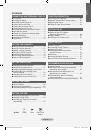
Оглавление инструкции
- Cover
- Eng
- Connecting and Preparing Your TV
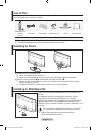
- List of Parts
- Installing the Stand
- Installing the Wall Mount Kit
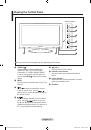
- Viewing the Control Panel
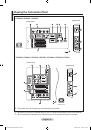
- Viewing the Connection Panel
- Viewing the Remote Control
- Installing Batteries in the Remote Control
- Switching On and Off
- Placing Your Television in Standby Mode
- Viewing the Menus
- Using the TOOLS Button
- Plug & Play
- Setting the Channels
- Setting the Picture
- Setting the Sound
- Setting the Time
- Function Description
- Setting the PC
- About Anynet+
- Recommendations For Use
- Connecting and Preparing Your TV
- Rus