Инструкция для Samsung LE40A454C1, LE40A451C1, LE40A450C2, LE37A451C1, LE37A450C2
 1
 2
 3
 4
 5
 6
 7
 8
 9
 10
 11
 12
 13
 14
 15
 16
 17
 18
 19
 20
 21
 22
 23
 24
 25
 26
 27
 28
 29
 30
 31
 32
 33
 34
 35
 36
 37
 38
 39
 40
 41
 42
 43
 44
 45
 46
 47
 48
 49
 50
 51
 52
 53
 54
 55
 56
 57
 58
 59
 60
 61
 62
 63
 64
 65
 66
 67
 68
 69
 70
 71
 72
 73
 74
 75
 76
 77
 78
 79
 80
 81
 82
 83
 84
 85
 86
 87
 88
 89
 90
 91
English - 10
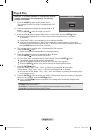
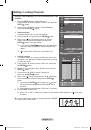
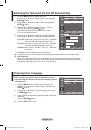
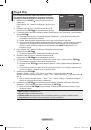
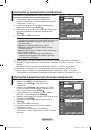
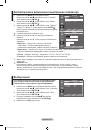
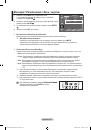
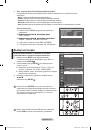
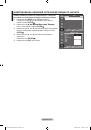
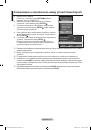
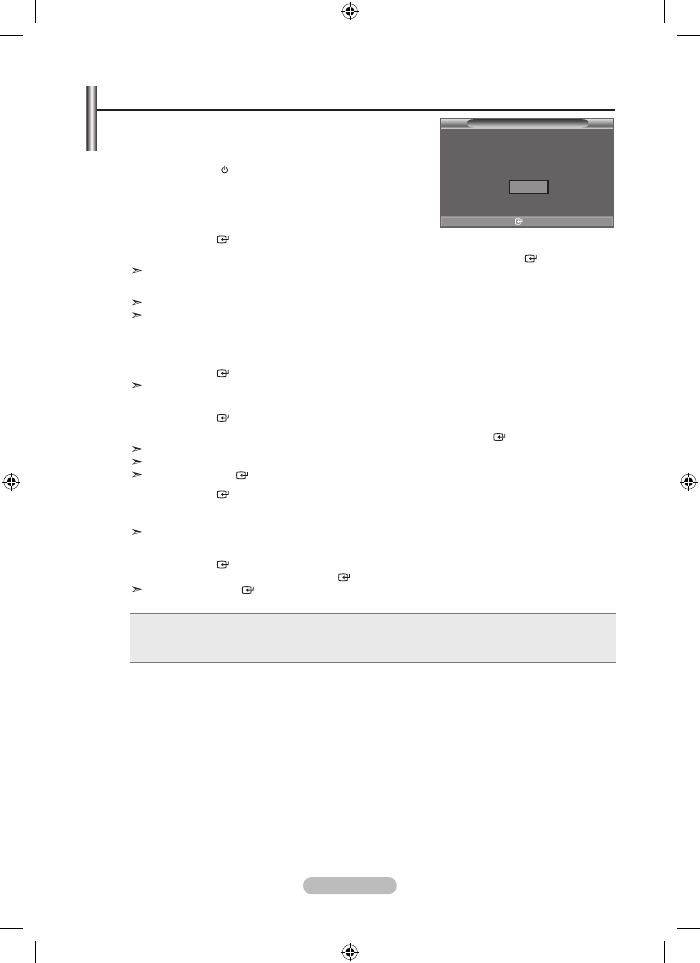
When the tV is initially powered on, several basic settings
proceed automatically and subsequently. the following
settings are available.
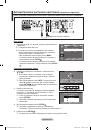
1.
Press the
POWER
button on the remote control.
The message "Запуск Plug & Play" is displayed with "OK"
selected.
.
Select the appropriate language by pressing the
▲
or
▼
button.
Press the
ENtER
button to confirm your choice.
.
Press the
◄
or
►
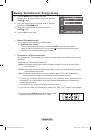
button to select “Store Demo” or “Home Use”, then the
ENtER
button.
We recommend setting the TV to "Home Use" mode for the best picture in your home
environment.
"Store Demo" mode is only intended for use in retail environments.
If the unit is accidentally set to “Store Demo” mode and you want to return to “Home Use”
(Standard): Press the Volume button on the TV. When the volume OSD is displayed, press and
hold the
MENU
button on the TV for 5 seconds
.
The message "Check antenna input." is displayed with "OK" selected.
Press the
ENtER
button.
Please check that the antenna cable is connected correctly.
5.
Select the appropriate country by pressing the
▲
or
▼
button.
Press the
ENtER
button to confirm your choice.
6.
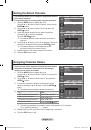
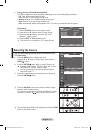
The "Auto Store" menu is displayed with the "Start" selected. Press the
ENtER
button.
The channel search will start and end automatically.
After all the available channels are stored, the "Clock Set" menu appears.
Press the
ENtER
button at any time to interrupt the memorization process.
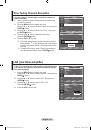
7.
Press the
ENtER
button.
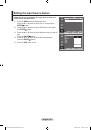
Select the "Month", "Day", "Year", "Hour", or "Minute" by pressing the
◄
or
►
button.
Set the "Month", "Day", "Year", "Hour", or "Minute" by pressing the
▲
or
▼
button.
You can also set the “Month”, “Day”, “Year”, “Hour” and "Minute" by pressing the number buttons
on the remote control.
.
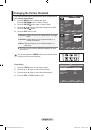
Press the
ENtER
button to confirm your setting. The message “Enjoy your viewing” is displayed.
When you have finished, press the
ENtER
button.
Even if the
ENtER
button is not pressed, the message will automatically disappear after
several seconds.
Language
: Select your language.
Country
: Select your country.
Auto Store
: Automatically scans for and stores channels available in the local area.
Clock Set
: Sets the current time for the TV clock.
Plug & Play
Plug & Play
Запуск Plug & Play
Вход
OK
BN68-01425D-Eng-0227.indd 10
2008-03-18 ¿ÀÈÄ 7:42:08
Оглавление инструкции
- Cover
- Eng
- Connecting and Preparing Your TV
- List of Parts
- Installing the Stand
- Installing the Wall Mount Kit
- Viewing the Control Panel
- Viewing the Connection Panel
- Viewing the Remote Control
- Installing Batteries in the Remote Control
- Switching On and Off
- Placing Your Television in Standby Mode
- Viewing the Menus
- Using the TOOLS Button
- Plug & Play
- Setting the Channels
- Setting the Picture
- Setting the Sound
- Setting the Time
- Function Description
- Setting the PC
- About Anynet+
- Recommendations For Use
- Connecting and Preparing Your TV
- Rus