Инструкция для Samsung LE40A454C1, LE40A451C1, LE40A450C2, LE37A451C1, LE37A450C2
 1
 2
 3
 4
 5
 6
 7
 8
 9
 10
 11
 12
 13
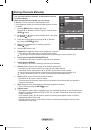 14
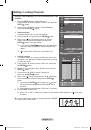 15
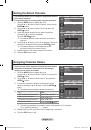 16
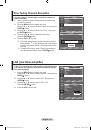 17
 18
 19
 20
 21
 22
 23
 24
 25
 26
 27
 28
 29
 30
 31
 32
 33
 34
 35
 36
 37
 38
 39
 40
 41
 42
 43
 44
 45
 46
 47
 48
 49
 50
 51
 52
 53
 54
 55
 56
 57
 58
 59
 60
 61
 62
 63
 64
 65
 66
 67
 68
 69
 70
 71
 72
 73
 74
 75
 76
 77
 78
 79
 80
 81
 82
 83
 84
 85
 86
 87
 88
 89
 90
 91
English - 7
♦
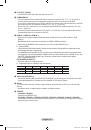
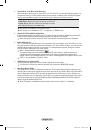
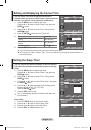
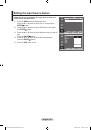
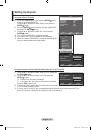
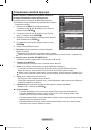
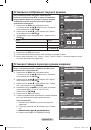
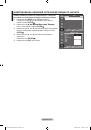
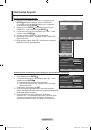
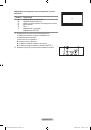
Energy Saving: Off/Low/Medium/high/Auto
This feature adjusts the screen brightness depending on the surrounding lighting conditions.
−
Off
: Turns off the energy saving function.
−
Low
: Sets the TV to low energy saving mode.
−
Medium
: Sets the TV to medium energy saving mode.
−
high
: Sets the TV to high energy saving mode.
−
Auto
: Automatically adjusts the brightness of the TV screen in accordance with the scenes.
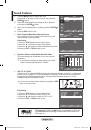
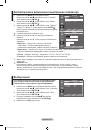
Easy Setting
1.
Press the
tOOLS
button on the remote control.
.
Press the ▲ or ▼ button to select “Energy Saving”.
.
Press the ◄ or ► button to select the "Off","Low",
"Medium", "High" or "Auto".
.
Press the
EXIt
or
tOOLS
button to exit.
This function is not available in “PC” mode.(40 inch)
Anynet+ (hDMI-CEC)
Picture Mode
: Standard
Sound Mode
: Custom
Sleep timer
: Off
SRS tS Xt
: Off
Energy Saving
◄ Off ►
Dual l-ll
: Mono
Move
Adjust
Exit
tools
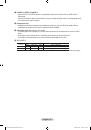
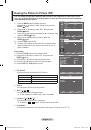
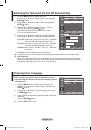
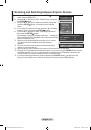
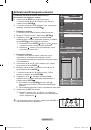
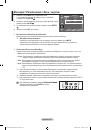
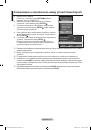
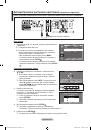
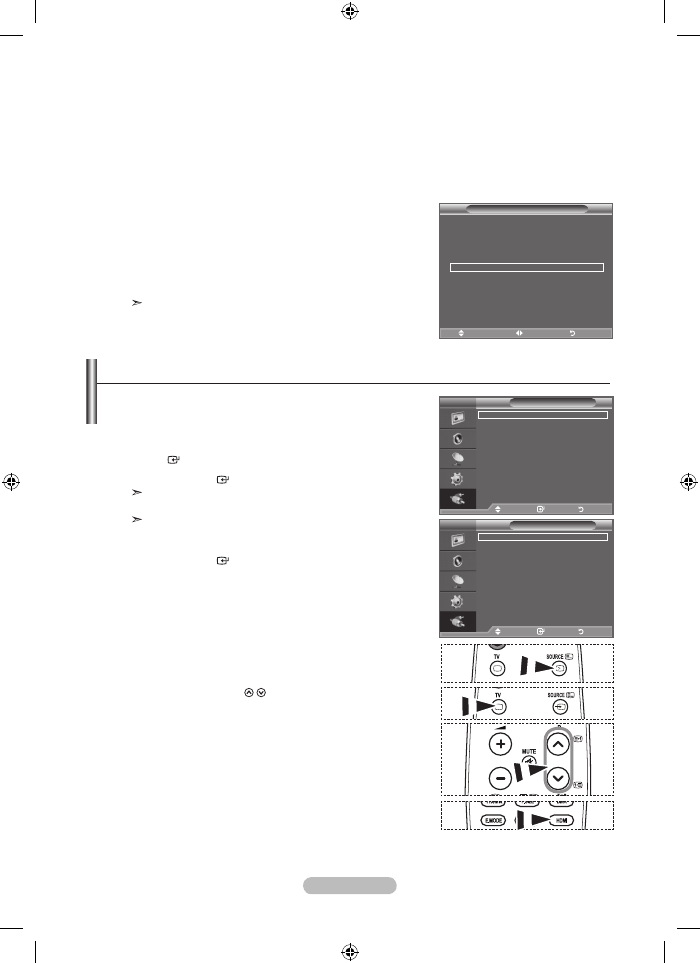
You can select among external sources connected to your
tV’s input jacks.
1.
Press the
MENU
button to display the menu.
Press the ▲ or ▼ button to select "Input", then press the
ENtER
button.
.
Press the
ENtER
button again, to select "Source List".
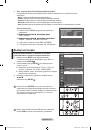
Available signal sources: TV, Ext.1, Ext.2, AV, S-Video,
Component, PC, HDMI1, HDMI2, HDMI3.
You can choose only those external devices that are
connected to the TV.
.
Select the required device by pressing the ▲ or ▼ button.
Press the
ENtER
button.
O
Press the
SOURCE
button on the remote control to toggle
between all the available source.
TV mode can be selected by pressing the
tV
button, number
buttons(0~9), and the
P
/ button on the remote control.
O
You can also watch HDMI mode simply by pressing the
hDMI
button on the remote control.
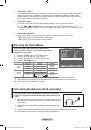
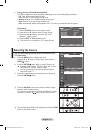
Selecting the Source
tV
Input
Source List
: tV
Edit Name
Anynet+(hDMI-CEC)
Move
Enter
Return
tV
Source List
tV
Ext.1
: ----
Ext.
: ----
AV
: ----
S-Video
: ----
Component
: ----
PC
: ----
hDMI1
: ----
hDMI
: ----
hDMI
: ----
Move
Enter
Return
TOOLS
TOOLS
TOOLS
TOOLS
BN68-01425D-Eng-0227.indd 27
2008-03-18 ¿ÀÈÄ 7:42:19
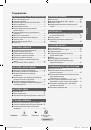
Оглавление инструкции
- Cover
- Eng
- Connecting and Preparing Your TV
- List of Parts
- Installing the Stand
- Installing the Wall Mount Kit
- Viewing the Control Panel
- Viewing the Connection Panel
- Viewing the Remote Control
- Installing Batteries in the Remote Control
- Switching On and Off
- Placing Your Television in Standby Mode
- Viewing the Menus
- Using the TOOLS Button
- Plug & Play
- Setting the Channels
- Setting the Picture
- Setting the Sound
- Setting the Time
- Function Description
- Setting the PC
- About Anynet+
- Recommendations For Use
- Connecting and Preparing Your TV
- Rus