Инструкция для Samsung LE40A454C1, LE40A451C1, LE40A450C2, LE37A451C1, LE37A450C2
 1
 2
 3
 4
 5
 6
 7
 8
 9
 10
 11
 12
 13
 14
 15
 16
 17
 18
 19
 20
 21
 22
 23
 24
 25
 26
 27
 28
 29
 30
 31
 32
 33
 34
 35
 36
 37
 38
 39
 40
 41
 42
 43
 44
 45
 46
 47
 48
 49
 50
 51
 52
 53
 54
 55
 56
 57
 58
 59
 60
 61
 62
 63
 64
 65
 66
 67
 68
 69
 70
 71
 72
 73
 74
 75
 76
 77
 78
 79
 80
 81
 82
 83
 84
 85
 86
 87
 88
 89
 90
 91
English - 5
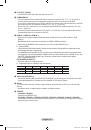
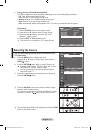
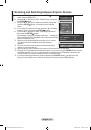
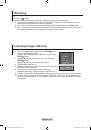
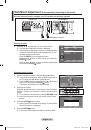
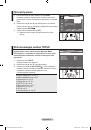
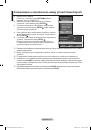
Recording
You can make a recording of a tV programme using a recorder.
Press the
TOOLS
button.
Recording begins. (Only when the Anynet+ enabled recording device is connected.)
The current TV programme is recorded in the Watching TV status. If you are watching video from
another device, the video from the device is recorded.
You can also record the source streams by selecting "Record" after pressing the
tOOLS
button.
Before recording, check whether the antenna jack is properly connected to the recording device. For
the antenna connection to the recording device, refer to its user manual.
➣
➣
➣
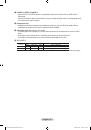
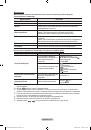
Listening through a Receiver
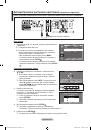
You can listen to sound through a receiver instead of the tV speaker.
1.
Press The
tOOLS
button. Then Press the
ENtER
button
to select "Anynet+(HDMI-CEC)".
Press the ▲ or ▼ button to select "Receiver", then press the
ENtER
button.
.
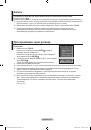
Press the ◄ or ► button to select to "On", then press the
ENtER
button.
Now you can listen to sound through the receiver.
.
Press the
EXIt
button to exit.
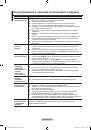
When the receiver is set to On, you can listen to the TV sound
through the 2-channel receiver.
If the receiver is exclusively for a home theatre only
(supporting audio only), it may not appear in the device list.
In case of a content with copyright problem, listening through the receiver may not properly operate.
If there is a power interruption to the TV when the “Receiver” is set to “On” (by disconnecting the
power cord or a power failure), the “TV Speaker” may be set to “Off” when you turn the TV on again.
(see page 23)
➣
➣
➣
➣
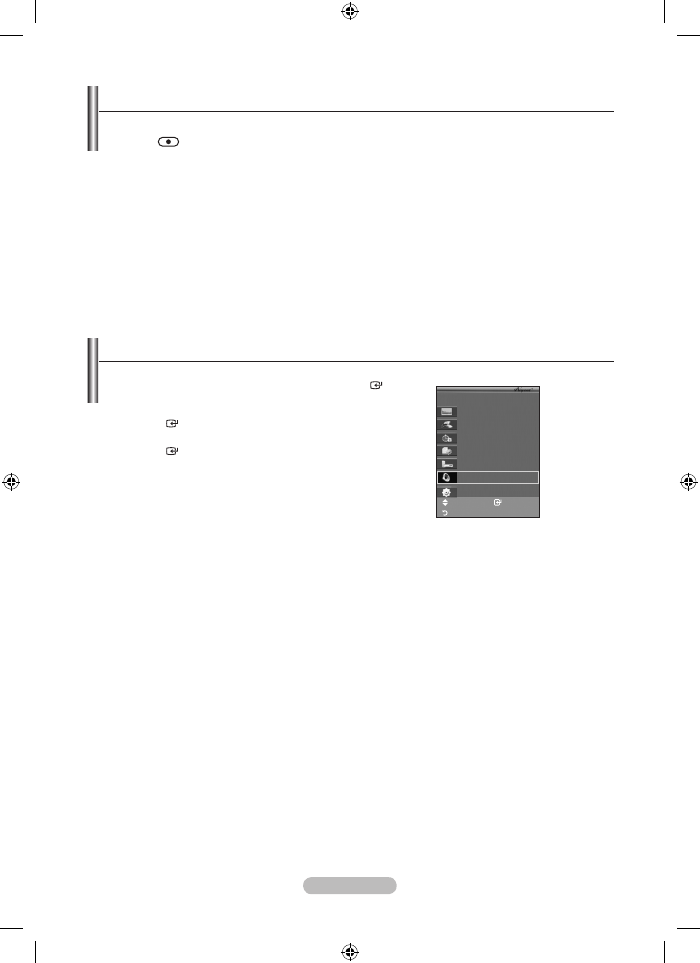
View tV
Select Device
Record
Menu on Device
Device Operation
Receiver
:Off
Setup
tV
P9
Move
Enter
Return
BN68-01425D-Eng-0227.indd 35
2008-03-18 ¿ÀÈÄ 7:42:23
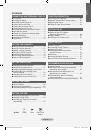
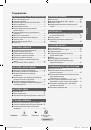
Оглавление инструкции
- Cover
- Eng
- Connecting and Preparing Your TV
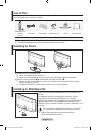
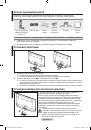
- List of Parts
- Installing the Stand
- Installing the Wall Mount Kit
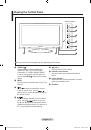
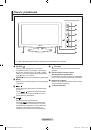
- Viewing the Control Panel
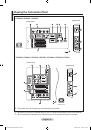
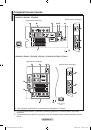
- Viewing the Connection Panel
- Viewing the Remote Control
- Installing Batteries in the Remote Control
- Switching On and Off
- Placing Your Television in Standby Mode
- Viewing the Menus
- Using the TOOLS Button
- Plug & Play
- Setting the Channels
- Setting the Picture
- Setting the Sound
- Setting the Time
- Function Description
- Setting the PC
- About Anynet+
- Recommendations For Use
- Connecting and Preparing Your TV
- Rus