Инструкция для Samsung LE40A454C1, LE40A451C1, LE40A450C2, LE37A451C1, LE37A450C2
 1
 2
 3
 4
 5
 6
 7
 8
 9
 10
 11
 12
 13
 14
 15
 16
 17
 18
 19
 20
 21
 22
 23
 24
 25
 26
 27
 28
 29
 30
 31
 32
 33
 34
 35
 36
 37
 38
 39
 40
 41
 42
 43
 44
 45
 46
 47
 48
 49
 50
 51
 52
 53
 54
 55
 56
 57
 58
 59
 60
 61
 62
 63
 64
 65
 66
 67
 68
 69
 70
 71
 72
 73
 74
 75
 76
 77
 78
 79
 80
 81
 82
 83
 84
 85
 86
 87
 88
 89
 90
 91
English -
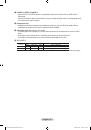
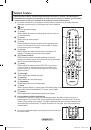
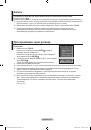
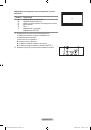
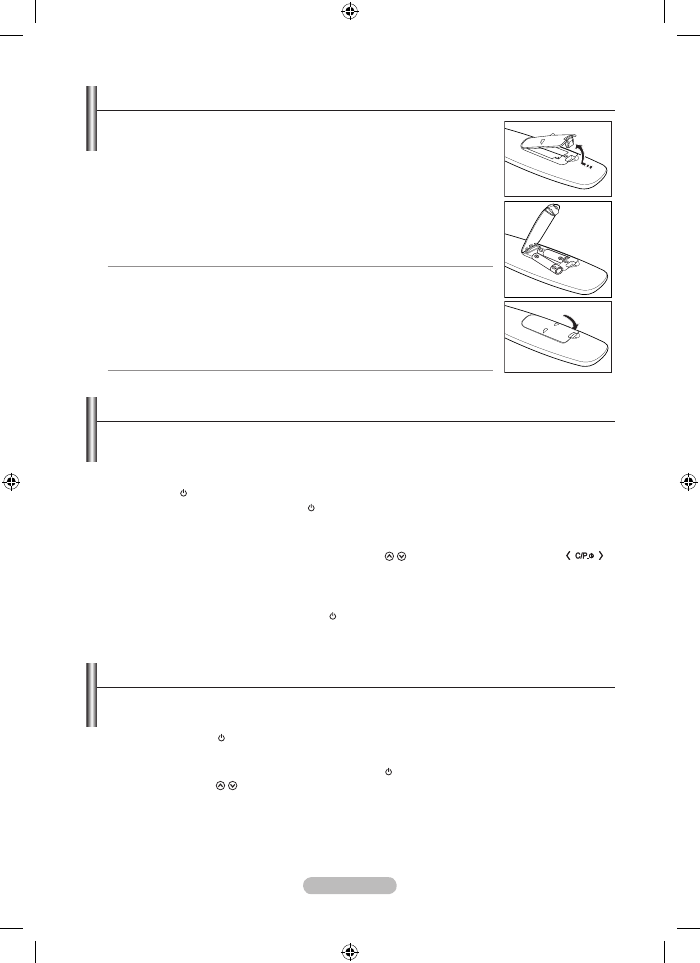
1.
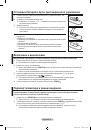
Lift the cover at the back of the remote control upward as shown in the
figure.
.
Install two AAA size batteries.
Make sure to match the "+" and "–" ends of the batteries with the
diagram inside the compartment.
.
Replace the cover.
Remove the batteries and store them in a cool, dry place if you won’t
be using the remote control for a long time.
➣
➣
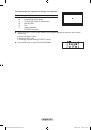
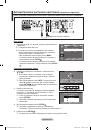
If the remote control doesn’t work, check the following:
1. Is the TV power on?
2. Are the plus and minus ends of the batteries reversed?
3. Are the batteries drained?
4. Is there a power outage, or is the power cord unplugged?
5. Is there a special fluorescent light or neon sign nearby?
➣
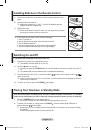
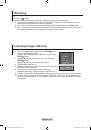
Installing batteries in the Remote Control
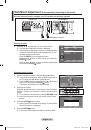
Switching On and Off
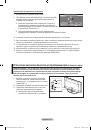
the mains lead is attached to the rear of your set.
1.
Plug the mains lead into an appropriate socket.
The standby indicator lights up on your set.
.
Press the button on your set.
You also can press the
POWER
button or the
tV
button on the remote control to turn the TV
on.
The channel that you were watching last is reselected automatically
.
Press the numeric button (0~9) or channel up/down ( / ) button on the remote control or
button on your set.
When you switch the set on for the very first time, you will be asked to choose language in which the
menus are to be displayed.
.
To switch your set off, press the
POWER
button again.
➣
➣
➣
➣
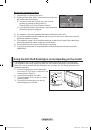
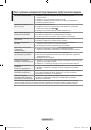
Your set can be placed in standby mode in order to reduce the power consumption. the standby
mode can be useful when you wish to interrupt viewing temporarily (during a meal, for example).
1.
Press the
POWER
button on the remote control.
The screen is turned off and a red standby indicator appears on your set.
.
To switch your set back on, simply press the
POWER
, numeric buttons
(0~9)
,
tV
button or
channel up/down ( / ) button again.
Do not leave your set in standby mode for long periods of time (when you are away on holiday,
for example).
It is best to unplug the set from the mains and aerial.
➣
➣
Placing Your television in Standby Mode
BN68-01425D-Eng-0227.indd 8
2008-03-18 ¿ÀÈÄ 7:42:08
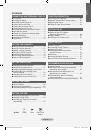
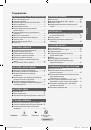
Оглавление инструкции
- Cover
- Eng
- Connecting and Preparing Your TV
- List of Parts
- Installing the Stand
- Installing the Wall Mount Kit
- Viewing the Control Panel
- Viewing the Connection Panel
- Viewing the Remote Control
- Installing Batteries in the Remote Control
- Switching On and Off
- Placing Your Television in Standby Mode
- Viewing the Menus
- Using the TOOLS Button
- Plug & Play
- Setting the Channels
- Setting the Picture
- Setting the Sound
- Setting the Time
- Function Description
- Setting the PC
- About Anynet+
- Recommendations For Use
- Connecting and Preparing Your TV
- Rus