Инструкция для Samsung LE40A454C1, LE40A451C1, LE40A450C2, LE37A451C1, LE37A450C2
 1
 2
 3
 4
 5
 6
 7
 8
 9
 10
 11
 12
 13
 14
 15
 16
 17
 18
 19
 20
 21
 22
 23
 24
 25
 26
 27
 28
 29
 30
 31
 32
 33
 34
 35
 36
 37
 38
 39
 40
 41
 42
 43
 44
 45
 46
 47
 48
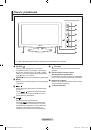 49
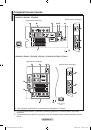 50
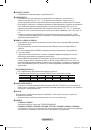 51
 52
 53
 54
 55
 56
 57
 58
 59
 60
 61
 62
 63
 64
 65
 66
 67
 68
 69
 70
 71
 72
 73
 74
 75
 76
 77
 78
 79
 80
 81
 82
 83
 84
 85
 86
 87
 88
 89
 90
 91
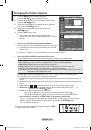
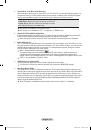
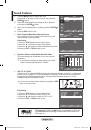
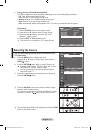
English - 16
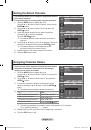
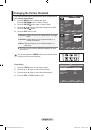
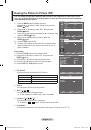
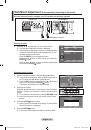
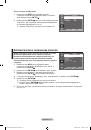
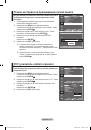
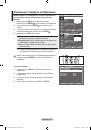
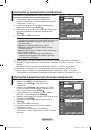
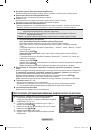
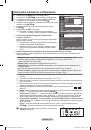
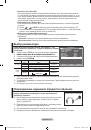
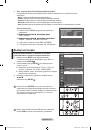
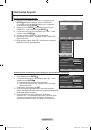
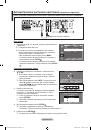
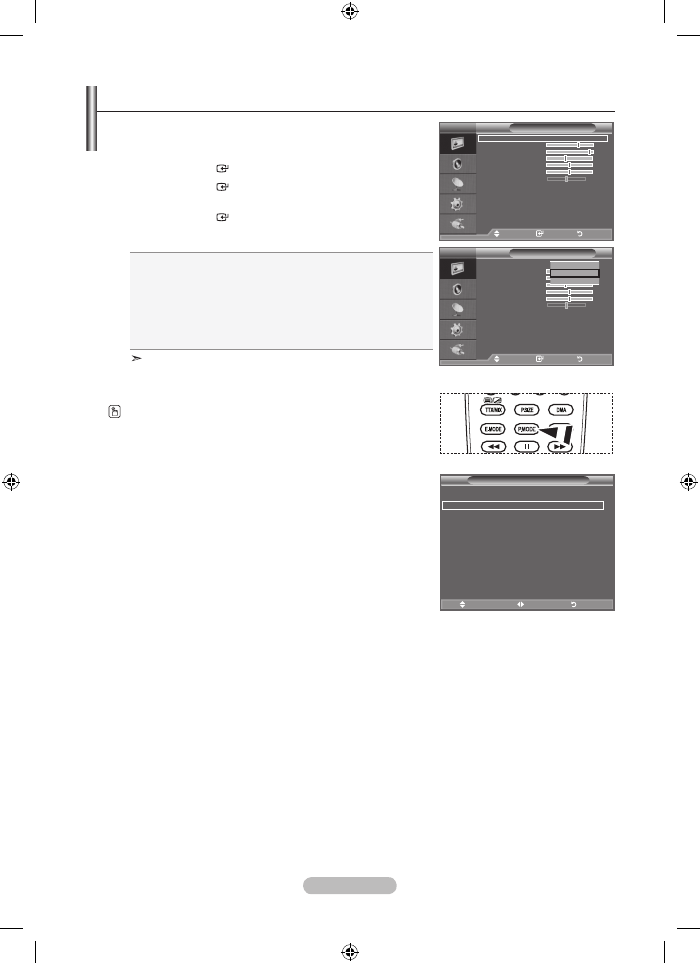
You can select the type of picture which best corresponds to
your viewing requirements.
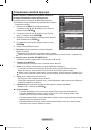
1.
Press the
MENU
button to display the menu.
Press the
ENtER
button, to select "Picture".
.
Press the
ENtER
button again, to select "Mode".
.
Press the
▲
or
▼
button to select the desired picture effect.
Press the
ENtER
button.
.
Press the
EXIt
button to exit.
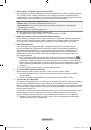
♦
Dynamic:
Selects the picture for high-definition in a bright
room.
♦
Standard:
Selects the picture for optimum display in a
normal environment.
♦
Movie:
Selects the picture for comfortable display in a
dark room.
The Picture mode must be adjusted separately for each
input source.
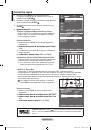
You can also press the
P.MODE
button on the remote control
to select one of the picture settings.
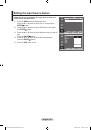
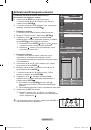
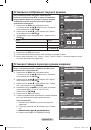
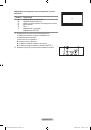
Changing the Picture Standard
Picture
Mode
: Standard
backlight
7
Contrast
95
brightness
5
Sharpness
50
Colour
50
tint G 50
R 50
Detailed Settings
Picture Options
Reset
: OK
tV
Move
Enter
Return
Picture
Mode
: Standard
backlight
7
Contrast
95
brightness
5
Sharpness
50
Colour
50
tint G 50
R 50
Detailed Settings
Picture Options
Reset
: OK
tV
Move
Enter
Return
Dynamic
Standard
Movie
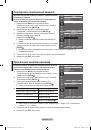
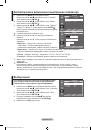
Easy Setting
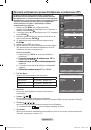
1.
Press the
tOOLS
button on the remote control.
.
Press the ▲ or ▼ button to select "Picture Mode".
.
Press the ◄ or ► button to select the required option.
.
Press the
EXIt
or
tOOLS
button to exit.
Anynet+ (hDMI-CEC)
Picture Mode
◄ Standard ►
Sound Mode
: Custom
Sleep timer
: Off
SRS tS Xt
: Off
Energy Saving
: Off
Dual l-ll
: Mono
tools
Move
Adjust
Exit
TOOLS
BN68-01425D-Eng-0227.indd 16
2008-03-18 ¿ÀÈÄ 7:42:12
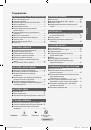
Оглавление инструкции
- Cover
- Eng
- Connecting and Preparing Your TV
- List of Parts
- Installing the Stand
- Installing the Wall Mount Kit
- Viewing the Control Panel
- Viewing the Connection Panel
- Viewing the Remote Control
- Installing Batteries in the Remote Control
- Switching On and Off
- Placing Your Television in Standby Mode
- Viewing the Menus
- Using the TOOLS Button
- Plug & Play
- Setting the Channels
- Setting the Picture
- Setting the Sound
- Setting the Time
- Function Description
- Setting the PC
- About Anynet+
- Recommendations For Use
- Connecting and Preparing Your TV
- Rus