Инструкция для Samsung LE40A454C1, LE40A451C1, LE40A450C2, LE37A451C1, LE37A450C2
 1
 2
 3
 4
 5
 6
 7
 8
 9
 10
 11
 12
 13
 14
 15
 16
 17
 18
 19
 20
 21
 22
 23
 24
 25
 26
 27
 28
 29
 30
 31
 32
 33
 34
 35
 36
 37
 38
 39
 40
 41
 42
 43
 44
 45
 46
 47
 48
 49
 50
 51
 52
 53
 54
 55
 56
 57
 58
 59
 60
 61
 62
 63
 64
 65
 66
 67
 68
 69
 70
 71
 72
 73
 74
 75
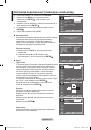 76
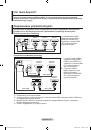 77
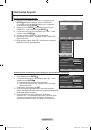 78
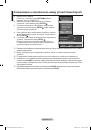 79
 80
 81
 82
 83
 84
 85
 86
 87
 88
 89
 90
 91
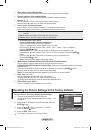
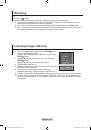
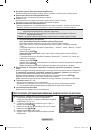
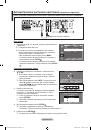
English - 5
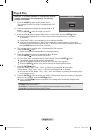
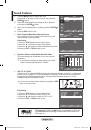
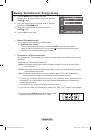
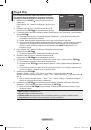
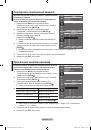
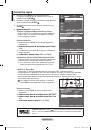
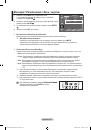
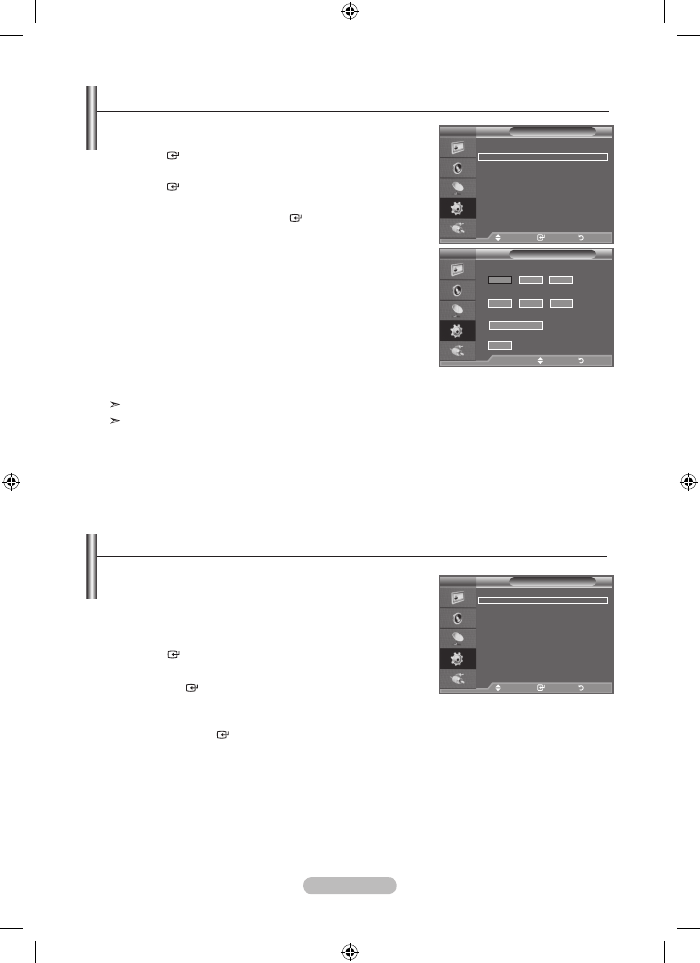
When you start using your set for the first time, you must
select the language which will be used for displaying menus
and indications.
1.
Press the
MENU
button to display the on-screen menu.
Press the ▲ or ▼ button to select "Setup", then press the
ENtER
button.
.
Press the ▲ or ▼ button to select "Language", then press
the
ENtER
button.
.
Select a particular language by pressing the ▲ or ▼ button
repeatedly.
Press the
ENtER
button.
.
Press the
EXIt
button to exit.
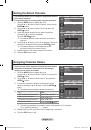
Choosing Your Language
tV
Setup
Plug & Play
Language
: English
time
Melody
: Off
Entertainment
: Off
Energy Saving
: Off
PIP
Move
Enter
Return
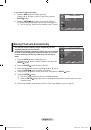
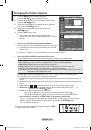
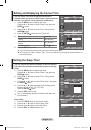
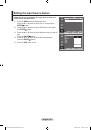
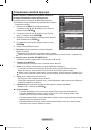
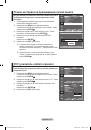
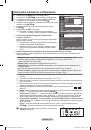
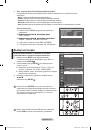
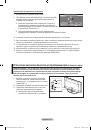
1.
Press the
MENU
button to display the menu.
Press the ▲ or ▼ button to select "Setup", then press the
ENtER
button.
.
Press the ▲ or ▼ button to select "Time", then press the
ENtER
button.
.
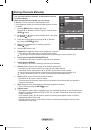
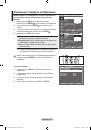
Press the ▲ or ▼ button to select "Timer 1", "Timer 2",
"Timer 3", then press the
ENtER
button.
Three different On/Off Timer Settings can be made.
You must set the clock first.
.
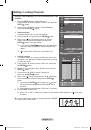
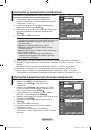
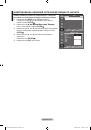
Press the ◄ or ► button to select the required item below.
Press the ▲ or ▼ button to adjust to the setting satisfied.
♦
On time
: Select hour, minute, and "On"/"Off". (To activate
timer with the setting satisfied, set to "On".)
♦
Off time
: Select hour, minute, and "On"/"Off". (To activate
timer with the setting satisfied, set to "On".)
♦
Repeat
: Select "Once", "Everyday", "Mon~Fri", "Mon~Sat",
or "Sat~Sun".
♦
Volume
: Select the desired turn on volume level.
You can set the hour and minute directly by pressing the number buttons on the remote control.
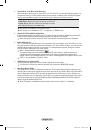
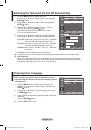
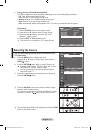
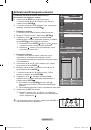
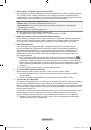
Auto Power Off
When you set the timer On, the TV will eventually turn off, if no controls are operated for 3 hours
after the TV was turned on by timer. This function is only available in timer On mode and prevents
overheating, which may occur if a TV is on for too long time.
➣
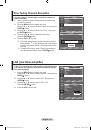
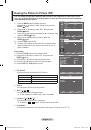
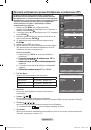
Switching the television On and Off Automatically
tV
Setup
Plug & Play
Language
: English
time
Melody
: Off
Entertainment
: Off
Energy Saving
: Off
PIP
Move
Enter
Return
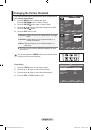
tV
timer 1
On time
Repeat
Once
Volume
10
00
00
Off
:
Off time
00
00
Off
:
►
Move
Adjust
Return
6
5
BN68-01425D-Eng-0227.indd 25
2008-03-18 ¿ÀÈÄ 7:42:18
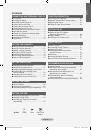
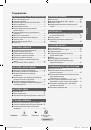
Оглавление инструкции
- Cover
- Eng
- Connecting and Preparing Your TV
- List of Parts
- Installing the Stand
- Installing the Wall Mount Kit
- Viewing the Control Panel
- Viewing the Connection Panel
- Viewing the Remote Control
- Installing Batteries in the Remote Control
- Switching On and Off
- Placing Your Television in Standby Mode
- Viewing the Menus
- Using the TOOLS Button
- Plug & Play
- Setting the Channels
- Setting the Picture
- Setting the Sound
- Setting the Time
- Function Description
- Setting the PC
- About Anynet+
- Recommendations For Use
- Connecting and Preparing Your TV
- Rus