Инструкция для Clavia NORD Lead 2X
 1
 2
 3
 4
 5
 6
 7
 8
 9
 10
 11
 12
 13
 14
 15
 16
 17
 18
 19
 20
 21
 22
 23
 24
 25
 26
 27
 28
 29
 30
 31
 32
 33
 34
 35
 36
 37
 38
 39
 40
 41
 42
 43
 44
 45
 46
 47
 48
 49
 50
 51
 52
 53
 54
 55
 56
 57
 58
 59
 60
 61
 62
 63
 64
 65
 66
 67
 68
 69
 70
 71
 72
 73
 74
 75
 76
 77
 78
 79
 80
 81
 82
 83
 84
 85
 86
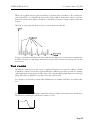 87
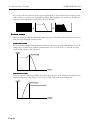 88
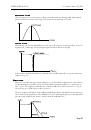 89
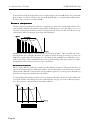 90
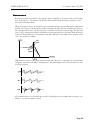 91
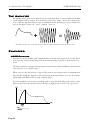 92
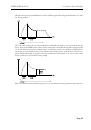 93
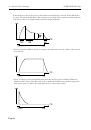 94
 95
 96
 97
 98
 99
 100
 101
 102
 103
 104
 105
 106
 107
 108
 109
 110
 111
 112
 113
 114
 115
 116
 117
 118
 119
NORD LEAD 2X V1.0x
8. Panel Reference: Settings for both Oscillators
Page 41
S
S
S
S
E
E
E
EM
M
M
MIIIIT
T
T
TO
O
O
ON
N
N
NE
E
E
ES
S
S
S
This setting is used to adjust the tuning of Oscillator 2, relative to Oscillator 1. The setting is in semitone
steps. The range is from 5 octaves below Oscillator 1, to 5 octaves above Oscillator 1. However, the full
range may not be available, depending on the Oct Shift setting (see
). To aid you in setting the
value, the
LED
above the knob lights up when the tuning is in perfect octaves.
F
F
F
F
IIIIN
N
N
NE
E
E
E
T
T
T
T
U
U
U
UN
N
N
NE
E
E
E
This parameter is for tuning Oscillator 2, just as the
S
EMITONES
KNOB
is. The difference is that this pa-
rameter operates
within
one semitone. If you set the two oscillators to equal volume (see Mix below),
make sure Sync and Ring Mod is turned off, set the Oscillator 2 Semitones value to ‘0’ and turn the
F
INE
T
UNE
knob slightly, the slight difference in pitch will make the sound “richer”. The LED above the Sem-
itone knob will flash briefly when you set
F
INE
T
UNE
to 0.
KBD T
KBD T
KBD T
KBD T
R
R
R
RA
A
A
AC
C
C
CK
K
K
K
When this parameter is
activated
, Oscillator 2 will have different pitches when you play different keys,
just as Oscillator 1 always does. When this parameters is turned
off
, Oscillator 2 will always play the same
pitch. There are mainly three situations when this is useful:
• When Sync is activated (in this mode, the basic pitch of the sound is determined by Oscillator 1 any-
way).
• When FM or Ring Modulation are used, to get inharmonic sounds with very varying timbre across the
keyboard.
• For special effects and percussion sounds, which are supposed to sound the same all across the key-
board.
S
S
S
S
E
E
E
ET
T
T
TT
T
T
TIIIIN
N
N
NG
G
G
GS
S
S
S
F
F
F
FO
O
O
OR
R
R
R
B
B
B
BO
O
O
OT
T
T
TH
H
H
H
O
O
O
O
S
S
S
SC
C
C
CIIIIL
L
L
LL
L
L
LA
A
A
AT
T
T
TO
O
O
OR
R
R
RS
S
S
S
FM A
FM A
FM A
FM A
M
M
M
MO
O
O
OU
U
U
UN
N
N
NT
T
T
T
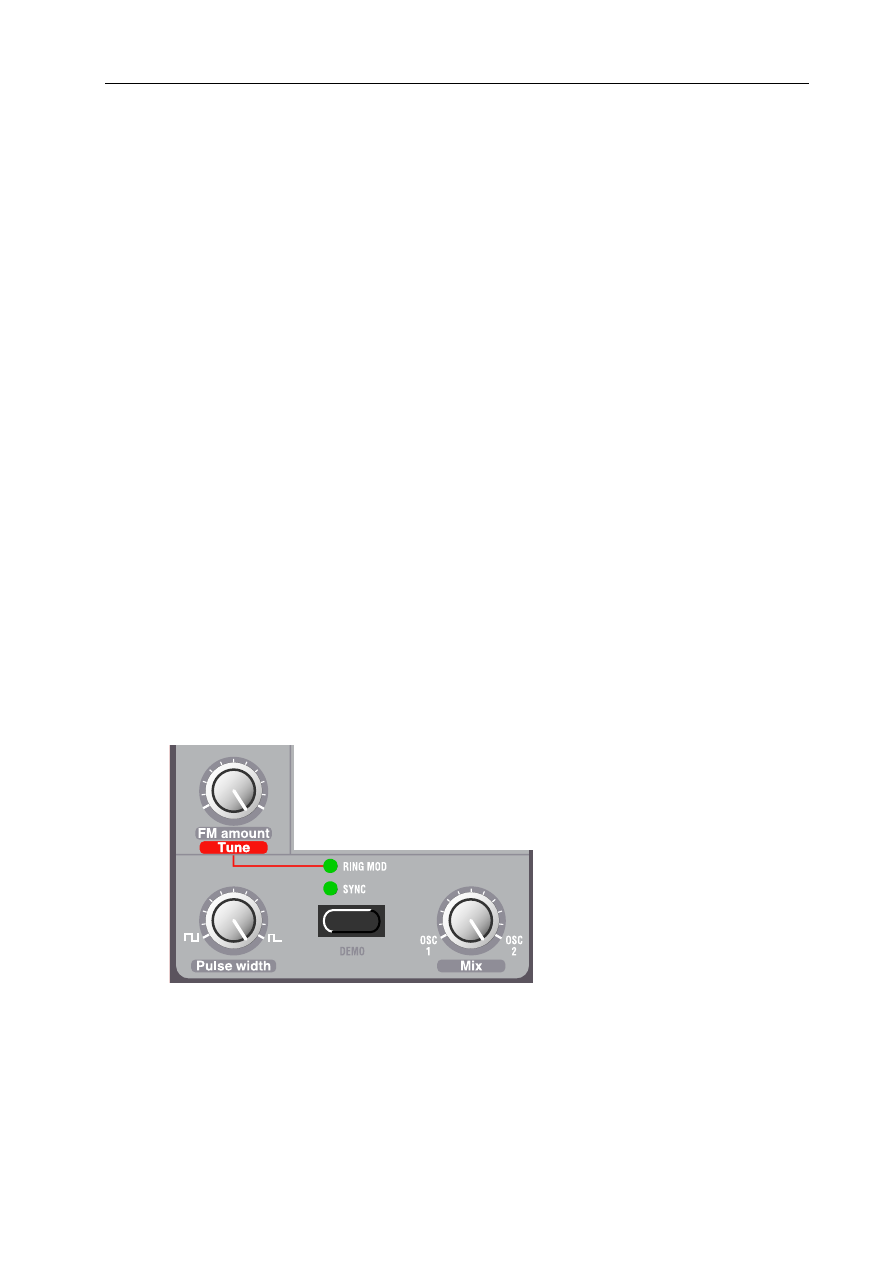
This is classic “deep linear FM”. The FM function is a bit of depart from the “analog” concept of the
Nord Lead 2X, but as you will find, it is a very useful addition. When using FM, Oscillator 2 frequency
modulates Oscillator 1. In FM speak, Oscillator 1 is the Carrier and Oscillator 2 is the Modulator. This
Оглавление инструкции
- 1. Introduction
- 2. Connections
- 3. Basic operation
- Demo play function
- Basic MIDI Settings for the Nord Rack 2X
- Selecting Programs
- Selecting Percussion Kits
- Using the Slots to switch Programs
- Layering
- Splitting the Keyboard
- Performances
- Monophonic and polyphonic operation
- Stereo/Mono
- Pitch Stick and Modulation Wheel
- Master Tune
- Using a sustain pedal
- Using a control (expression) pedal
- The “Panic” button
- 4. Editing Programs
- 5. Programming Velocity Sensitivity
- 6. Percussion Kits
- 7. Performances
- 8. Panel Reference
- 9. Shift functions
- Accessing the Shift functions
- Shift function list
- Tune (Master Tune)
- Out Mode
- Local
- Prog/Ctrl
- MIDI Channel
- Special
- Accessing the Special functions
- Function “1” – Synchronizing LFO 1 to MIDI Clock
- Function “2” – Synchronizing LFO2/Arpeggio to MIDI Clock
- Function “F” – External triggering of Filter envelope
- Function “A” – External triggering of Amplifier Envelope
- Function “S” – External Velocity Morph
- Aftertouch and Expression Pedal Settings
- System
- 10. MIDI
- 11. Synthesis basics
- 12. Factory presets
- 13. MIDI implementation
- Index