Инструкция для Clavia NORD Lead 2X
 1
 2
 3
 4
 5
 6
 7
 8
 9
 10
 11
 12
 13
 14
 15
 16
 17
 18
 19
 20
 21
 22
 23
 24
 25
 26
 27
 28
 29
 30
 31
 32
 33
 34
 35
 36
 37
 38
 39
 40
 41
 42
 43
 44
 45
 46
 47
 48
 49
 50
 51
 52
 53
 54
 55
 56
 57
 58
 59
 60
 61
 62
 63
 64
 65
 66
 67
 68
 69
 70
 71
 72
 73
 74
 75
 76
 77
 78
 79
 80
 81
 82
 83
 84
 85
 86
 87
 88
 89
 90
 91
 92
 93
 94
 95
 96
 97
 98
 99
 100
 101
 102
 103
 104
 105
 106
 107
 108
 109
 110
 111
 112
 113
 114
 115
 116
 117
 118
 119
NORD LEAD 2X V1.0x
3. Basic operation: Selecting Percussion Kits
Page 13
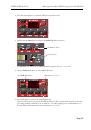
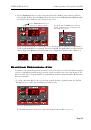
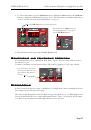
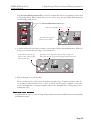
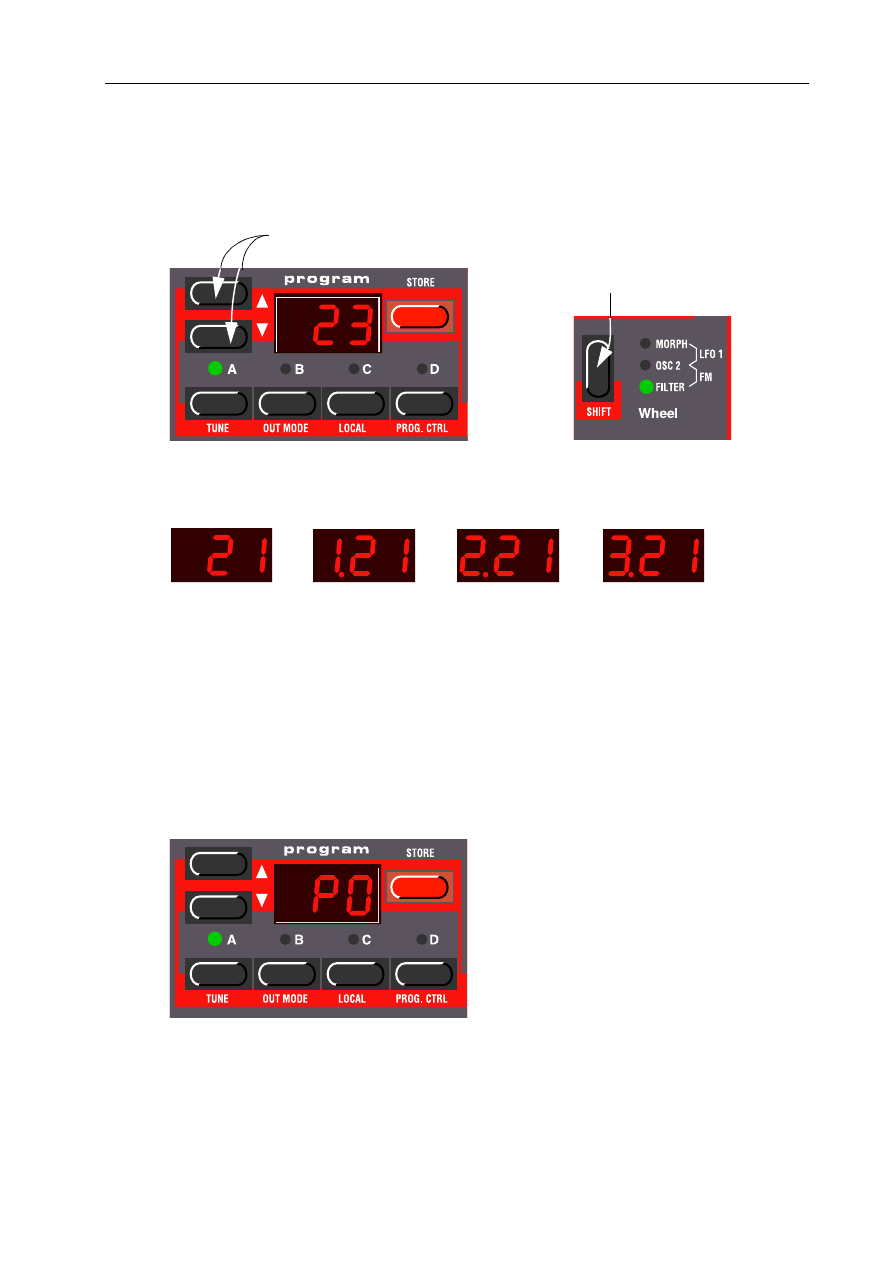
2. Use the
U
P
/D
OWN
buttons to select a Program for that Slot. Holding down a button scrolls the
value quickly. Holding down the
S
HIFT
button (the button above the
M
ODULATION
W
HEEL
) while
pressing the buttons makes the value change in steps of ten.
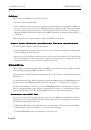
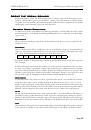
There are 10 x 99 Programs to select from (1-9.99). The Programs are arranged in ten Banks (0-9).
The Programs in Banks 0-3 are rewritable, the rest are in ROM. The Bank number is indicated by the
leftmost digit in the
D
ISPLAY
. The Bank number is not displayed for Bank 0, only for Banks 1-9:
S
S
S
S
E
E
E
EL
L
L
LE
E
E
EC
C
C
CT
T
T
TIIIIN
N
N
NG
G
G
G
P
P
P
P
E
E
E
ER
R
R
RC
C
C
CU
U
U
US
S
S
SS
S
S
SIIIIO
O
O
ON
N
N
N
K
K
K
K
IIIIT
T
T
TS
S
S
S
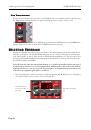
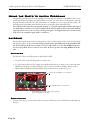
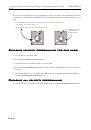
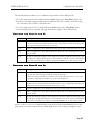
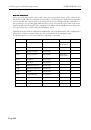
In addition to the 10 x 99 Programs in the memory, there are 4 x 10
Percussion Kits
. Each Percussion Kit
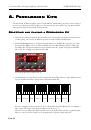
consists of eight different virtual analog percussion sounds, arranged in zones across the keyboard. The
Kits are located “above” Program number 99 in the Banks 0-3, and are numbered P0-P9. All Percussion
Kits are overwritable.
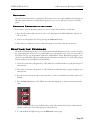
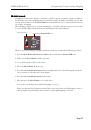
• To select a Percussion Kit for a Slot, proceed just as when selecting a regular Program: Use the
U
P
/
D
OWN
buttons to scroll to the desired Percussion Kit location.
For detailed information about how to play and edit the Percussion Kits, see
.
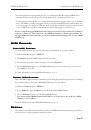
Press these
U
P
/D
OWN
buttons to in-
crease/decrease the Program number.
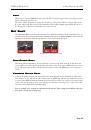
If you hold down the
S
HIFT
button while you
press the Up/Down buttons, the Program value
will change in steps of ten.
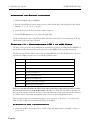
Bank 0, Program 21
Bank 1, Program 21
Bank 2, Program 21
Bank 3, Program 21
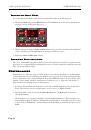
Percussion Kit P0 in Bank 0 is selected.
Оглавление инструкции
- 1. Introduction
- 2. Connections
- 3. Basic operation
- Demo play function
- Basic MIDI Settings for the Nord Rack 2X
- Selecting Programs
- Selecting Percussion Kits
- Using the Slots to switch Programs
- Layering
- Splitting the Keyboard
- Performances
- Monophonic and polyphonic operation
- Stereo/Mono
- Pitch Stick and Modulation Wheel
- Master Tune
- Using a sustain pedal
- Using a control (expression) pedal
- The “Panic” button
- 4. Editing Programs
- 5. Programming Velocity Sensitivity
- 6. Percussion Kits
- 7. Performances
- 8. Panel Reference
- 9. Shift functions
- Accessing the Shift functions
- Shift function list
- Tune (Master Tune)
- Out Mode
- Local
- Prog/Ctrl
- MIDI Channel
- Special
- Accessing the Special functions
- Function “1” – Synchronizing LFO 1 to MIDI Clock
- Function “2” – Synchronizing LFO2/Arpeggio to MIDI Clock
- Function “F” – External triggering of Filter envelope
- Function “A” – External triggering of Amplifier Envelope
- Function “S” – External Velocity Morph
- Aftertouch and Expression Pedal Settings
- System
- 10. MIDI
- 11. Synthesis basics
- 12. Factory presets
- 13. MIDI implementation
- Index