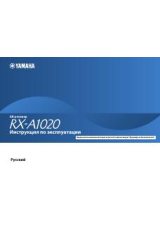
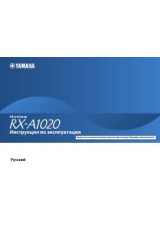
Инструкция для Yamaha RX-V365
 1
 2
 3
 4
 5
 6
 7
 8
 9
 10
 11
 12
 13
 14
 15
 16
 17
 18
 19
 20
 21
 22
 23
 24
 25
 26
 27
 28
 29
 30
 31
 32
 33
 34
 35
 36
 37
 38
 39
 40
 41
 42
 43
 44
 45
 46
 47
 48
 49
 50
 51
 52
 53
 54
 55
 56
 57
 58
 59
 60
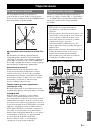 61
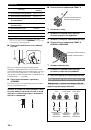 62
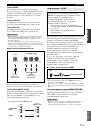 63
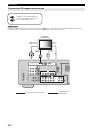 64
 65
 66
 67
 68
 69
 70
 71
 72
 73
 74
 75
 76
 77
 78
 79
 80
 81
 82
 83
 84
 85
 86
 87
 88
 89
 90
 91
 92
 93
 94
 95
 96
 97
 98
 99
 100
36
En
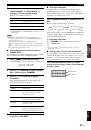
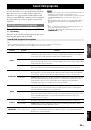
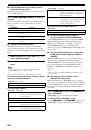
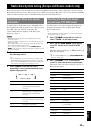
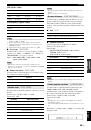
Set menu
Note
•
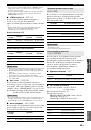
When “MEM.GUARD” is set to “ON,” you cannot select and adjust any
other set menu items.
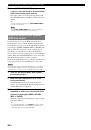
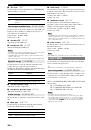
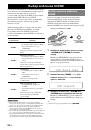
Use this feature to designate the default audio input jack
select setting for the input sources.
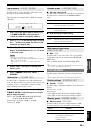
Use this feature to set all the parameters of the sound field
programs to the initial factory settings.
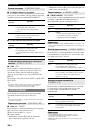
Notes
•
You cannot automatically revert to the previous parameter settings once
you initialize the sound field program parameters.
•
You cannot separately initialize individual sound field programs.
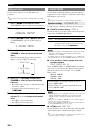
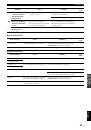
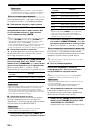
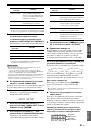
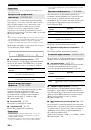
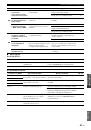
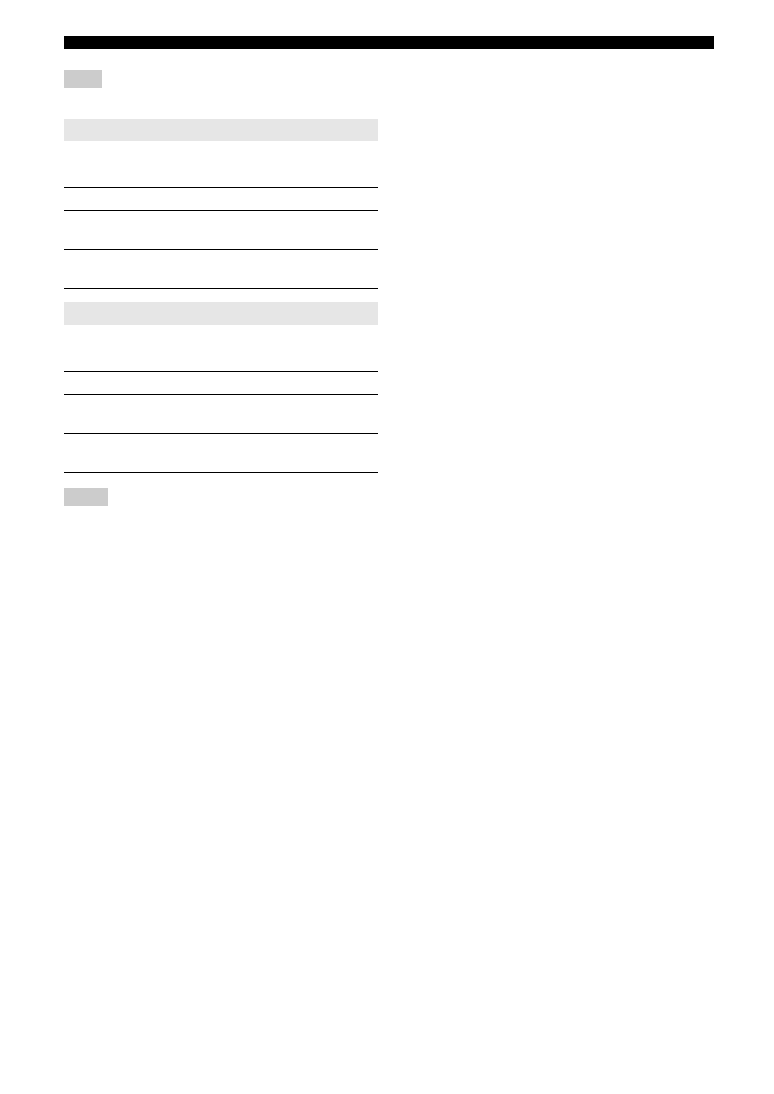
Audio select
C)AUDIO SELECT
Choice
Function
AUTO
*
Automatically detect the type of input signals and
select the appropriate input mode.
LAST
Automatically select the last input mode used for the
connected input source (see page 19).
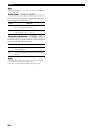
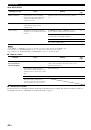
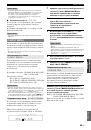
Parameter initialization
D)PARAM. INI
Choice
Function
NO
*
Cancels the parameter initialization and returns to the
previous menu level.
YES
Sets all the sound field parameters to the initial factory
settings.
Оглавление инструкции
- English
- INTRODUCTION
- PREPARATION
- BASIC OPERATION
- ADVANCED OPERATION
- ADDITIONAL INFORMATION
- Русский
- ВВЕДЕНИЕ
- ПОДГОТОВКА
- ОСНОВНЫЕ ОПЕРАЦИИ
- ДОПОЛНИТЕЛЬНЫЕ ОПЕРАЦИИ
- ДОПОЛНИТЕЛЬНАЯ ИНФОРМАЦИЯ