Инструкция для Yamaha RX-V365
 1
 2
 3
 4
 5
 6
 7
 8
 9
 10
 11
 12
 13
 14
 15
 16
 17
 18
 19
 20
 21
 22
 23
 24
 25
 26
 27
 28
 29
 30
 31
 32
 33
 34
 35
 36
 37
 38
 39
 40
 41
 42
 43
 44
 45
 46
 47
 48
 49
 50
 51
 52
 53
 54
 55
 56
 57
 58
 59
 60
 61
 62
 63
 64
 65
 66
 67
 68
 69
 70
 71
 72
 73
 74
 75
 76
 77
 78
 79
 80
 81
 82
 83
 84
 85
 86
 87
 88
 89
 90
 91
 92
 93
 94
 95
 96
 97
 98
 99
 100
22
En
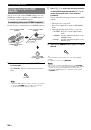
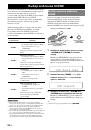
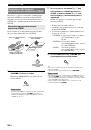
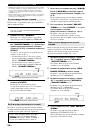
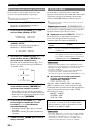
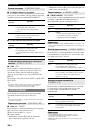
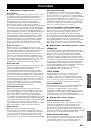
Just by pressing one SCENE button, you can recall your
favorite input source and sound field program according to
the SCENE template that has been assigned to the SCENE
button. The SCENE templates are built combinations of
input sources and sound field programs.
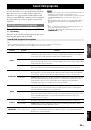
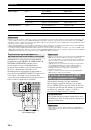
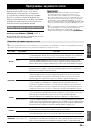
This unit is equipped with 12 preset SCENE templates for
various situations. The following SCENE templates are
assigned to respective SCENE buttons in the default
settings.
Notes
*1 You must connect a cable TV or a satellite tuner to this unit in advance.
See page 13 for details.
*2 You need to connect the supplied FM and AM antennas to this unit in
advance. See page 15 for details.
*3 You have to tune into the desired radio station. See pages 27 to 28 for
the tuning information.
*4 To achieve the best possible reception, orient the connected AM loop
antenna, or adjust the position of the end of the indoor FM antenna.
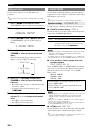
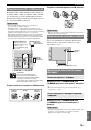
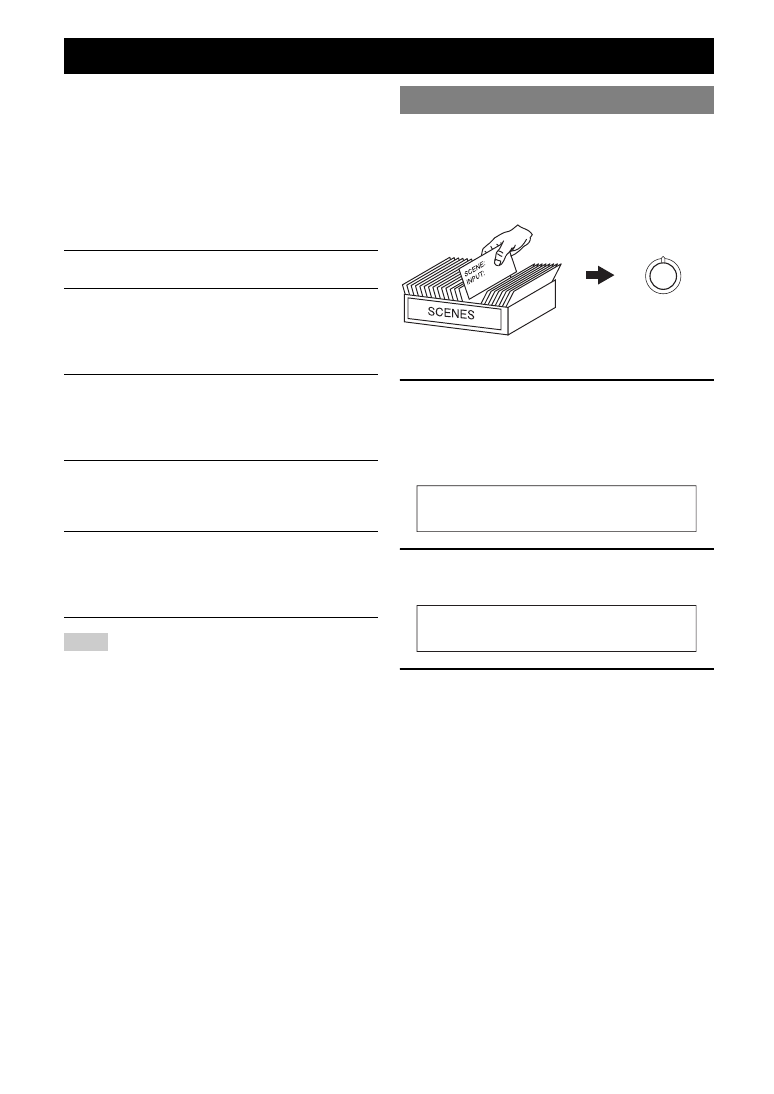
If you want to use other SCENE templates, you can select
the desired SCENE templates from the SCENE template
library and assign the templates to the selected SCENE
buttons on the front panel and the remote control.
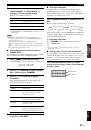
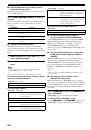
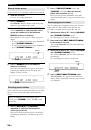
1
Press and hold the desired
J
SCENE
(or
d
SCENE
) button for 3 seconds.
The MEMORY indicator on the front panel starts to
flash, and the name of currently assigned SCENE
template appears on the front panel display.
2
Press
N
INPUT
l
/
h
(or press
o
l
/
h
) to
select the desired template.
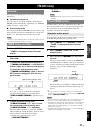
3
Press the
J
SCENE
(or
d
SCENE
) button
again to confirm the selection.
The MEMORY indicator stops flashing and the select
SCENE template is assigned to the button.
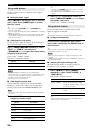
y
•
To cancel the procedure, press
q
RETURN
.
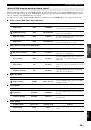
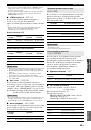
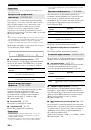
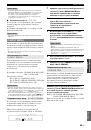
Selecting the SCENE templates
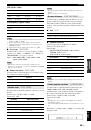
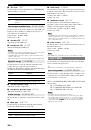
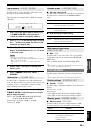
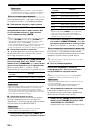
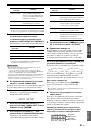
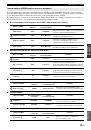
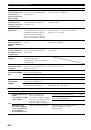
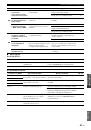
Default SCENE
button
The name of the SCENE template and
its description
SCENE 1
DVD Movie Viewing
–
input source: DVD
–
sound field program: STRAIGHT
For when you want to enjoy a DVD
playback.
SCENE 2
Music Disc Listening
–
input source: DVD
–
sound field program: 2ch Stereo
For when you want to listen to a music disc
from the connected DVD player.
SCENE 3
TV Viewing *1
–
input source: DTV/CBL
–
sound field program: STRAIGHT
For when you want to watch a TV program.
SCENE 4
Radio Listening *2, *3, *4
–
input source: TUNER
–
sound field program: Music Enh. 5ch
For when you want to listen to a music
program from the FM radio station.
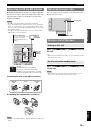
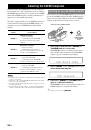
Selecting the desired SCENE template
1
Select the desired SCENE template
SCENE template library
(Image)
Assign the
SCENE template
to the SCENE
button
D V D M o v i e V i e w
D V D V i e w i n g
Оглавление инструкции
- English
- INTRODUCTION
- PREPARATION
- BASIC OPERATION
- ADVANCED OPERATION
- ADDITIONAL INFORMATION
- Русский
- ВВЕДЕНИЕ
- ПОДГОТОВКА
- ОСНОВНЫЕ ОПЕРАЦИИ
- ДОПОЛНИТЕЛЬНЫЕ ОПЕРАЦИИ
- ДОПОЛНИТЕЛЬНАЯ ИНФОРМАЦИЯ