Инструкция для Yamaha RX-V365
 1
 2
 3
 4
 5
 6
 7
 8
 9
 10
 11
 12
 13
 14
 15
 16
 17
 18
 19
 20
 21
 22
 23
 24
 25
 26
 27
 28
 29
 30
 31
 32
 33
 34
 35
 36
 37
 38
 39
 40
 41
 42
 43
 44
 45
 46
 47
 48
 49
 50
 51
 52
 53
 54
 55
 56
 57
 58
 59
 60
 61
 62
 63
 64
 65
 66
 67
 68
 69
 70
 71
 72
 73
 74
 75
 76
 77
 78
 79
 80
 81
 82
 83
 84
 85
 86
 87
 88
 89
 90
 91
 92
 93
 94
 95
 96
 97
 98
 99
 100
29
En
English
INTR
ODUCTION
AD
DITIONAL
INFORMA
T
ION
APPENDIX
PRE
P
ARA
T
ION
BA
S
IC
OPERA
T
ION
AD
V
ANCED
OPERA
T
ION
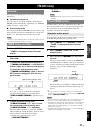
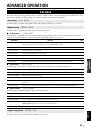
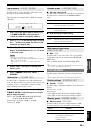
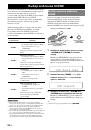
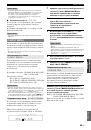
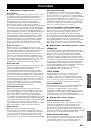
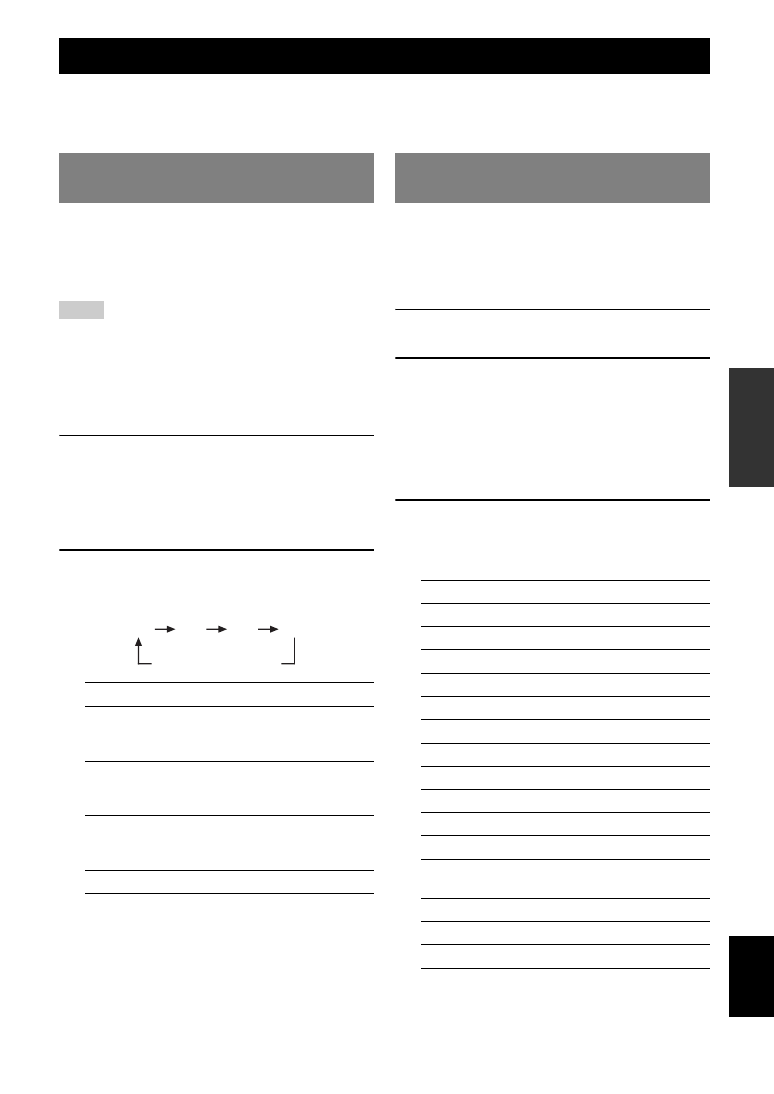
Radio Data System is a data transmission system used by FM stations in many countries. This unit can receive various
Radio Data System data such as PS (program service), PTY (program type), RT (radio text), CT (clock time), and EON
(enhanced other networks) when receiving Radio Data System broadcasting stations.
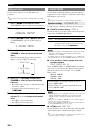
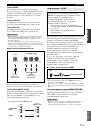
Use this feature to display the 4 types of the Radio Data
System information: PS (program service), PTY (program
type), RT (radio text) and CT (clock time). The
corresponding indicators light up on the front panel
display (see page 4).
Notes
•
Radio Data System display mode varies depending on the current
broadcasting station.
•
It may take a while for this unit to receive all of the Radio Data System
data from the station.
•
If the signals being received are not strong enough, this unit may not be
able to utilize the Radio Data System data.
•
In case of poor reception conditions, press
I
TUNING AUTO/
MAN’L
on the front panel so that the AUTO indicator disappears from
the front panel display.
1
Tune into the desired Radio Data System
broadcasting station.
y
•
We recommend that you use the automatic preset tuning to tune
into the Radio Data System broadcasting stations (see page 27).
•
You can also use PTY SEEK mode to tune into the desired Radio
Data System broadcasting station from the preset ones.
2
Press
w
INFO
on the remote control
repeatedly to select the desired Radio Data
System display mode.
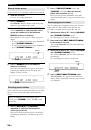
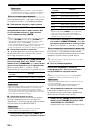
Use this feature to select the desired radio program by
program type from the all preset Radio Data System
broadcasting stations.
y
•
Use the automatic preset tuning feature to preset Radio Data System
broadcasting stations (see page 27).
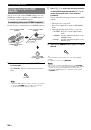
1
Press
e
TUNER
on the remote control to
select “TUNER” as the input source.
2
Press
w
PTY SEEK MODE
on the remote
control to set this unit to the PTY SEEK
mode.
The name of the program type or “NEWS” flashes on
the front panel display.
y
•
To cancel the PTY SEEK mode, press
w
PTY SEEK MODE
on
the remote control again.
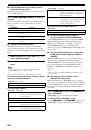
3
Press
i
PRESET
l
/
h
on the remote
control to select the desired program type.
The remote of the selected program type appears on
the front panel display.
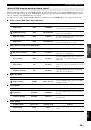
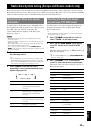
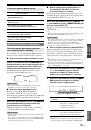
Radio Data System tuning (Europe and Russia models only)
Displaying the Radio Data System
information
Choice
Function
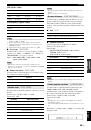
PS
Displays the name of the Radio Data
System program currently being
received.
PTY
Displays the type of the Radio Data
System program currently being
received.
RT
Displays the information on the Radio
Data System program currently being
received.
CT
Displays the current time.
CT
RT
PTY
PS
Frequency display
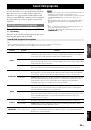
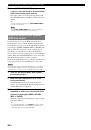
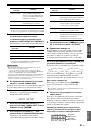
Selecting the Radio Data System
program type (PTY SEEK mode)
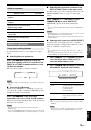
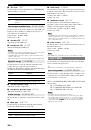
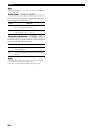
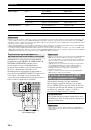
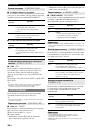
Program type
Description
NEWS
News
AFFAIRS
Current affairs
INFO
General information
SPORT
Sports
EDUCATE
Education
DRAMA
Drama
CULTURE
Culture
SCIENCE
Science
VARIED
Light entertainment
POP M
Popular music
ROCK M
Rock music
M.O.R. M
Middle-of-the-road music
(easy-listening)
LIGHT M
Light classics
CLASSICS
Serious classics
OTHER M
Other music
Оглавление инструкции
- English
- INTRODUCTION
- PREPARATION
- BASIC OPERATION
- ADVANCED OPERATION
- ADDITIONAL INFORMATION
- Русский
- ВВЕДЕНИЕ
- ПОДГОТОВКА
- ОСНОВНЫЕ ОПЕРАЦИИ
- ДОПОЛНИТЕЛЬНЫЕ ОПЕРАЦИИ
- ДОПОЛНИТЕЛЬНАЯ ИНФОРМАЦИЯ