Инструкция для Yamaha RX-V365
 1
 2
 3
 4
 5
 6
 7
 8
 9
 10
 11
 12
 13
 14
 15
 16
 17
 18
 19
 20
 21
 22
 23
 24
 25
 26
 27
 28
 29
 30
 31
 32
 33
 34
 35
 36
 37
 38
 39
 40
 41
 42
 43
 44
 45
 46
 47
 48
 49
 50
 51
 52
 53
 54
 55
 56
 57
 58
 59
 60
 61
 62
 63
 64
 65
 66
 67
 68
 69
 70
 71
 72
 73
 74
 75
 76
 77
 78
 79
 80
 81
 82
 83
 84
 85
 86
 87
 88
 89
 90
 91
 92
 93
 94
 95
 96
 97
 98
 99
 100
21
En
Playback
English
INTR
ODUCTION
AD
DITIONAL
INFORMA
T
ION
APPENDIX
PRE
P
ARA
T
ION
BA
S
IC
OPERA
T
ION
AD
V
ANCED
OPERA
T
ION
2
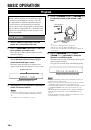
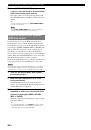
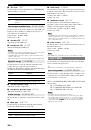
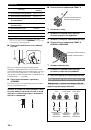
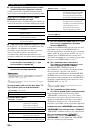
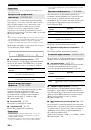
Press
o
l
/
h
to adjust the effect level while
“NIGHT:CINEMA” or “NIGHT:MUSIC” is
displayed on the front panel display.
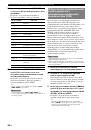
Each choice is defined as follows.
y
•
“NIGHT:CINEMA” and “NIGHT:MUSIC” adjustments are stored
independently.
Notes
•
You cannot use the night listening modes in the following cases:
–
when the component connected to the MULTI CH INPUT jacks is
selected as the input source.
–
when headphones are connected to the PHONES jack.
–
when the sampling frequency of the input sources are higher than 48
kHz.
•
The effect of night listening modes may vary depending on the input
source and surround sound settings you use.
■
Displaying the input source information
(SIGNAL INFO)
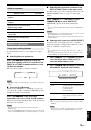
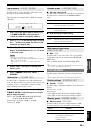
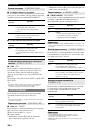
You can display the format, sampling frequency, channel,
bit rate and flag data of the current input signal.
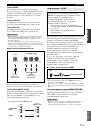
1
Press
k
MENU
on the remote control.
“AUTO SETUP” appears on the front panel display.
2
Press
o
k
/
n
repeatedly to select “SIGNAL
INFO” and then press
o
ENTER
.
3
Press
o
k
/
n
to switch the displayed
information.
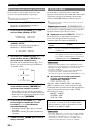
The following information about the input source
appears on the front panel display.
4
Press
k
MENU
on the remote control again
to exit from “SET MENU.”
■
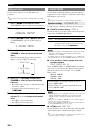
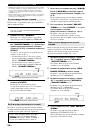
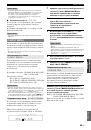
Using the sleep timer
Use this feature to automatically set this unit to the
standby mode after a certain amount of time. The sleep
timer is useful when you are going to sleep while this unit
is playing or recording from a source.
Press
l
SLEEP
repeatedly to set the amount of
time.
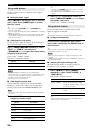
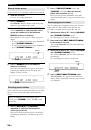
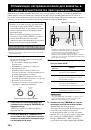
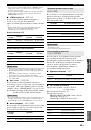
The sleep timer setting changes as follows.
Once the sleep timer is set, the SLEEP indicator lights up
on the front panel display, and the display returns to the
selected sound field program.
To cancel the sleep timer
Press
l
SLEEP
on the remote control repeatedly to
select “SLEEP OFF.”
y
•
If you set the main zone to the standby mode, the sleep timer is
automatically canceled.
■
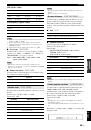
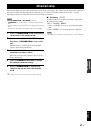
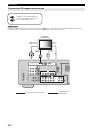
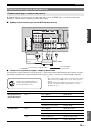
Playing video sources in the background
You can combine a video image from a video source with
sound from an audio source. For example, you can enjoy
listening to classical music while viewing beautiful
scenery from the video source on the video monitor.
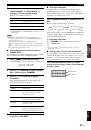
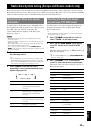
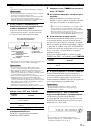
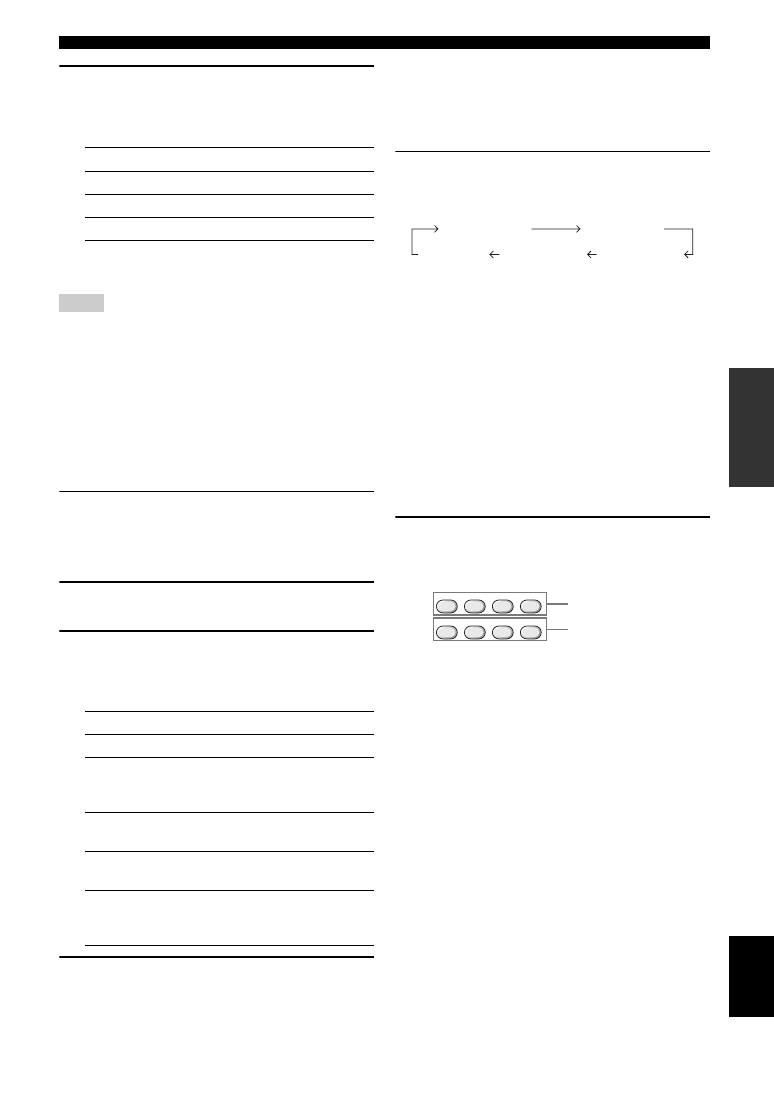
Press the input selector buttons (
e
) on the
remote control to select a video source and then
an audio source.
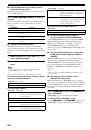
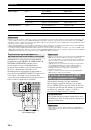
Choice
Function
MIN
Slightly lowers the effect level.
MID
*
Moderately lowers the effect level.
MAX
Considerably lowers the effect level.
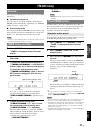
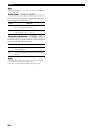
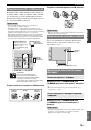
Choice
Description
FORMAT
Signal format.
SAMPLING
The number of samples per second
taken from a continuous signal to
make discrete signals.
CHANNEL
The number of source channels in the
input signal (front/surround/LFE).
BITRATE
The number of bits passing a given
point per second.
FLAG
Flag data encoded in DTS, Dolby
Digital, or PCM signals that cue this
unit to automatically switch decoders.
;
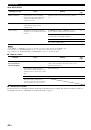
AUTO SETUP
SLEEP 120min
SLEEP 90min
SLEEP 60min
SLEEP 30min
SLEEP OFF
DVD
DVR
V-AUX
MULTI CH IN
TUNER
MD/CD-R
CD
DTV/CBL
Audio sources
Video sources
Оглавление инструкции
- English
- INTRODUCTION
- PREPARATION
- BASIC OPERATION
- ADVANCED OPERATION
- ADDITIONAL INFORMATION
- Русский
- ВВЕДЕНИЕ
- ПОДГОТОВКА
- ОСНОВНЫЕ ОПЕРАЦИИ
- ДОПОЛНИТЕЛЬНЫЕ ОПЕРАЦИИ
- ДОПОЛНИТЕЛЬНАЯ ИНФОРМАЦИЯ