Инструкция для Yamaha RX-V365
 1
 2
 3
 4
 5
 6
 7
 8
 9
 10
 11
 12
 13
 14
 15
 16
 17
 18
 19
 20
 21
 22
 23
 24
 25
 26
 27
 28
 29
 30
 31
 32
 33
 34
 35
 36
 37
 38
 39
 40
 41
 42
 43
 44
 45
 46
 47
 48
 49
 50
 51
 52
 53
 54
 55
 56
 57
 58
 59
 60
 61
 62
 63
 64
 65
 66
 67
 68
 69
 70
 71
 72
 73
 74
 75
 76
 77
 78
 79
 80
 81
 82
 83
 84
 85
 86
 87
 88
 89
 90
 91
 92
 93
 94
 95
 96
 97
 98
 99
 100
28
En
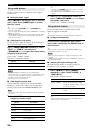
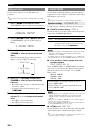
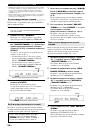
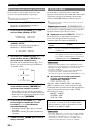
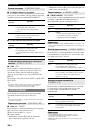
FM/AM tuning
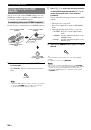
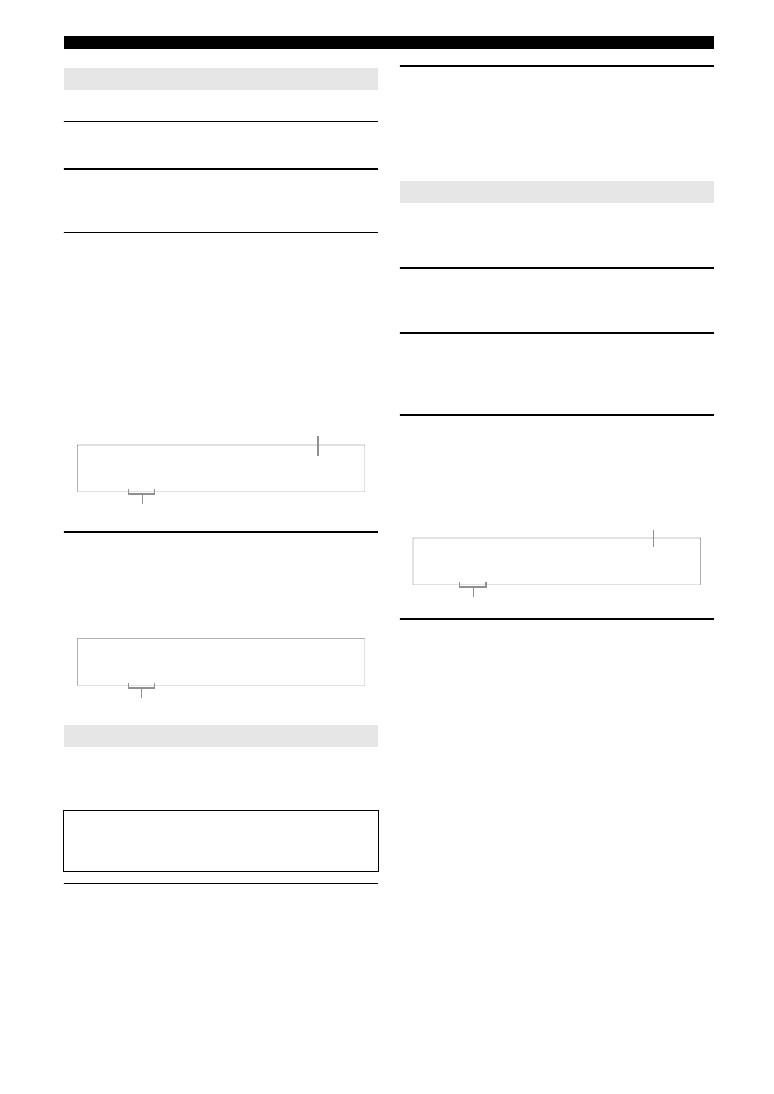
Use this feature to store the FM or AM stations manually.
1
Tune into a station.
See page 27 for using instructions.
2
Press
H
MEMORY
.
The MEMORY indicator flashes on the front panel
display for approximately 30 seconds.
3
Press
E
A/B/C/D/E
and
F
PRESET/TUNING
l
/
h
repeatedly to select a preset station
group and number (A1 to E8) while the
MEMORY indicator is flashing.
Check that the colon (:) appears on the front panel
display.
•
To select a higher preset station group and number,
press
F
PRESET/TUNING
h
.
•
To select a lower preset station group and number,
press
F
PRESET/TUNING
l
.
4
Press
H
MEMORY
while the MEMORY
indicator is flashing.
The station band and frequency appear on the front
panel display with the preset station group and
number you have selected.
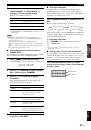
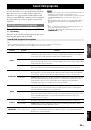
You can tune into any desired station simply by selecting
the preset station group and number under which it is
stored.
1
Press
E
A/B/C/D/E
(or
j
A/B/C/D/E
)
repeatedly to select the desired preset
station group (A to E).
The preset station group letter appears on the front
panel display and changes each time you press the
button.
2
Press
F
PRESET/TUNING
l
/
h
(or
i
PRESET
l
/
h
) to select the desired
preset station number (1 to 8).
The preset station group and number, along with
station band and frequency, appear on the front panel
display.
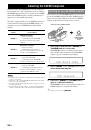
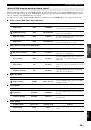
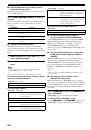
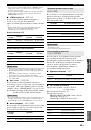
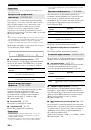
You can exchange the assignments of two preset stations
between the two. The example below describes the
procedure to exchange preset station “E1” and “A5.”
1
Select preset station “E1” using
E
A/B/C/D/E
and
F
PRESET/TUNING
l
/
h
.
See “Selecting preset stations” on this page.
2
Press and hold
D
EDIT PRESET/TUNING
for more than 3 seconds.
“E1” and the MEMORY indicator flash on the front
panel display.
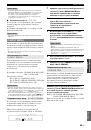
3
Select preset station “A5” using
E
A/B/C/D/E
and
F
PRESET/TUNING
l
/
h
.
“A5” and the MEMORY indicator flash on the front
panel display.
See “Selecting preset stations” on this page.
4
Press
D
EDIT PRESET/TUNING
again.
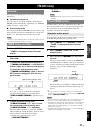
“EXCHANGE E1-A5” appears on the front panel
display and the assignments of the two preset stations
are exchanged.
Manual station preset
Selecting preset stations
When performing this operation with the remote
control, press
e
TUNER
to select “TUNER” as the
input source.
TUNED
MEMORY
:
C3 AM 630 kHz
Flashes
Preset station group and number
TUNED
:
C3 AM 630 kHz
The displayed station has been stored as C3.
Exchanging preset stations
MEMORY
:
A5 FM 90.50MHz
Flashes
Flashes
Оглавление инструкции
- English
- INTRODUCTION
- PREPARATION
- BASIC OPERATION
- ADVANCED OPERATION
- ADDITIONAL INFORMATION
- Русский
- ВВЕДЕНИЕ
- ПОДГОТОВКА
- ОСНОВНЫЕ ОПЕРАЦИИ
- ДОПОЛНИТЕЛЬНЫЕ ОПЕРАЦИИ
- ДОПОЛНИТЕЛЬНАЯ ИНФОРМАЦИЯ