Инструкция для Yamaha RX-V365
 1
 2
 3
 4
 5
 6
 7
 8
 9
 10
 11
 12
 13
 14
 15
 16
 17
 18
 19
 20
 21
 22
 23
 24
 25
 26
 27
 28
 29
 30
 31
 32
 33
 34
 35
 36
 37
 38
 39
 40
 41
 42
 43
 44
 45
 46
 47
 48
 49
 50
 51
 52
 53
 54
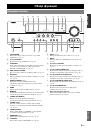 55
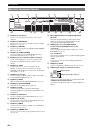 56
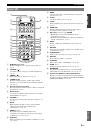 57
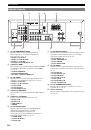 58
 59
 60
 61
 62
 63
 64
 65
 66
 67
 68
 69
 70
 71
 72
 73
 74
 75
 76
 77
 78
 79
 80
 81
 82
 83
 84
 85
 86
 87
 88
 89
 90
 91
 92
 93
 94
 95
 96
 97
 98
 99
 100
7
En
English
INTR
ODUCTION
AD
DITIONAL
INFORMA
T
ION
APPENDIX
PRE
P
ARA
T
ION
BA
S
IC
OPERA
T
ION
AD
V
ANCED
OPERA
T
ION
The following steps describe the easiest way to operate this unit. See the related pages for details on the operation and
settings.
In these steps, you need the following items which are not
included in the package of this unit.
❏
Speakers
We recommend magnetically shielded speakers.
❏
Front speaker ..................................... x 2
At least two front speakers are required to start
playback.
❏
Center speaker ................................... x 1
❏
Surround speaker .............................. x 2
❏
Active subwoofer ................................... x 1
Select an active subwoofer equipped with an RCA
input jack.
❏
Speaker cable ......................................... x 5
❏
Subwoofer cable ..................................... x 1
Select a monaural RCA cable.
❏
DVD player .............................................. x 1
Select DVD player equipped with coaxial digital
audio output jack and composite video output jack.
❏
Video monitor ......................................... x 1
Select a TV monitor, video monitor or projector
equipped with a composite video input jack.
❏
Video cable ............................................. x 2
Select an RCA composite video cable.
❏
Digital coaxial audio cable .................... x 1
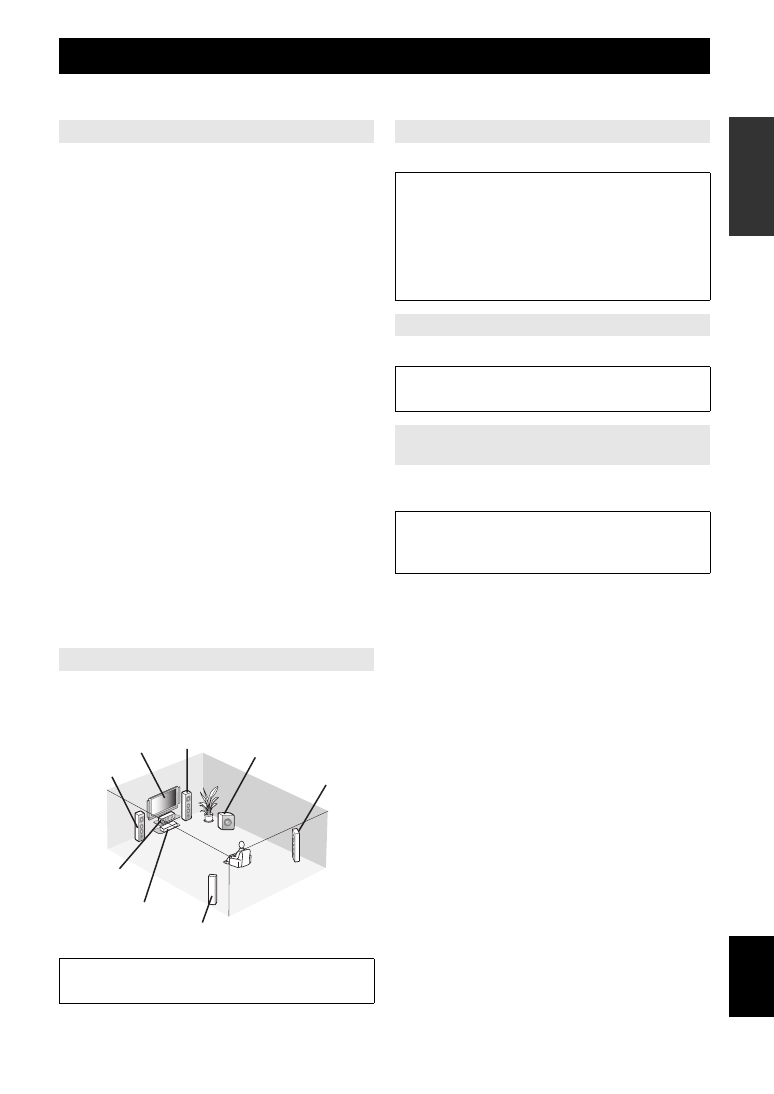
Place your speakers in the room and connect them to this
unit.
Connect your TV, DVD player or other components.
Connect the power cable and turn on this unit.
Select the component connected in the step 3 as an input
source and start playback.
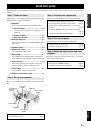
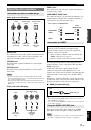
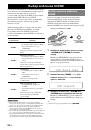
Quick start guide
Step 1: Check the items
Step 2: Set up your speakers
•
Placing speakers
•
Connecting speakers
Video monitor
Front left
speaker
Center speaker
DVD player
Surround left
speaker
Surround right
speaker
Subwoofer
Front right
speaker
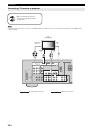
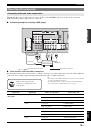
Step 3: Connect your components
•
Connecting a TV monitor or projector
•
Connecting audio and video components
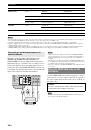
•
Connecting a multi-format player or an external
decoder
•
Using the VIDEO AUX jacks on the front panel
•
Connecting the FM and AM antennas
Step 4: Turn on the power
•
Connecting the power cable
•
Turning on and off the power
Step 5: Select the input source and start
playback
•
Basic procedure
•
Selecting the SCENE templates
•
Adjusting the sound field programs
Оглавление инструкции
- English
- INTRODUCTION
- PREPARATION
- BASIC OPERATION
- ADVANCED OPERATION
- ADDITIONAL INFORMATION
- Русский
- ВВЕДЕНИЕ
- ПОДГОТОВКА
- ОСНОВНЫЕ ОПЕРАЦИИ
- ДОПОЛНИТЕЛЬНЫЕ ОПЕРАЦИИ
- ДОПОЛНИТЕЛЬНАЯ ИНФОРМАЦИЯ