Инструкция для Yamaha RX-V365
 1
 2
 3
 4
 5
 6
 7
 8
 9
 10
 11
 12
 13
 14
 15
 16
 17
 18
 19
 20
 21
 22
 23
 24
 25
 26
 27
 28
 29
 30
 31
 32
 33
 34
 35
 36
 37
 38
 39
 40
 41
 42
 43
 44
 45
 46
 47
 48
 49
 50
 51
 52
 53
 54
 55
 56
 57
 58
 59
 60
 61
 62
 63
 64
 65
 66
 67
 68
 69
 70
 71
 72
 73
 74
 75
 76
 77
 78
 79
 80
 81
 82
 83
 84
 85
 86
 87
 88
 89
 90
 91
 92
 93
 94
 95
 96
 97
 98
 99
 100
18
En
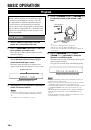
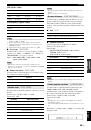
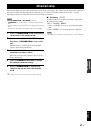
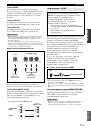
BASIC OPERATION
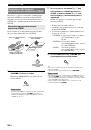
1
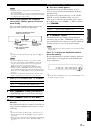
Turn on external components (TV, DVD
player, etc.) connected to this unit.
2
Press
C
SPEAKERS
repeatedly to select the
front speakers you want to use.
The respective speaker indicators lights up on the
front panel display.
3
Press
N
INPUT
l
/
h
repeatedly (or press
one of the input selector buttons (
e
)) to
select the desired input source.
The name of the currently selected input source
appears on the front panel display for a few seconds.
4
Start playback on the selected component or
select a broadcast station.
Notes
•
Refer to the operating instructions for the source component.
•
See page 27 for details about FM or AM tuning instructions.
y
•
To adjust the level of each speaker, see page 20.
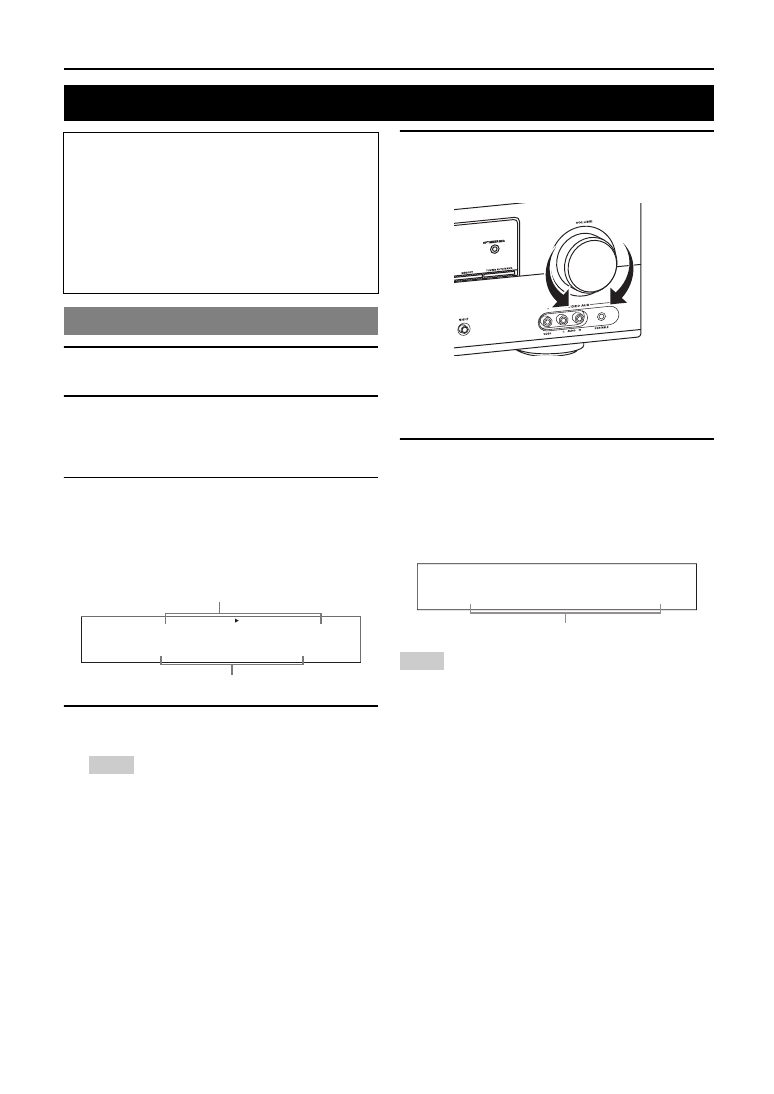
5
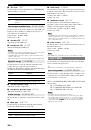
Rotate
P
VOLUME
(or press
g
VOLUME +/–
)
to adjust the volume to the desired output
level.
y
•
See page 20 to adjust the level of each speaker.
•
This does not affect the AUDIO OUT (REC) level.
•
You can set the initial volume level and maximum volume level
(see page 34).
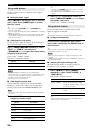
6
Press
L
PROGRAM
l
/
h
(or press
u
PROG
l
/
h
) repeatedly to select the
desired sound field program.
The name of the selected sound field program appears
on the front panel display.
See page 22 for details about sound field programs.
Notes
•
Choose a sound field program based on your listening preference, not
merely on the name of the program.
•
When you select an input source, this unit automatically selects the last
sound field program used with the corresponding input source.
•
Sound field programs cannot be selected when the component connected
to the MULTI CH INPUT jacks is selected as the input source (see
page 19).
•
When PCM signals with a sampling frequency higher than 48 kHz are
input, this unit is automatically set to the “STRAIGHT” mode (see
page 26).
•
To display information about the currently selected input source on the
front panel display, see page 21 for details.
Playback
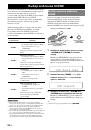
Caution
Extreme caution should be exercised when you play
back CDs encoded in DTS. If you play back a CD
encoded in DTS on a DTS-incompatible CD player,
you will only hear some unwanted noise that may
damage your speakers. Check whether your CD player
supports CDs encoded in DTS. Also, check the sound
output level of your CD player before you play back a
CD encoded in DTS.
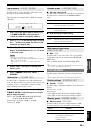
Basic procedure
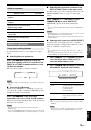
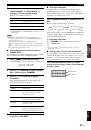
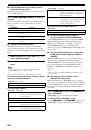
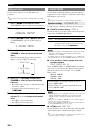
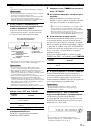
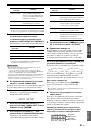
INPUT:DVD
DVR
DVD
CD
V-AUX
DTV/CBL
MD/CD-R
TUNER
Available input source
Currently selected input source
M o v i e D r a m a t i c
Currently selected surround field program
Оглавление инструкции
- English
- INTRODUCTION
- PREPARATION
- BASIC OPERATION
- ADVANCED OPERATION
- ADDITIONAL INFORMATION
- Русский
- ВВЕДЕНИЕ
- ПОДГОТОВКА
- ОСНОВНЫЕ ОПЕРАЦИИ
- ДОПОЛНИТЕЛЬНЫЕ ОПЕРАЦИИ
- ДОПОЛНИТЕЛЬНАЯ ИНФОРМАЦИЯ