Инструкция для Sony BRAVIA KDL-40X3000
 1
 2
 3
 4
 5
 6
 7
 8
 9
 10
 11
 12
 13
 14
 15
 16
 17
 18
 19
 20
 21
 22
 23
 24
 25
 26
 27
 28
 29
 30
 31
 32
 33
 34
 35
 36
 37
 38
 39
 40
 41
 42
 43
 44
 45
 46
 47
 48
 49
 50
 51
 52
 53
 54
 55
 56
 57
 58
 59
 60
 61
 62
 63
 64
 65
 66
 67
 68
 69
 70
 71
 72
 73
 74
 75
 76
 77
 78
 79
 80
 81
 82
 83
 84
 85
 86
 87
 88
 89
 90
 91
 92
 93
 94
 95
 96
 97
 98
 99
 100
 101
 102
 103
 104
 105
 106
 107
 108
 109
 110
 111
 112
 113
 114
 115
 116
 117
 118
 119
 120
 121
 122
 123
 124
 125
 126
 127
 128
 129
 130
 131
 132
 133
 134
 135
 136
 137
 138
 139
 140
 141
 142
 143
 144
 145
 146
 147
 148
 149
 150
 151
 152
 153
 154
 155
 156
 157
 158
 159
 160
 161
 162
 163
 164
19
GB
Wat
chi
ng T
V
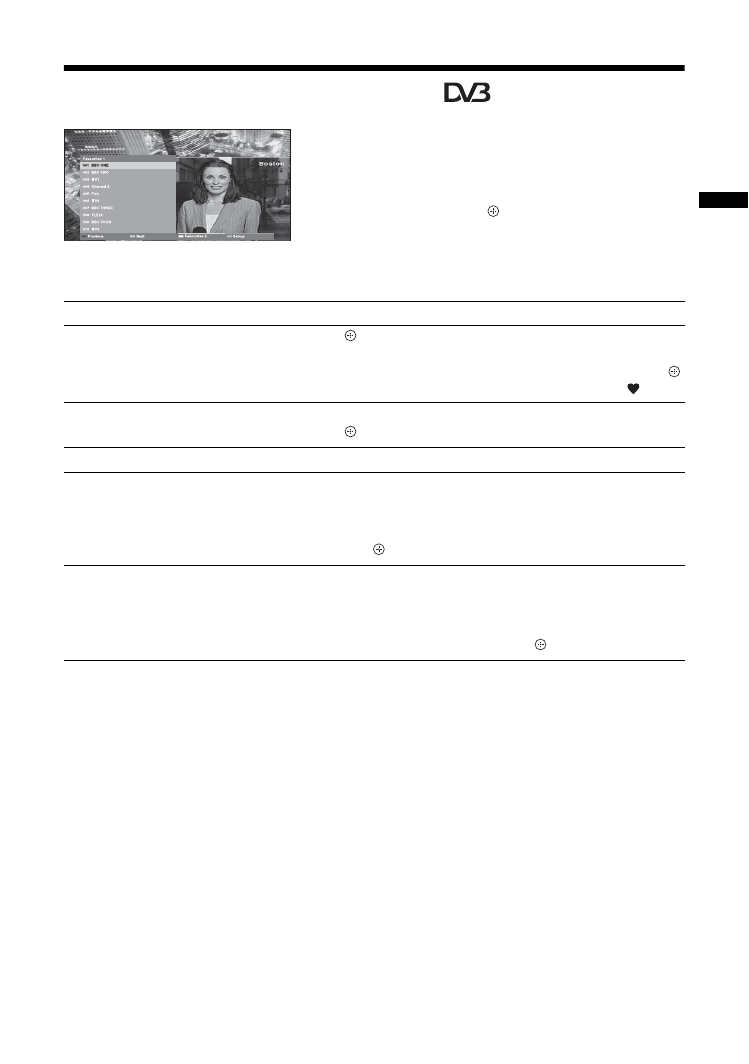
Using the Digital Favourite list
*
The Favourite feature allows you to specify up to four
lists of your favourite programmes.
1
Press MENU.
2
Press
F
/
f
to select “Digital Favourites”,
then press .
3
Perform the desired operation as shown in
the following table or displayed on the
screen.
* This function may not be available in some countries/regions.
Digital Favourite list
To
Do this
Create your Favourite list for the first
time
1
Press
to select “Yes”.
2
Press the yellow button to select the Favourite list.
3
Press
F
/
f
to select the channel you want to add, then press
.
Channels that are stored in the Favourite list are indicated by a
symbol.
Watch a channel
1
Press the yellow button to navigate through your Favourite lists.
2
Press
while selecting a channel.
Turn off the Favourite list
Press RETURN.
Add or remove channels in the currently
edited Favourite list
1
Press the blue button.
2
Press the yellow button to select the Favourite list you want to
edit.
3
Press
F
/
f
to select the channel you want to add or remove,
then press
.
Remove all channels from the current
Favourite list
1
Press the blue button.
2
Press the yellow button to select the Favourite list you want to
edit.
3
Press the blue button.
4
Press
G
/
g
to select “Yes”, then press
to confirm.
Оглавление инструкции
- GB
- PL
- RU