Инструкция для Sony BRAVIA KDL-40X3000
 1
 2
 3
 4
 5
 6
 7
 8
 9
 10
 11
 12
 13
 14
 15
 16
 17
 18
 19
 20
 21
 22
 23
 24
 25
 26
 27
 28
 29
 30
 31
 32
 33
 34
 35
 36
 37
 38
 39
 40
 41
 42
 43
 44
 45
 46
 47
 48
 49
 50
 51
 52
 53
 54
 55
 56
 57
 58
 59
 60
 61
 62
 63
 64
 65
 66
 67
 68
 69
 70
 71
 72
 73
 74
 75
 76
 77
 78
 79
 80
 81
 82
 83
 84
 85
 86
 87
 88
 89
 90
 91
 92
 93
 94
 95
 96
 97
 98
 99
 100
 101
 102
 103
 104
 105
 106
 107
 108
 109
 110
 111
 112
 113
 114
 115
 116
 117
 118
 119
 120
 121
 122
 123
 124
 125
 126
 127
 128
 129
 130
 131
 132
 133
 134
 135
 136
 137
 138
 139
 140
 141
 142
 143
 144
 145
 146
 147
 148
 149
 150
 151
 152
 153
 154
 155
 156
 157
 158
 159
 160
 161
 162
 163
 164
38
GB
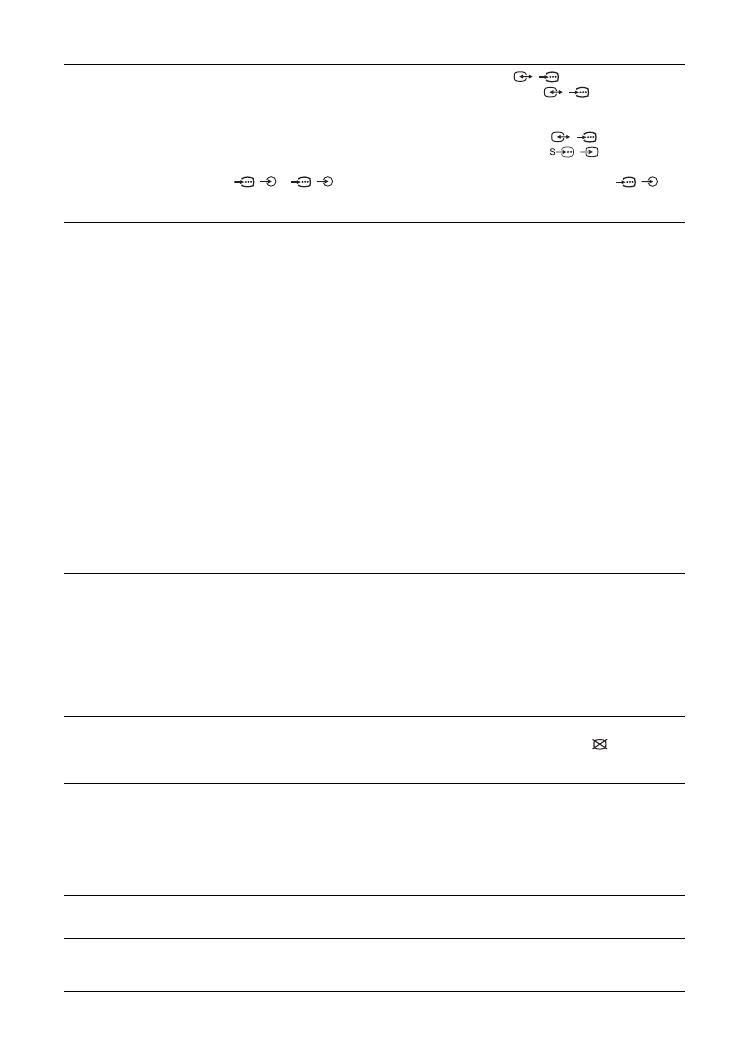
AV2 Output
Sets a signal to be output through the socket labelled
/
2 on the rear of the TV.
If you connect a VCR or other recording equipment to the
/
2 socket, you can
then record from the equipment connected to other sockets of the TV.
“TV”:
Outputs a broadcast.
“AV1”:
Outputs signals from equipment connected to the
/
1 socket.
“AV7”:
Outputs signals from equipment connected to the
/
7
socket.
“Auto”:
Outputs whatever is being viewed on the screen (except signals from the
/
3,
/
4, HDMI IN 5, HDMI IN 6, HDMI IN 8 and PC IN
/
sockets).
HDMI Set-up
This is used to set the HDMI control compatible equipment connected to the HDMI
sockets. Note that the link setting must also be made on the side of the HDMI control
compatible equipment that is connected.
HDMI Control
Sets whether or not to link the operations of the HDMI control compatible equipment
and the TV. When set to “On”, the following menu items can be performed.
Auto Devices Off
When this is set to “On”, any connected HDMI control compatible equipment will
be turned off with the TV.
Auto TV On
When this is set to “On”, and if the connected HDMI control compatible equipment
is turned on, the TV automatically turns on, and then displays the HDMI input from
the connected equipment.
HDMI Device List
Displays the connected HDMI control compatible equipment.
~
You cannot use “HDMI Control” if the TV operations are linked to the operations of an audio
system that is compatible with HDMI control.
Auto Start-up
Starts the initial set-up to select the language and country/region, and tune in all
available digital and analogue channels.
Usually, you do not need to do this operation because the language and country/
region will have been selected and channels already tuned when the TV was first
installed (page 6).
However, this option allows you to repeat the process (e.g. to retune the TV after
moving house, or to search for new channels that have been launched by
broadcasters).
Power Saving
Selects the power saving mode to reduce the power consumption of the TV.
When “Picture Off” is selected, the picture is switched off and the
(Picture Off)
indicator on the TV front panel lights up in green. The sound remains unchanged.
Light Sensor
“On”:
Automatically optimises the picture settings according to the ambient light in
the room.
“Off”:
Turns off the “Light Sensor” feature.
~
Be sure not to put anything over the sensor, as its function may be affected. See page 14 for
further information on the sensor.
Logo Illumination
Lights up and turns off the Sony logo on the front of the TV.
PC Power Management
Switches the TV to standby mode if no signal is received for 30 seconds in the PC
input.
Оглавление инструкции
- GB
- PL
- RU