Инструкция для Sony BRAVIA KDL-40X3000
 1
 2
 3
 4
 5
 6
 7
 8
 9
 10
 11
 12
 13
 14
 15
 16
 17
 18
 19
 20
 21
 22
 23
 24
 25
 26
 27
 28
 29
 30
 31
 32
 33
 34
 35
 36
 37
 38
 39
 40
 41
 42
 43
 44
 45
 46
 47
 48
 49
 50
 51
 52
 53
 54
 55
 56
 57
 58
 59
 60
 61
 62
 63
 64
 65
 66
 67
 68
 69
 70
 71
 72
 73
 74
 75
 76
 77
 78
 79
 80
 81
 82
 83
 84
 85
 86
 87
 88
 89
 90
 91
 92
 93
 94
 95
 96
 97
 98
 99
 100
 101
 102
 103
 104
 105
 106
 107
 108
 109
 110
 111
 112
 113
 114
 115
 116
 117
 118
 119
 120
 121
 122
 123
 124
 125
 126
 127
 128
 129
 130
 131
 132
 133
 134
 135
 136
 137
 138
 139
 140
 141
 142
 143
 144
 145
 146
 147
 148
 149
 150
 151
 152
 153
 154
 155
 156
 157
 158
 159
 160
 161
 162
 163
 164
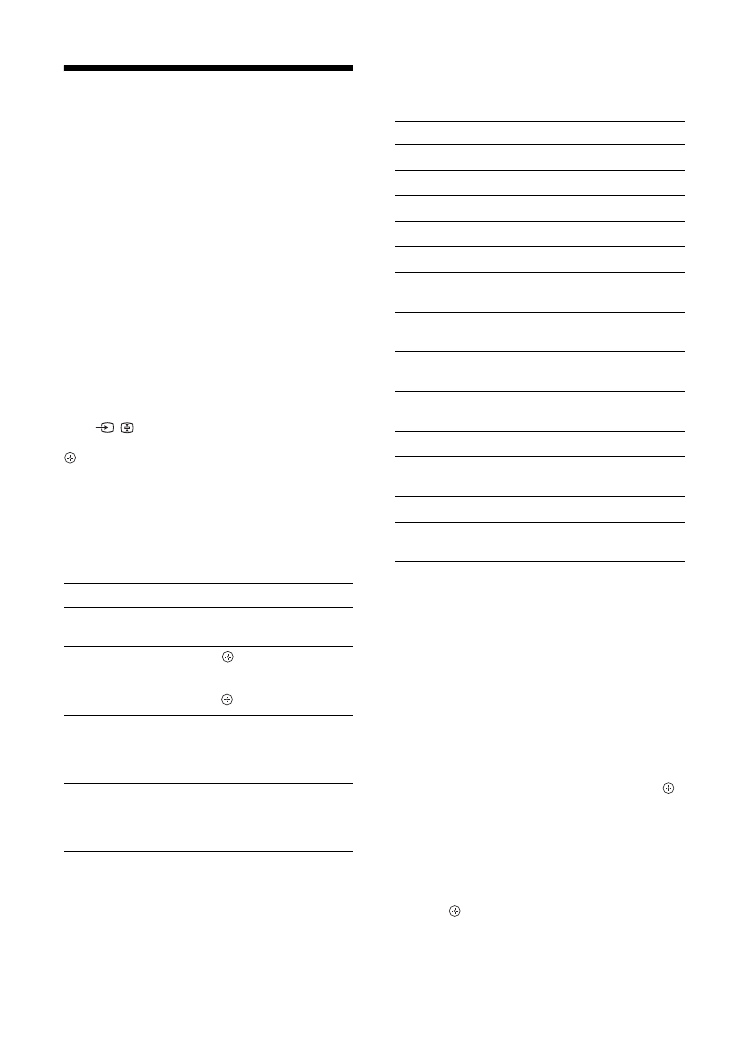
22
GB
Viewing pictures from
the connected
equipment
Turn on the connected equipment, then
perform one of the following operation.
For equipment connected to the scart sockets using a
fully-wired 21-pin scart lead (page 20)
Start playback on the connected equipment.
The picture from the connected equipment appears on
the screen.
For an auto-tuned VCR (page 7)
In analogue mode, press PROG +/–, or the number
buttons, to select the video channel.
For other connected equipment (page 20)
Press
/
to display the connected equipment list.
Press
F
/
f
to select the desired input source, then press
. (The highlighted item is selected if 2 seconds pass
without any operation after pressing
F
/
f
.)
When the input source is set to “Skip” in the “AV
Preset” menu under the “Set-up” menu (page 37), that
input does not appear in the list.
Additional operations
Using the Tools menu
Press TOOLS to display the following options when
viewing pictures from connected equipment.
To view two pictures simultaneously
– PAP (Picture and Picture)
You can view two pictures (external input and TV
programme) on the screen simultaneously.
Connect the optional equipment (page 20), and make
sure that images from the equipment appear on the
screen (page 22).
~
• This function is not available for a PC input source.
• You cannot change the size of the pictures.
1
Press TOOLS to display the Tools menu.
2
Press
F
/
f
to select “PAP”, then press .
The picture from connected equipment is
displayed on the left and the TV programme is
displayed on the right.
3
Press number buttons or PROG +/– to
select the TV channel.
To return to single picture mode
Press
or RETURN.
z
The picture framed in green is audible. You can switch the
audible picture by pressing
G
/
g
.
To
Do this
Return to normal TV
mode
Press DIGITAL/ANALOG.
Access the Input signal
index table (except
analogue mode)
Press
to access the Input
signal index table. To select an
input source, press
F
/
f
, then
press .
Change the volume of
the connected HDMI
control compatible
audio system
Press
2
+/–.
Mute the sound of the
connected HDMI
control compatible
audio system
Press
%
.
Press again to restore.
Options
Description
Close
Closes the Tools menu.
Picture Mode
Sound Mode
Motion Enhancer
Speaker
PAP (except PC input
mode)
PIP (in PC input
mode only)
Auto Adjustment (in
PC input mode only)
Horizontal Shift (in
PC input mode only)
i
Volume
Sleep Timer (except
PC input mode)
Power Saving
Auto Clock Set
Allows you to switch to digital
mode and obtain the time.
Оглавление инструкции
- GB
- PL
- RU


