Инструкция для Sony BRAVIA KDL-40X3000
 1
 2
 3
 4
 5
 6
 7
 8
 9
 10
 11
 12
 13
 14
 15
 16
 17
 18
 19
 20
 21
 22
 23
 24
 25
 26
 27
 28
 29
 30
 31
 32
 33
 34
 35
 36
 37
 38
 39
 40
 41
 42
 43
 44
 45
 46
 47
 48
 49
 50
 51
 52
 53
 54
 55
 56
 57
 58
 59
 60
 61
 62
 63
 64
 65
 66
 67
 68
 69
 70
 71
 72
 73
 74
 75
 76
 77
 78
 79
 80
 81
 82
 83
 84
 85
 86
 87
 88
 89
 90
 91
 92
 93
 94
 95
 96
 97
 98
 99
 100
 101
 102
 103
 104
 105
 106
 107
 108
 109
 110
 111
 112
 113
 114
 115
 116
 117
 118
 119
 120
 121
 122
 123
 124
 125
 126
 127
 128
 129
 130
 131
 132
 133
 134
 135
 136
 137
 138
 139
 140
 141
 142
 143
 144
 145
 146
 147
 148
 149
 150
 151
 152
 153
 154
 155
 156
 157
 158
 159
 160
 161
 162
 163
 164
18
GB
~
• You can set VCR timer recording on the TV only for SmartLink compatible VCRs. If your VCR is not SmartLink compatible,
a message will be displayed to remind you to set your VCR timer.
• Once a recording has begun, you can switch the TV to standby mode, but do not turn off the TV completely or the recording
will be cancelled.
• If an age restriction for programmes has been selected, a message asking for a PIN code will appear on the screen. For details,
see “Parental Lock” on page 44.
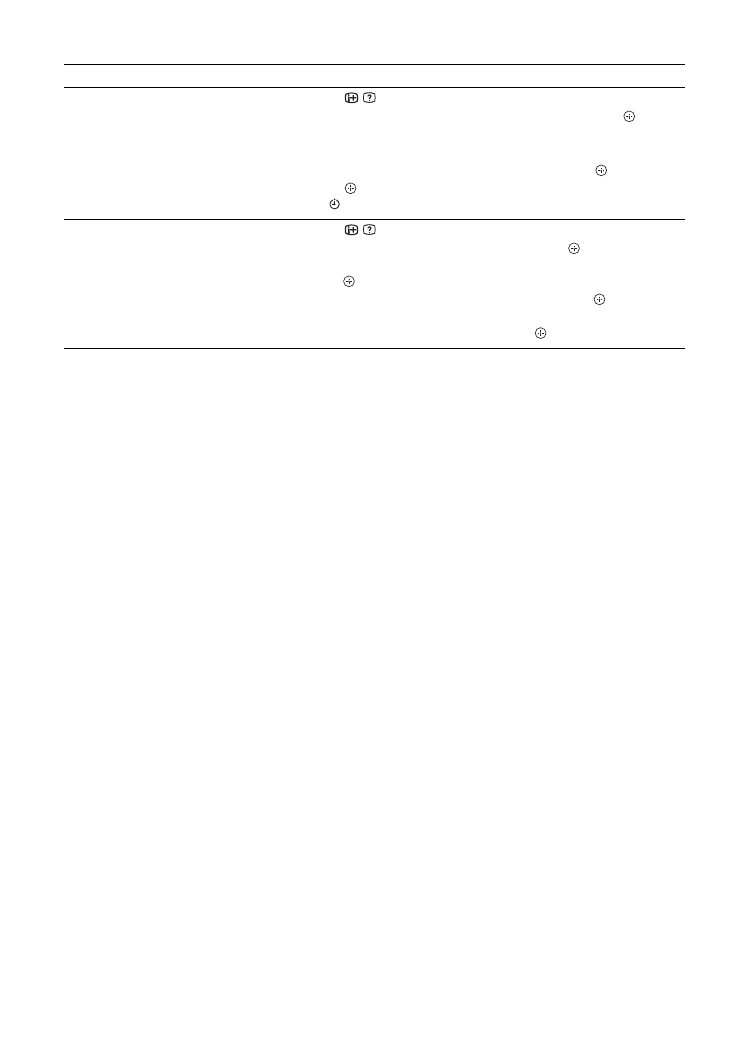
Set the time and date of a programme
you want to record
– Manual timer REC
1
Press
/
.
2
Press
F
/
f
to select “Manual timer REC”, then press
.
3
Press
F
/
f
to select the date, then press
g
.
4
Set the start and stop time in the same way as in step 3.
5
Press
F
/
f
to select the programme, then press
.
6
Press
to set the TV and your VCR timers.
The indicator on the TV front panel lights up in orange.
Cancel a recording/reminder
– Timer list
1
Press
/
.
2
Press
F
/
f
to select “Timer list”, then press
.
3
Press
F
/
f
to select the programme you want to cancel, then
press .
4
Press
F
/
f
to select “Cancel Timer”, then press
.
A display appears to confirm that you want to cancel the programme.
5
Press
G
/
g
to select “Yes”, then press
to confirm.
To
Do this
Оглавление инструкции
- GB
- PL
- RU